
Free Video Downloader & Converter
Download videos from all the world’s favorite websites in high quality to watch them anywhere, anytime.
4K Video Downloader Plus

62+ Million
satisfied users worldwide
1000+ Awards
from tech industry PROs
10+ Years
of stable performance





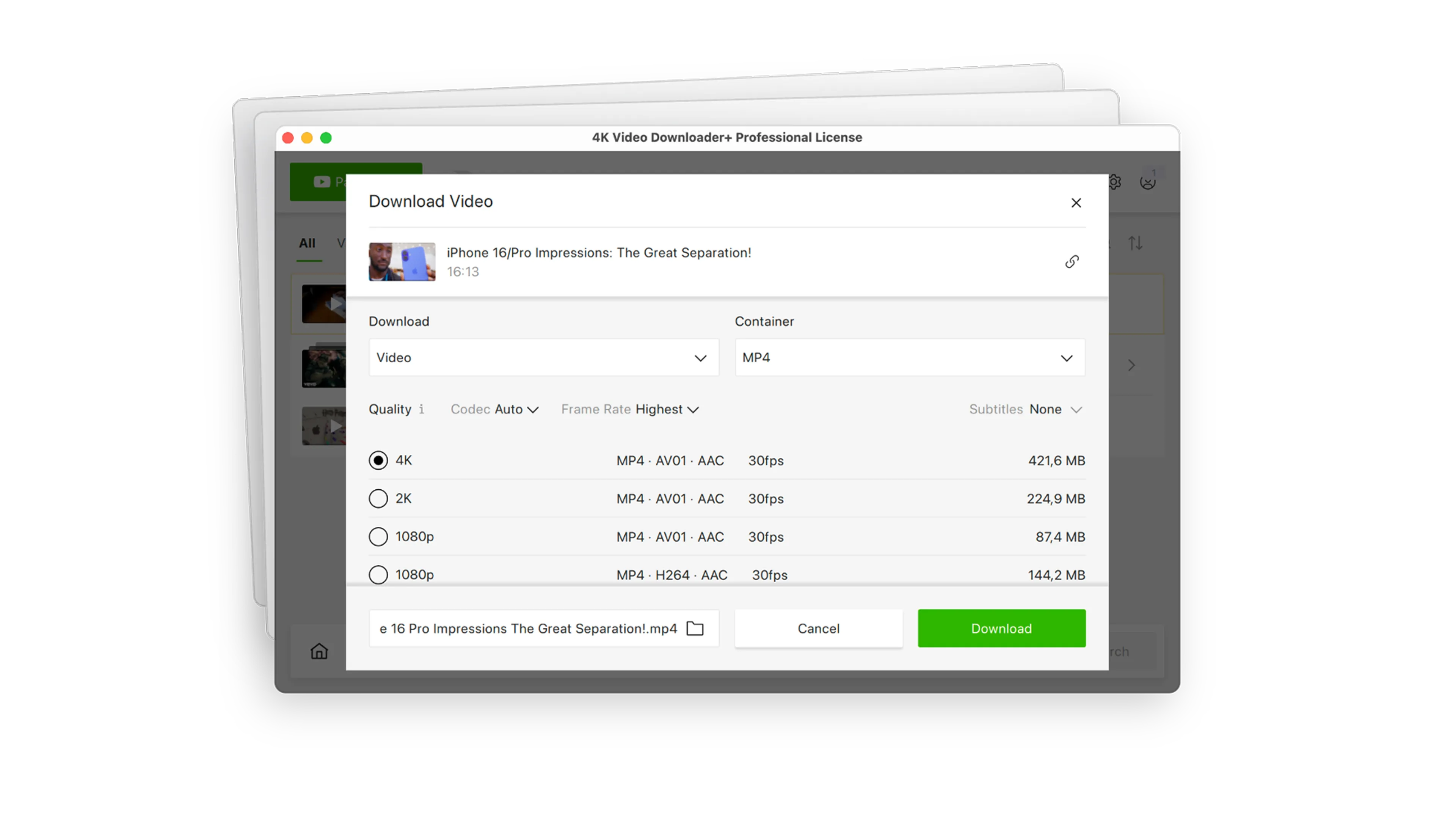
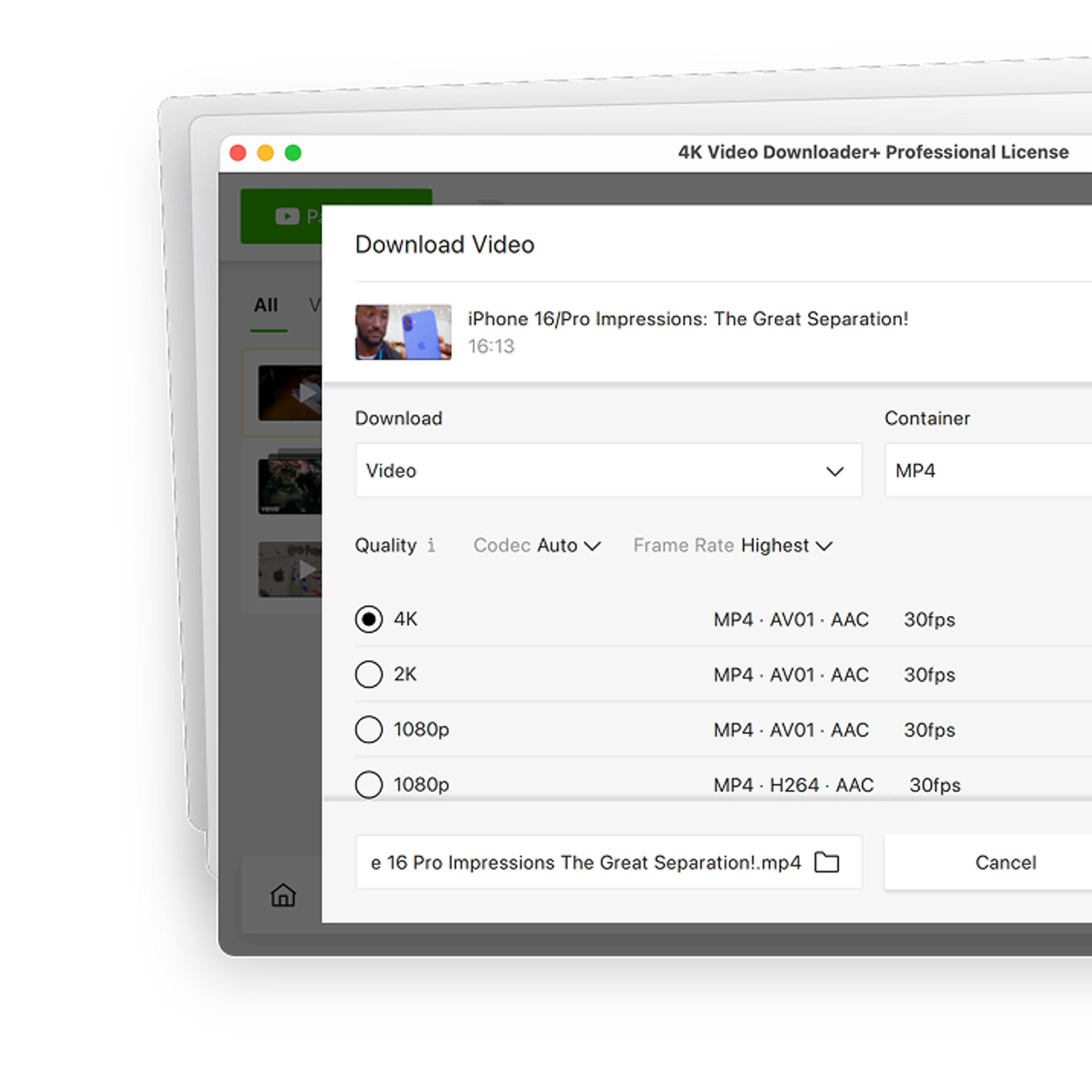
Download Videos in 4K & 8K for Free
Get videos in HD 720p, HD 1080p, 4K, and 8K resolution. Enjoy high definition on your HD TV, iPad, iPhone, Samsung, and other devices.
Grab Entire Playlists at Once
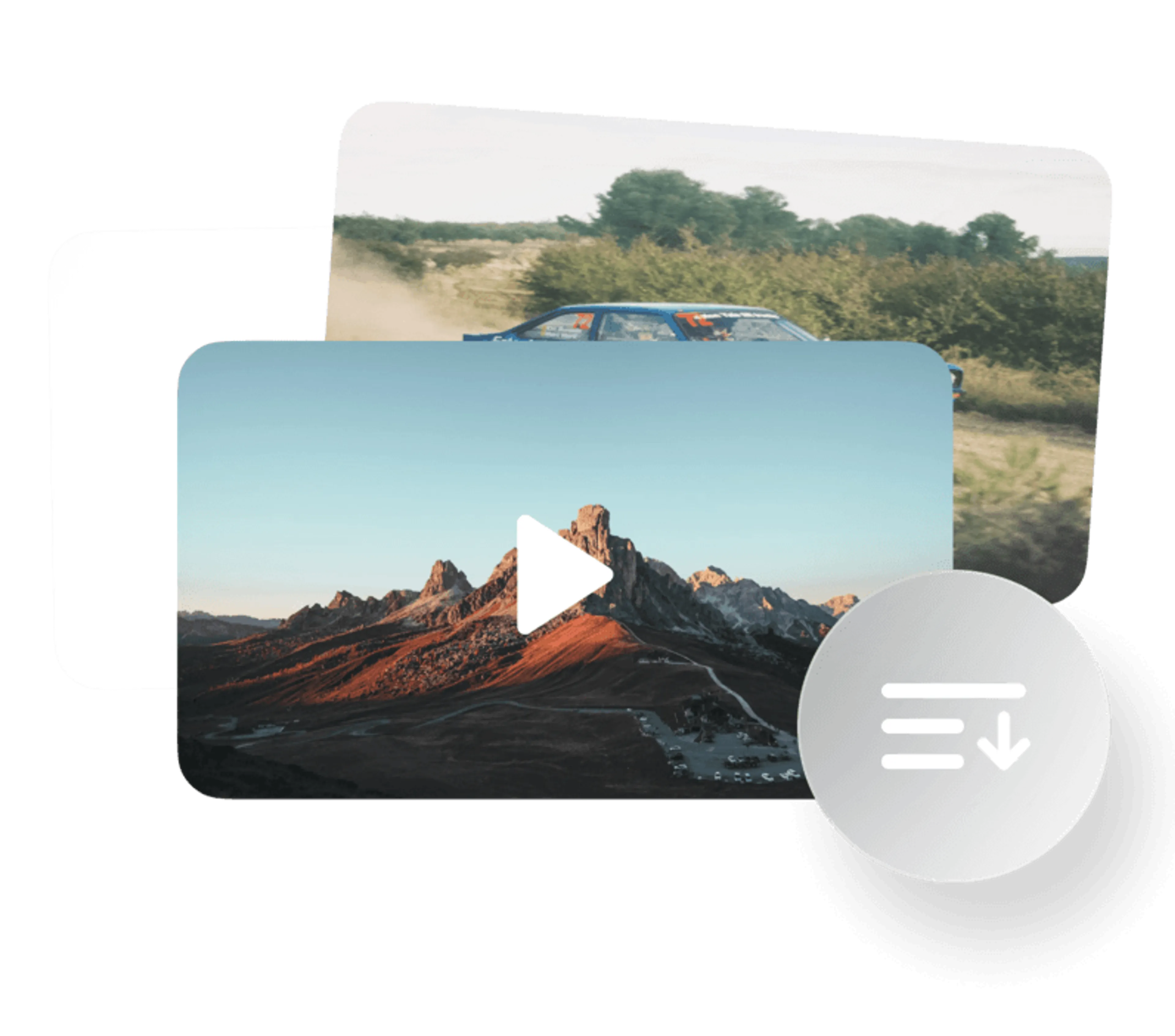
Download entire playlists in a single pass, in the format and quality you want. Works on saved lists and private collections you already have access to. Feature availability varies by platform.

Clean Up Audio with AI
Strip out background noise, pull vocals away from the instrumental, remove echo, or mute the music bed entirely, all handled by built-in media tools once the download is done.


Download a Whole Channel in One Go
Pull an entire channel or account on various platforms in a single pass, in the format and quality you need.

Extract Captions Along with the Video
Grab subtitle tracks together with the file itself, exported as clean SRT text in your pick of 80+ languages.

Download Just the Audio Track
Only need the sound? Skip the video entirely and save any download as a standalone audio file in MP3, M4A, or OGG.

Grab Short Videos & Long Streams
The app handles bite-sized shorts and recorded long-form content alike across platforms which support such videos.

Reach Content behind Login
Got access to a private clip or a members-only playlist? Sign in through the app’s own browser window and download it exactly like public content. Feature availability varies by platform.

Save in Any Format You Need
Choose from a wide range of video and audio containers, including MP4, MKV, M4A, MP3, and OGG, so your downloads play perfectly on any device or player.

Download Faster with Smart Mode
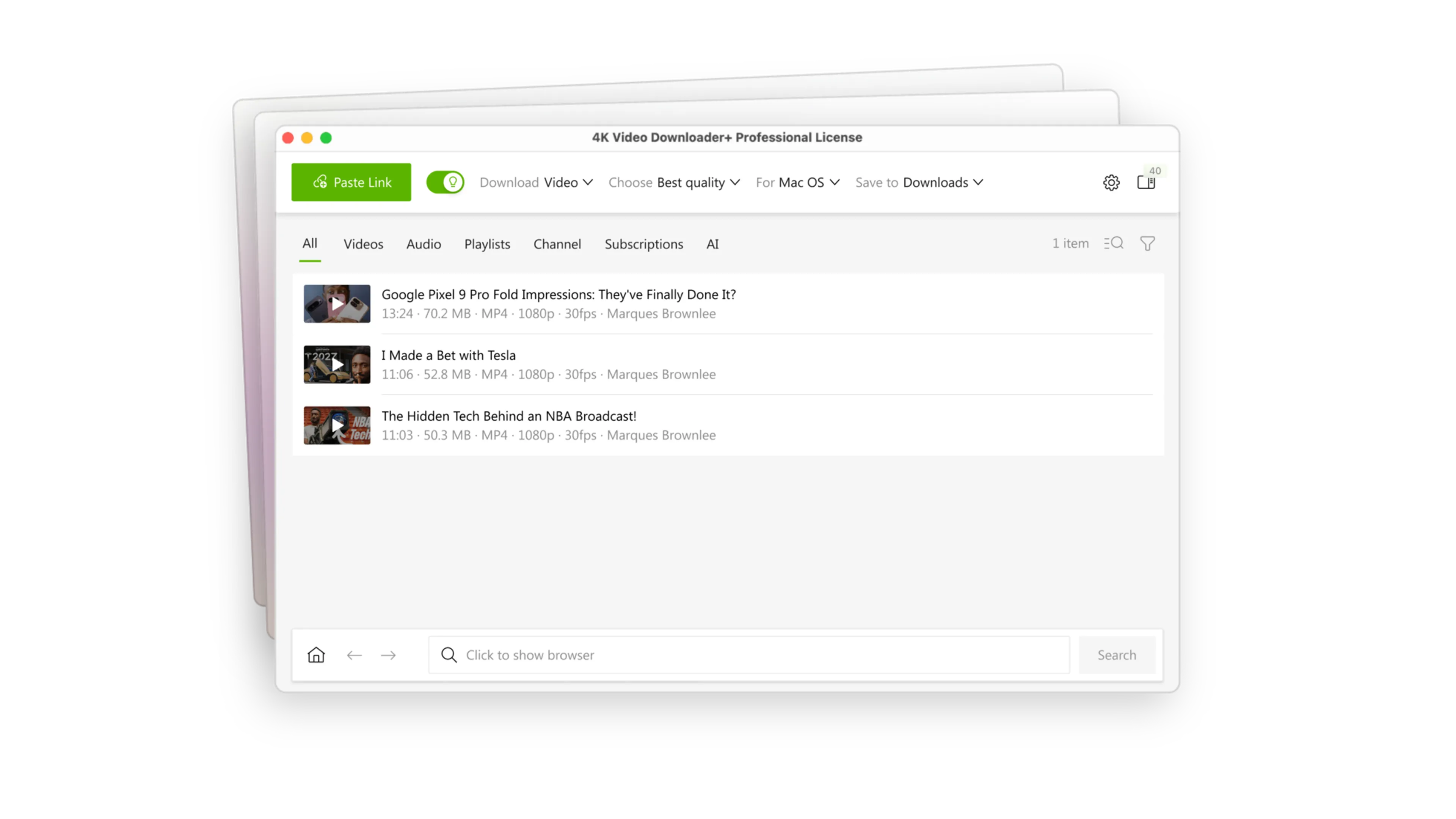
Lock in your preferred resolution, format, and folder a single time, and every download afterward follows those same rules automatically. Pick your device once and stop repeating yourself.

Let Your OS Pick the Format
No more guessing which container your device actually plays. Tell Smart Mode which OS you’re on and every download lands in the right video or audio format automatically, so it just works the moment you open it.

Search & Browse Without Leaving the App
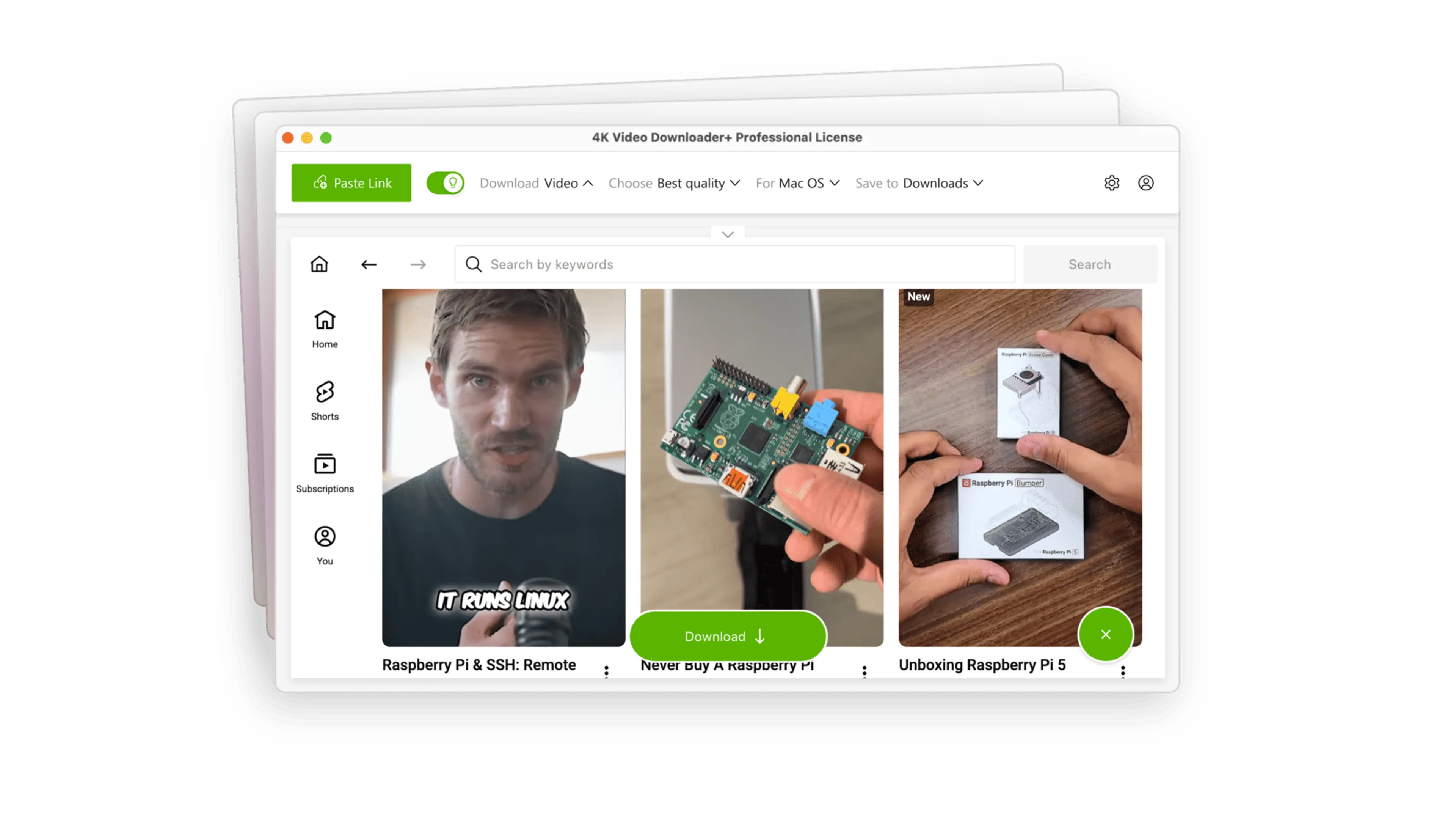
A browser is built right in, so you can look up content, log in to your accounts, and start a download all from one window, no tab-switching required.

Organize Downloads with Easy Download Manager
Filter and sort everything by type, name, or date added. Export your whole download history as a single JSON file, and keep tabs on individual downloads or whole batches at a glance.
Over 60 Million Users Enjoy Using Our Apps
Copy a link
Paste into the app
Download
Enjoy!
Downloading videos has never been easier. Turn links into files in seconds.
Choose a License
Start for free to get a foretaste, then upgrade to get unlimited access to all features.
Compare All PlansStarter
Permanent access to basic features. No trial period. No card data entry.
Lite
For personal use. Annual subscription to the main features.
Personal
For personal use. Permanent access to main features.

Pro
-25%For professional use. Permanent access to all features. Commercial use permit.
Ratings & Reviews
4.6
Rating (based on 3572 user reviews):
FAQ
4K Video Downloader Plus offers a permanent free version that allows users to download videos and audio with quantity limitations. While you can access basic features without charge, you will need to purchase a license to unlock the full range of functionalities. The license is a one-time payment and provides lifetime access to premium features. New users can also try all premium features free for 7 days before purchasing.
4K Video Downloader Plus supports all common resolutions including 720p, 1080p, 4K UHD, and even 8K UHD. Supported video formats include MP4 and MKV, with MKV recommended for longer, high-quality videos. Audio extraction is available in MP3, M4A, and OGG formats.
Yes, 4K Video Downloader Plus is safe to use and contains no malware, adware, or spyware. You can verify its safety by checking VirusTotal reports, which consistently show no threats detected. To make sure you download the genuine app, always get it from the official website.
Yes, 4K Video Downloader Plus can be easily uninstalled from your computer whenever you want.
On Windows, open the Control Panel, then click“Uninstall a program” under the Programs category. Find 4K Video Downloader Plus in the list of installed programs, select it, and click “Uninstall”.
On macOS, open the Applications folder, find the app, and move it to the Trash.
For Linux, use your software manager or run the command sudo apt-get remove 4kvideodownloaderplus.
Tutorials & FAQ
Easy-to-follow guides that walk you through every feature.
Clear video guides for using 4K Download applications.
Quick fixes and useful advice to help you get back on track.
Answers to your most pressing questions about our apps.
We Speak Your Language

Communities
Read user reviews, share your feedback, suggest ideas, and get the latest news about 4K Video Downloader Plus.
4K Video Downloader Plus
Hassan
September 19 at 13:57
A balanced mix of simplicity and useful video features makes a platform easier to appreciate. The website and app provide different ways to explore online content. Streaming and download options give users the freedom to choose what works best for them.
Jorge R Salazar
May 5 at 01:51
excelente
James
April 24 at 04:04
I used the old 4k version and it was really quick. Used the 4k lite but had problems with Youtube sign in and dropped 4k. I'm back again because I can't find a faster speed then 4k. I'm using the unpaid for version for now to see if issues arise, been using it for over a week and it's still going great. I may get the Lifetime version BUT, I had the old version and was unlimited and 4K dropped and I was force to use the 4k lite. I like it because it quick, wish they would make and old version with out the eyecandy.
Владислав
September 18 at 14:15
Отличная программа для скачивания видео. Очень хорошо работает и позволяет скачивать видео в максимально доступном качестве. Спасибо разработчику.