4K Video Downloader Plus vs. Open Video Downloader
Compare 4K Video Downloader Plus and Open Video Downloader on formats, setup time, and download possibilities to choose the right tool for your needs.

4K Video Downloader Plus

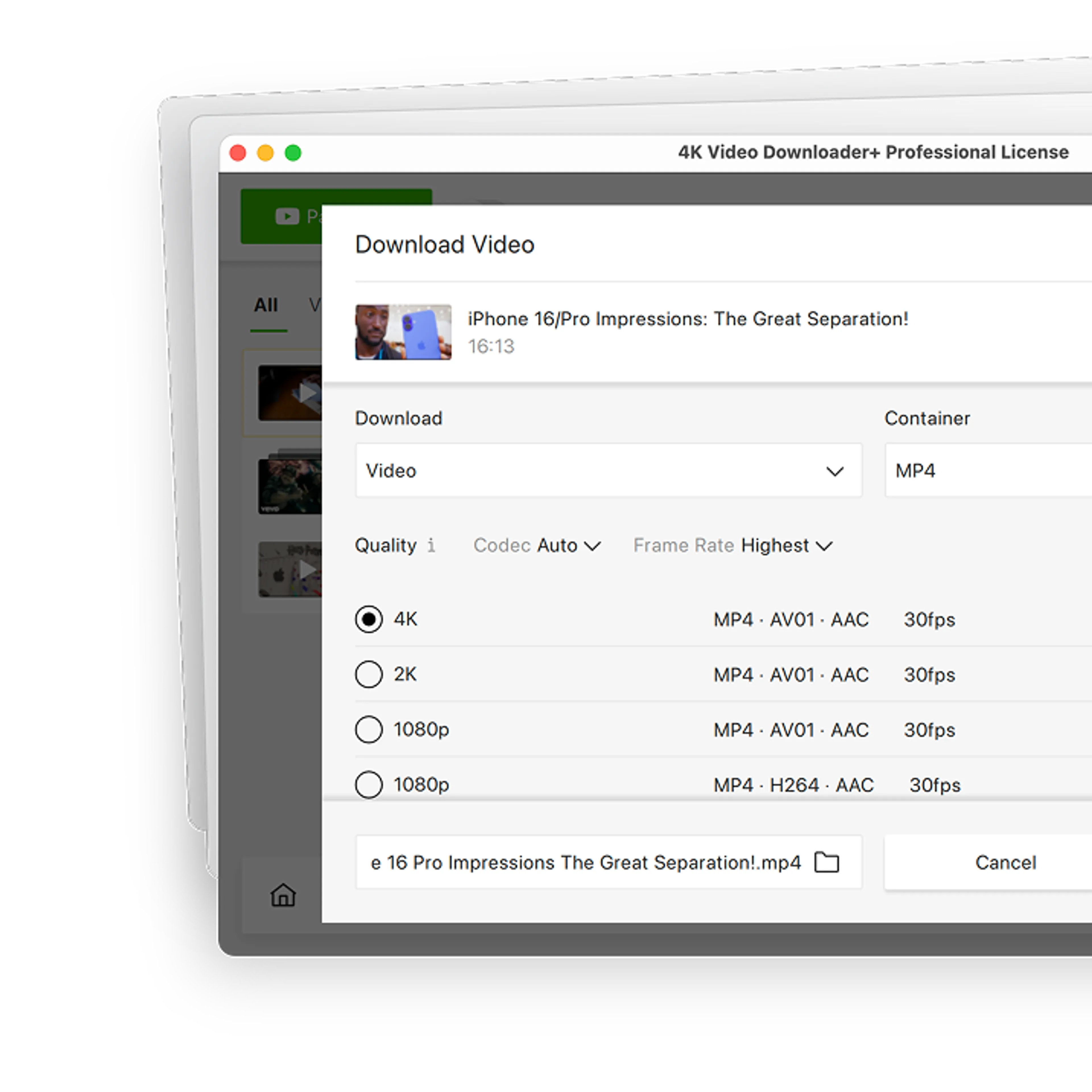
62+ Million
satisfied users worldwide
1000+ Awards
from tech industry PROs
10+ Years
of stable performance
Why Choose 4K Video Downloader Plus over Open Video Downloader?
Open Video Downloader is a free, open-source interface for yt-dlp that covers the download basics well. 4K Video Downloader Plus goes further with channel subscriptions, 3D/360° video modes, and an in-app browser for private content and YouTube search.
Why Choose 4K Video Downloader Plus over Open Video Downloader?
Open Video Downloader is a free, open-source interface for yt-dlp that covers the download basics well. 4K Video Downloader Plus goes further with channel subscriptions, 3D/360° video modes, and an in-app browser for private content and YouTube search.




4K Video Downloader Plus vs. Open Video Downloader Comparison

Setup Time
 On first launch, the app downloads yt-dlp and FFmpeg.

Channel Subscriptions
New uploads have to be added manually.
Private Videos
Requires loading cookies from your browser or a cookies.txt file in the settings.
Device-Ready Formats
Only manual choice between MP4 and MKV is available.
3D & 360° Videos
No dedicated 3D or 360° settings are available.
Video-to-Audio Conversion
OGG appears in the audio settings, but in some versions, the download fails with errors.See the Full Comparison
| 4K Video Downloader Plus | Open Video Downloader | |
|---|---|---|
| Getting Started | ||
Interface | One-click downloads with saved settings (via Smart Mode) | Queue-based interface with tabbed settings exposing yt-dlp options |
Setup time | Under 60 seconds (install and run) | Downloads yt-dlp and FFmpeg on first launch |
| Formats & Coverage | ||
Formats | Video: MKV, MP4 Audio: M4A, OGG, MP3 | Video: MKV, MP4 Audio: M4A, MP3, Opus, AAC, FLAC, WAV (OGG often fails) |
Quality | Video: Up to UHD 8K Audio: Up to 320 kbps (where available) | Video: Up to the source resolution Audio: Selectable bitrate; “Best” converts to MP3 V0 |
Supported sites | YouTube, Twitch, TikTok, Facebook, Bilibili, Vimeo, Dailymotion, Flickr, SoundCloud, YouTube Kids, Rumble, BitChute, and more | Sites supported by yt-dlp |
| Search & Batch | ||
In-app search and browser | Yes Browse and download directly | No |
YouTube search results download | Yes Download entire sets of search results | Yes, but ... Built-in search unavailable |
Batch download | Yes Channels, playlists, search results, subscriptions | Yes Playlists, channels, multiple links, .txt/.csv import |
| Advanced Download | ||
YouTube auto-dubbed audio | Yes Pick one track or save all tracks in a single file | Yes Audio track selection available |
80+ language subtitles | Yes Multiple languages | Yes Multiple languages |
3D and 360° (VR) video | Yes | Yes Saves them as regular videos, no dedicated modes |
Post-processing | Yes Noise, echo, and music removal, vocal isolation | Yes Skipping SponsorBlock segments, custom FFmpeg arguments |
Explore Possibilities of 4K Video Downloader Plus

Batch Channels & Playlists Download
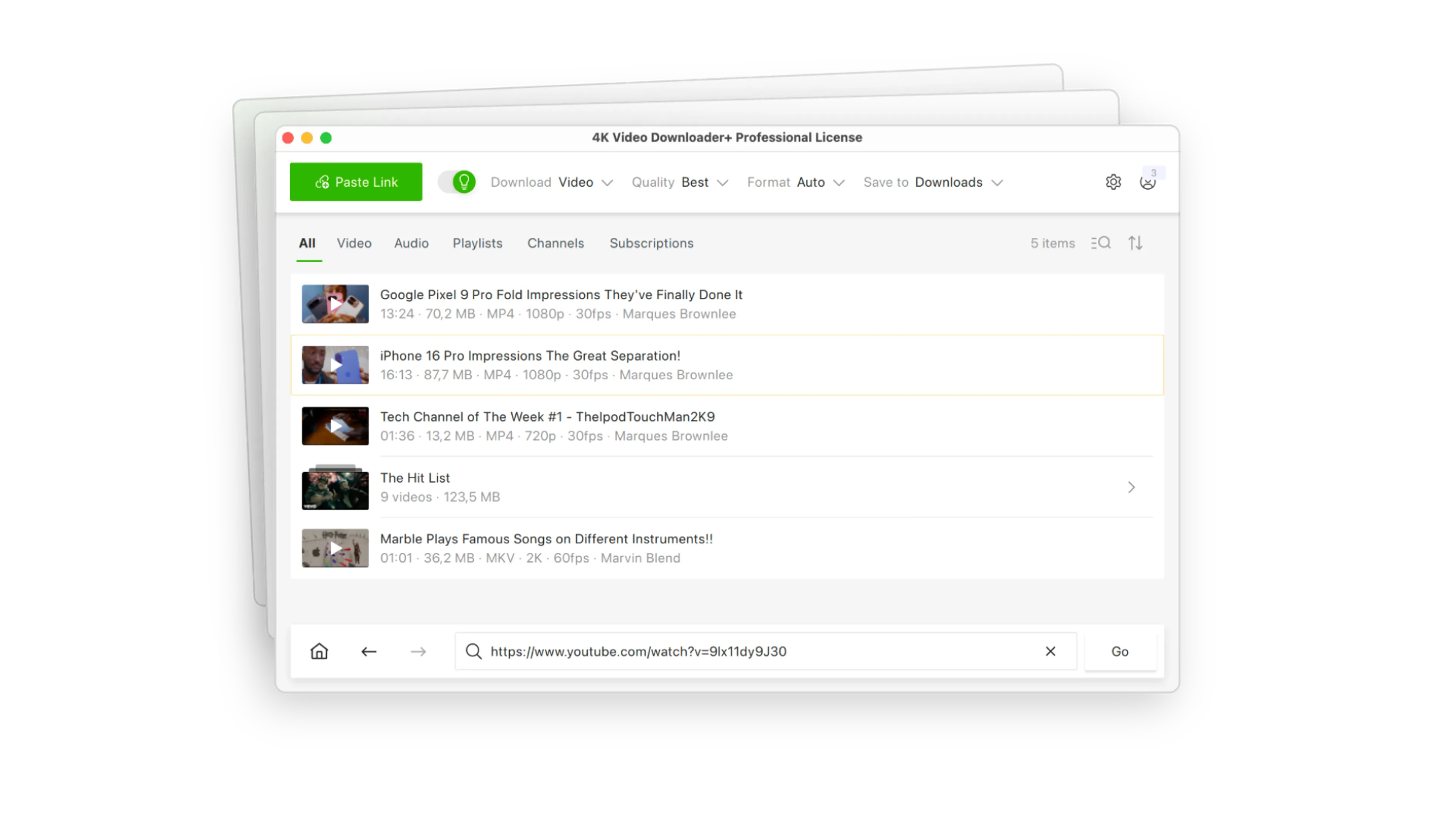
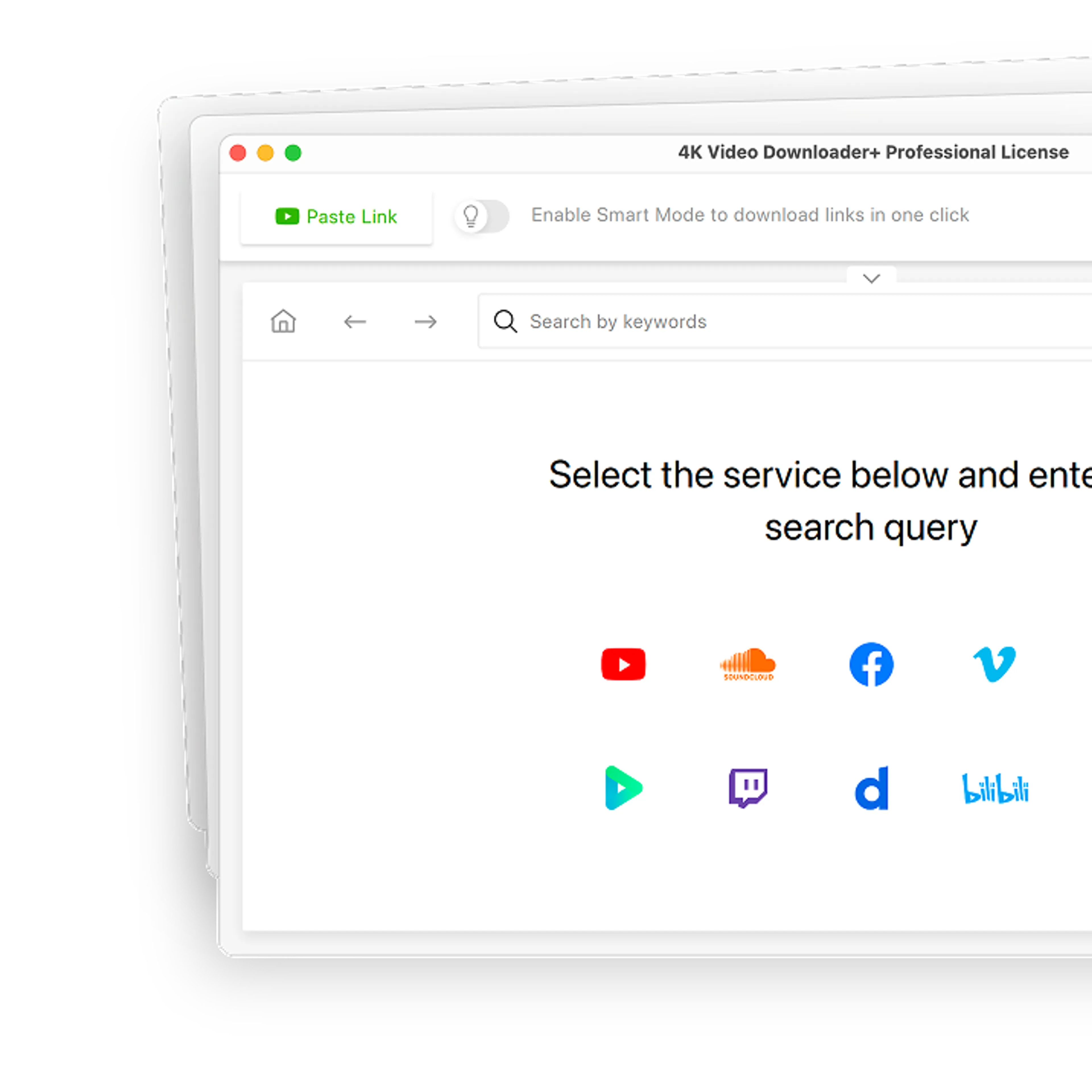
Forget copying and pasting video links one by one. Paste a single link to grab entire multi-gigabyte playlists and channels from YouTube, SoundCloud, and more sites.

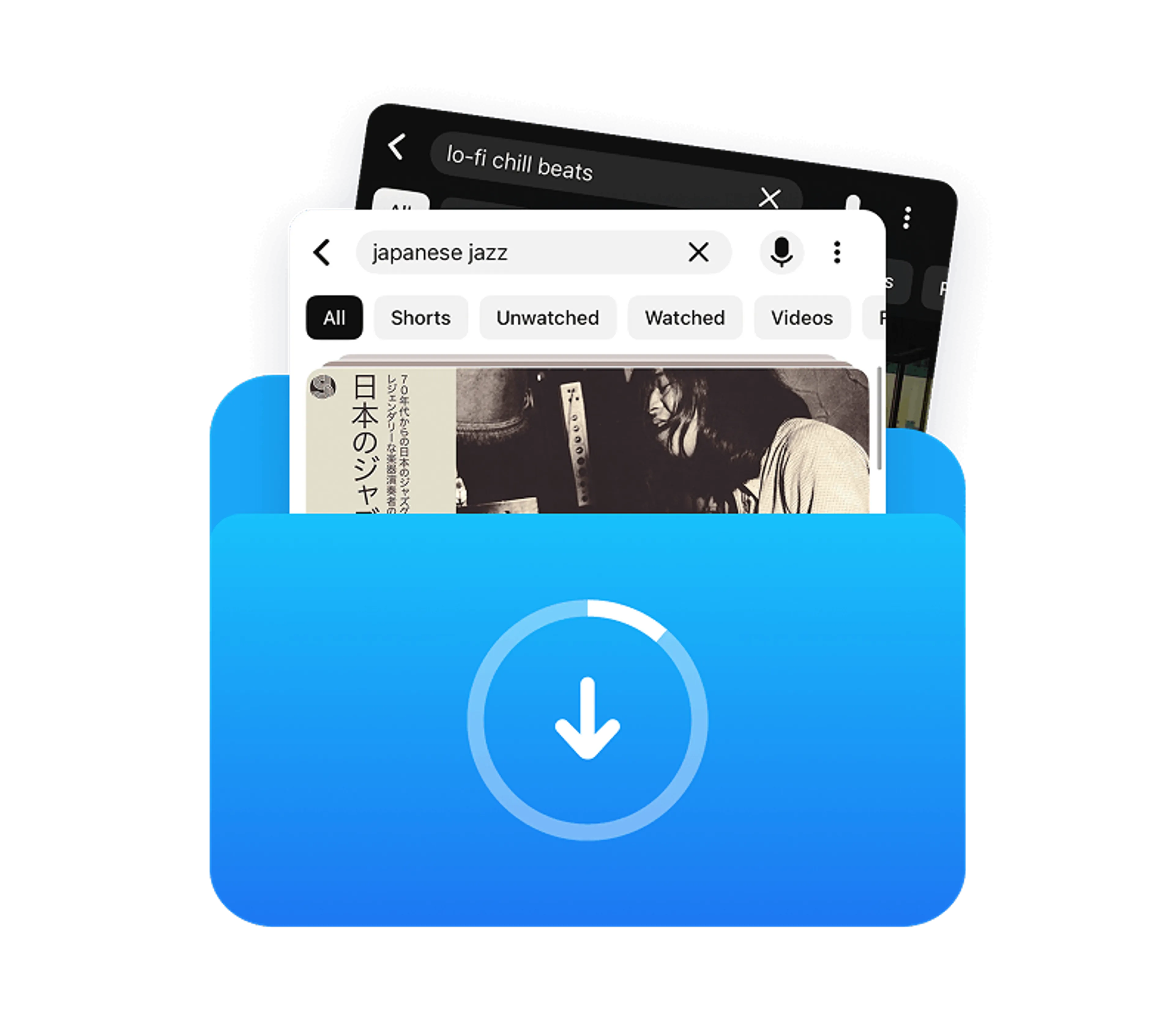
YouTube Search Results Download
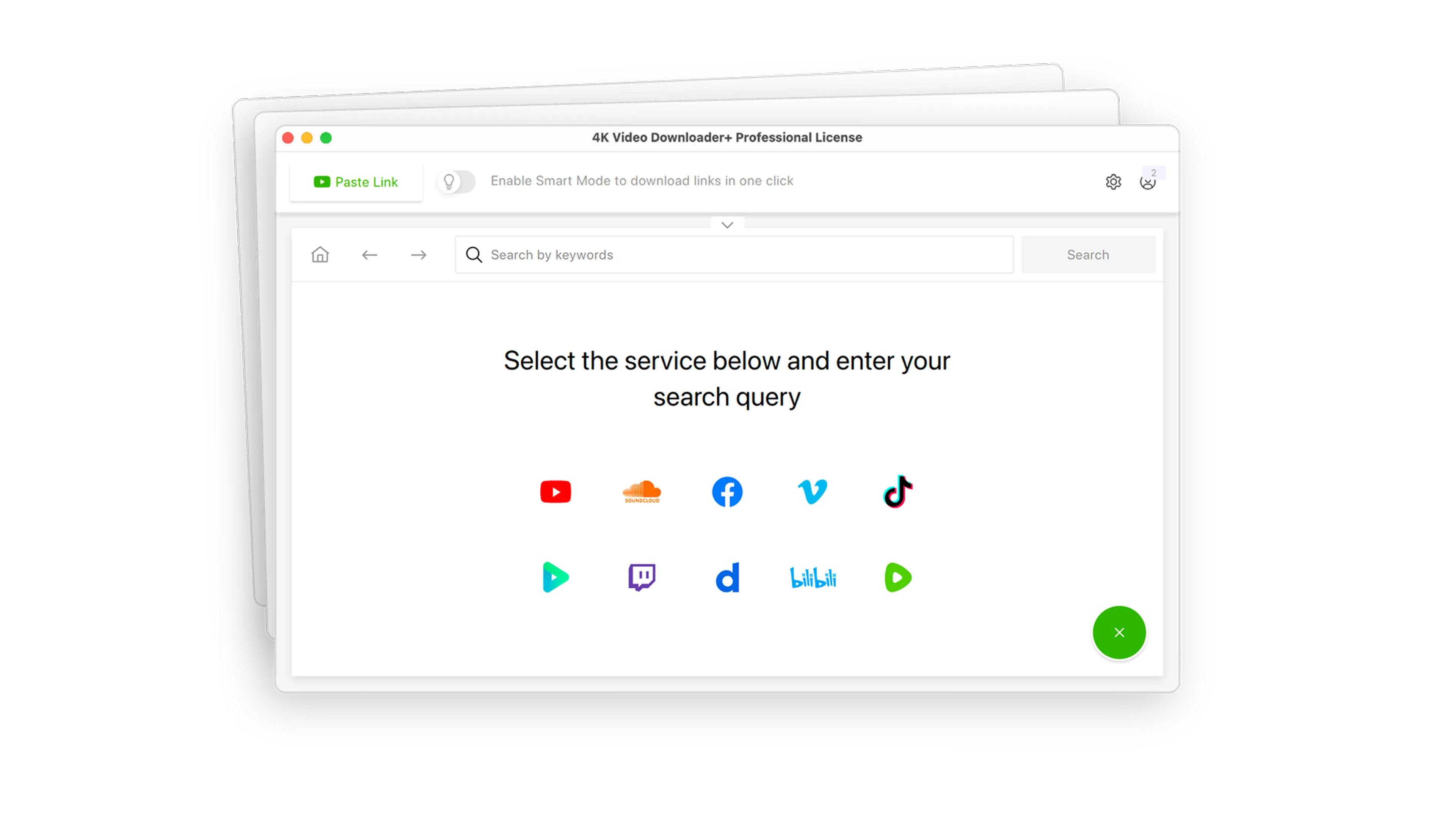
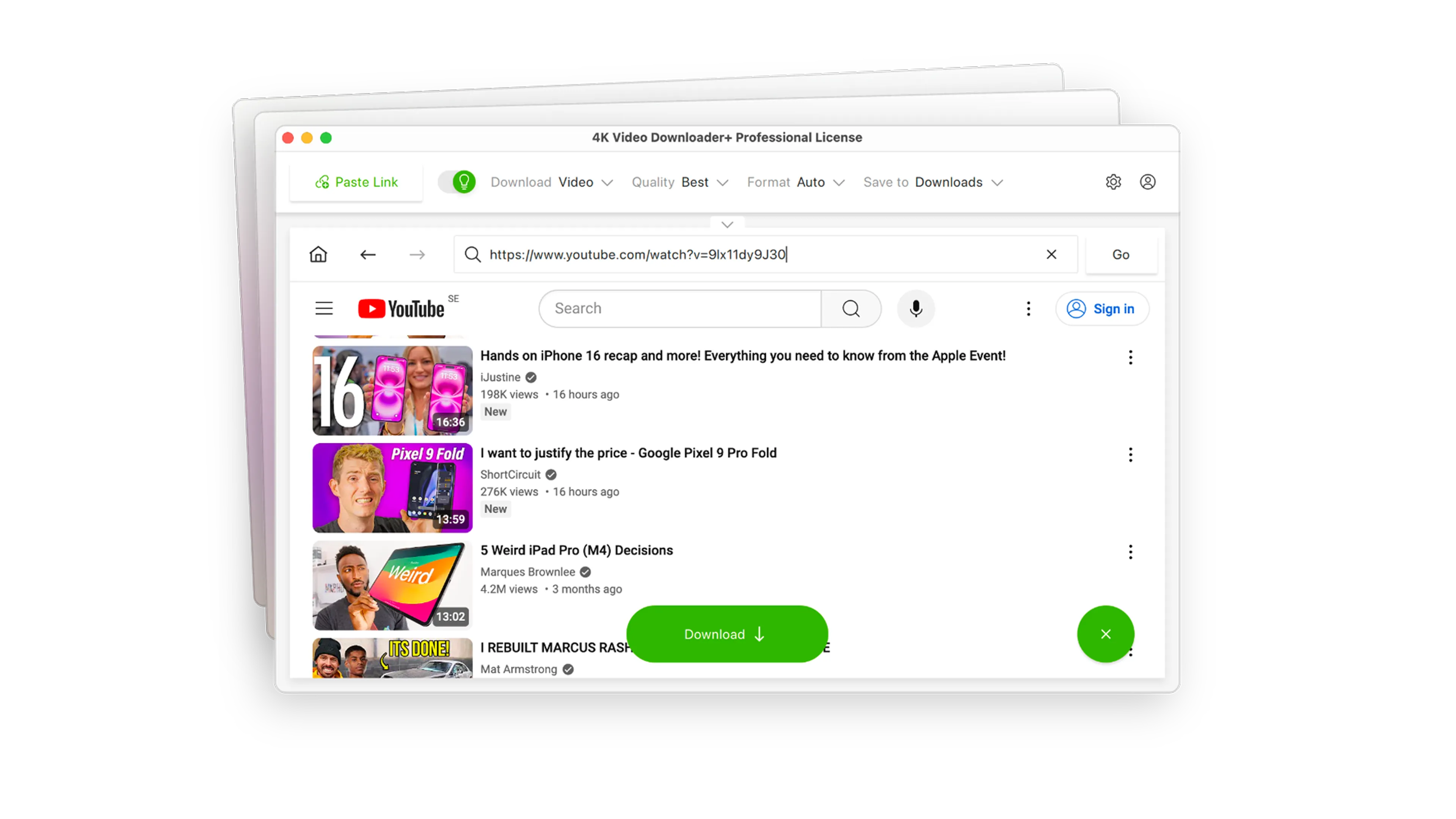
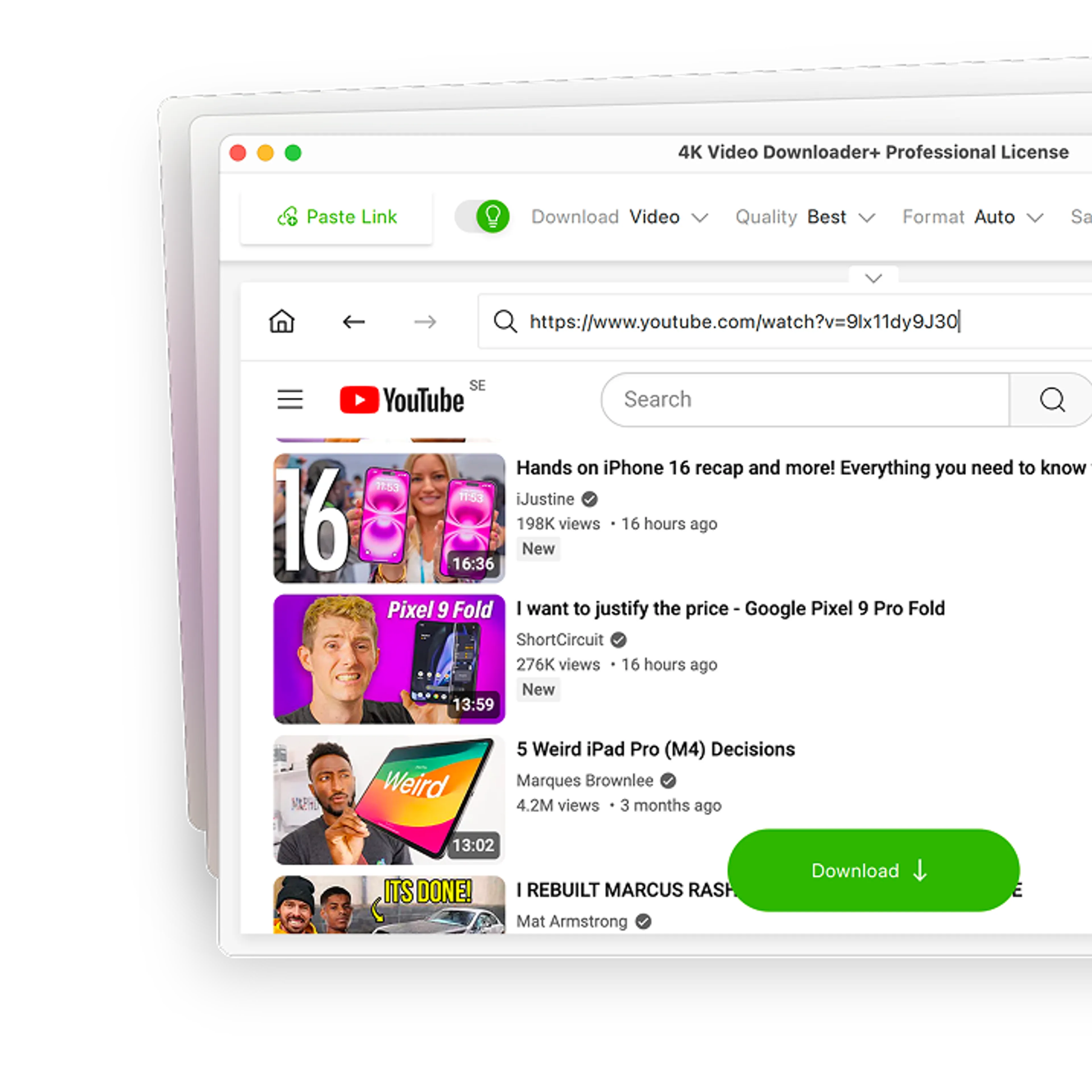
Don’t waste time bouncing between tabs. Search for any video directly inside the app, and download individual files or entire sets of search results without ever opening an external web browser.
Private Content Download
Access what free online downloaders can't touch. Log in safely through our secure environment to download private, age-restricted, or login-protected media from YouTube, Bilibili, Vimeo, and Facebook.

4K & 8K Support
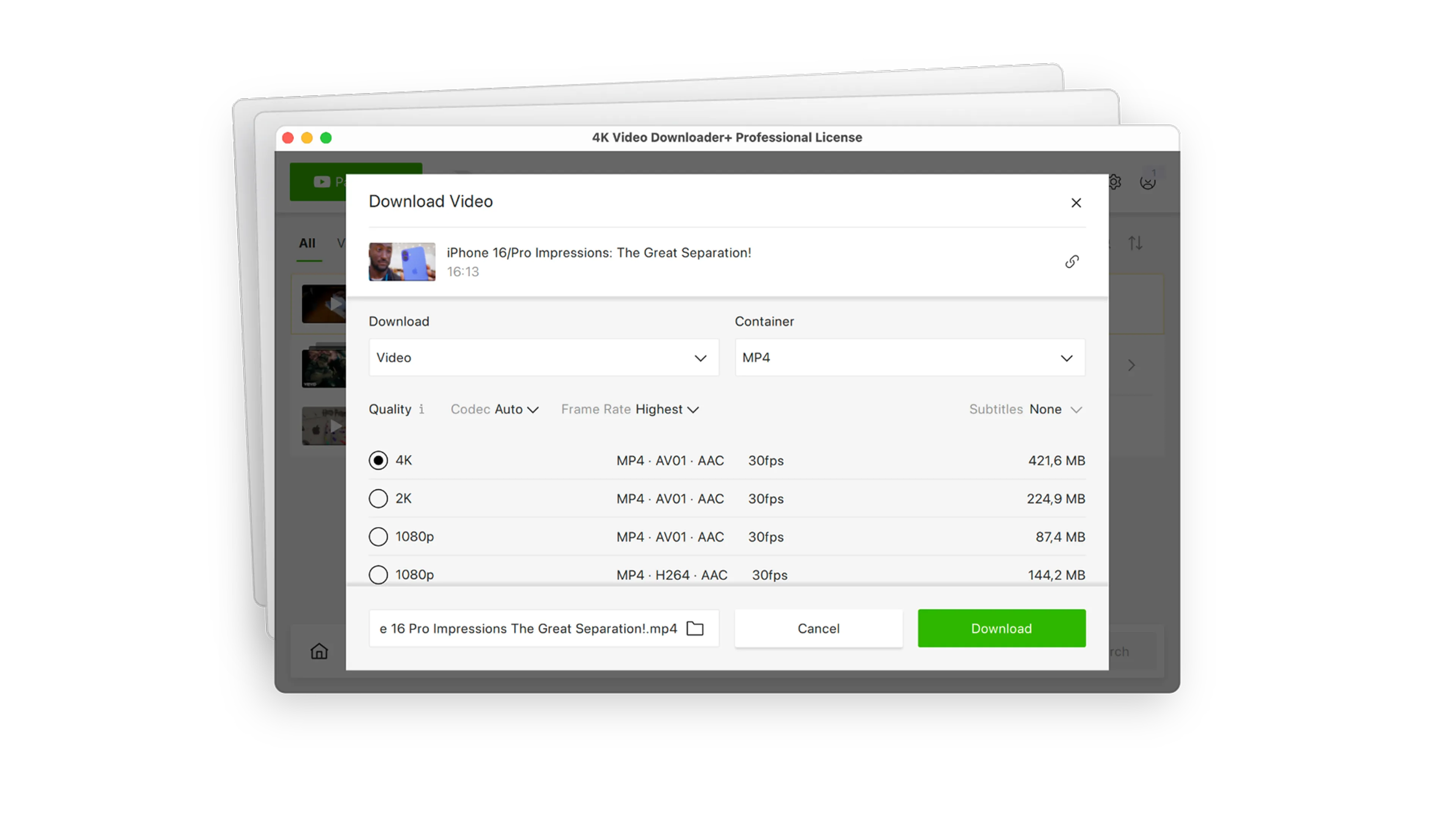
Select the highest possible resolution, complete with multi-language subtitles and embedded metadata, with zero configuration.

One-Click Smart Mode
Set your preferred format, quality, and destination once. After that, downloading takes exactly one click.

Auto-Dubbed Audio Support
Save videos with alternative audio options. Effortlessly download multi-language tracks, including YouTube’s native auto-dubbed tracks, so you always have the narration or language you need.

Proxy Connection for Unrestricted Access
Bypass restrictions set by your Internet service provider and get around your school or workplace firewall. Connect through an in-app proxy to access and download from YouTube and other sites.
Over 60 Million Users Enjoy Using Our Apps
FAQ
Yes, if you download it from official sources. The app is open-source and is distributed through the developer’s GitHub repository, Homebrew, WinGet, and the Microsoft Store. macOS builds are notarized, and helper tools such as yt-dlp and FFmpeg are downloaded through a signed manifest. Since GitHub hosts unofficial copies and forks under the same name, downloading only from the official repository is recommended.
For a ready-to-use alternative, install 4K Video Downloader Plus from the official website.
Open Video Downloader shows “Access forbidden (HTTP 403)” when the website refuses the download request. This often happens after the site changes how it serves video and the app is still running an older version of yt-dlp, so first check that automatic tool updates are turned on in the settings. If the error persists, YouTube may be treating the requests as bot activity or the video may require sign-in. In that case, load cookies from your browser in the authentication settings and try downloading fewer videos at once.
No. Open Video Downloader is available only for Windows, macOS, and Linux. To save videos, audio, playlists, and channels to your phone, try the Android video downloader app from 4K Download. It’s a standalone app with its own license, separate from 4K Video Downloader Plus.
OGG appears in the audio format settings, but in versions 3.0.0 to 3.2.1 the download fails with an “invalid audio format” error.
4K Video Downloader Plus saves audio in OGG, MP3, and M4A in one click.
It downloads them as regular video files but has no dedicated 3D or 360° settings. 4K Video Downloader Plus lets you choose 2D/360°, 3D/180°, or 3D/360° mode before downloading.
Yes, it’s completely free and has no ads.
4K Video Downloader Plus offers a free plan with limited functionality and paid plans that unlock all features.
Try a New, Fast, Reliable Way of Downloading Videos
4K Video Downloader Plus