4K Video Downloader Plus vs. yt-dlp
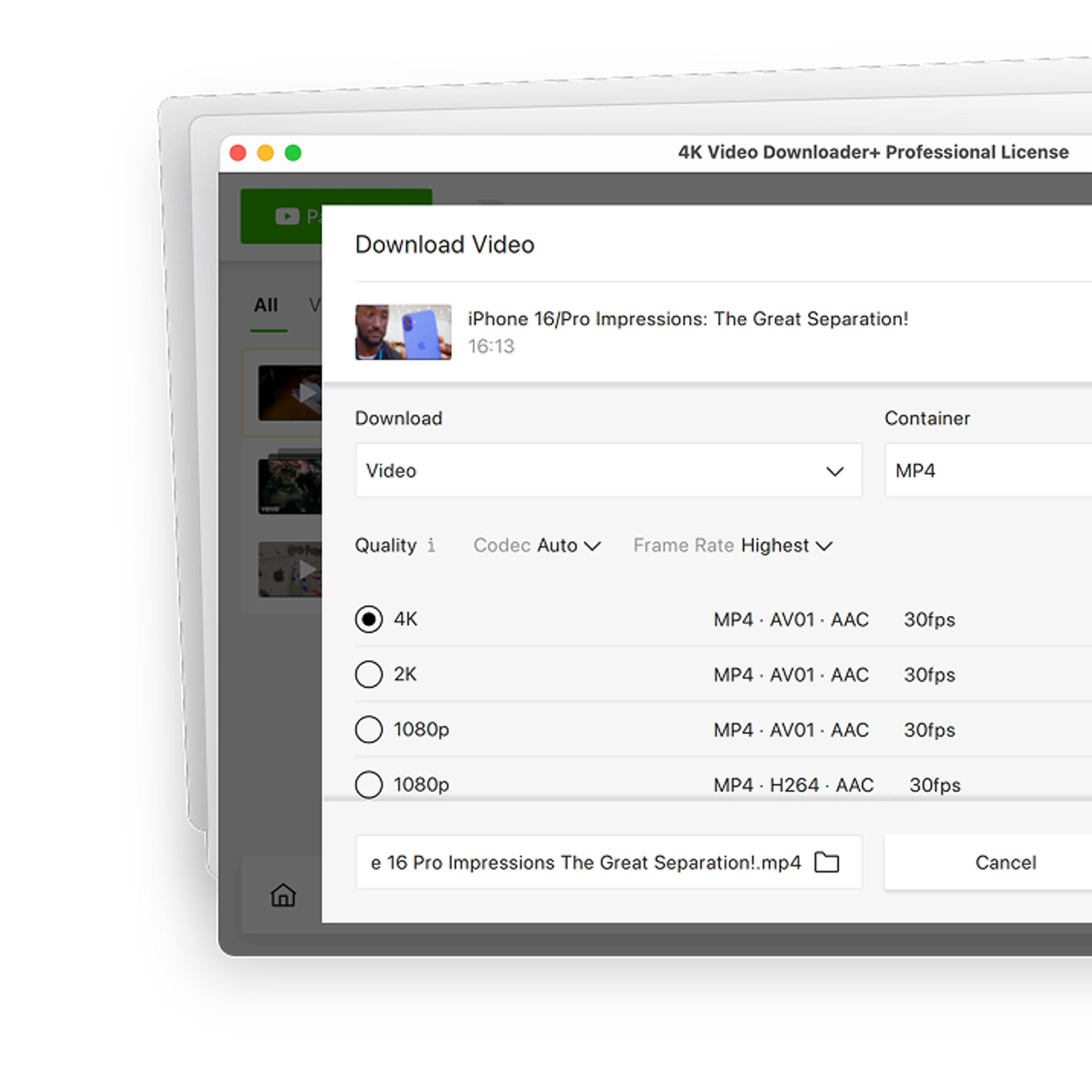
Tired of coding just to download a video? 4K Video Downloader Plus lets you grab media from multiple platforms in just a couple of clicks, for free.

4K Video Downloader Plus

62+ Million
satisfied users worldwide
1000+ Awards
from tech industry PROs
10+ Years
of stable performance
Why Choose 4K Video Downloader Plus over yt-dlp?
You don’t need a degree in computer science just to download a playlist or back up your favorite creator’s channel.
See why more than 60 million users have traded their command terminals for a simple desktop experience.
Why Choose 4K Video Downloader Plus over yt-dlp?
You don’t need a degree in computer science just to download a playlist or back up your favorite creator’s channel.
See why more than 60 million users have traded their command terminals for a simple desktop experience.




4K Video Downloader Plus
vs. yt-dlp Comparison

Setup Time

Video-to-Audio Conversion

Batch Download

In-App Search & Browser

Available Formats
Audio: M4A, OGG, MP3.
Audio: M4A, Opus.
See the Full Comparison
| 4K Video Downloader Plus | yt-dlp | |
|---|---|---|
| Getting Started | ||
Interface | User-friendly, point-and-click interface | Text-only command line interface |
Setup time | Under 60 seconds (install and run) | Complex (requires manually setting up FFmpeg and environment variables) |
| Formats & Coverage | ||
Formats | Video: MKV, MP4 Audio: M4A, OGG, MP3 | Video: MKV, MP4, WebM Audio: M4A, Opus |
Quality | Video: Up to UHD 8K Audio: Up to 320 kbps (where available) | Video: Up to UHD 8K Audio: Up to 320 kbps (where available) |
Supported sites | YouTube, Twitch, TikTok, Facebook, Bilibili, Vimeo, Dailymotion, Flickr, SoundCloud, YouTube Gaming, YouTube Kids, Rumble, BitChute and more | YouTube, Twitch, Facebook, Bilibili, Vimeo, Dailymotion, X, Reddit, Pinterest, SoundCloud, Instagram and more |
| Search & Batch | ||
In-app search and browser | Yes Browse and download directly | No Requires pasting raw links from an external browser |
YouTube search results download | Yes Enter a search query and click Download | Yes, but ... Requires manual scripts or text file inputs |
Batch download | Yes Bulk download channels and playlists in one click | Yes, but ... Requires manual looping scripts or text file inputs |
| Advanced Download | ||
YouTube auto-dubbed audio | Yes Fully supported (extracts alternative language tracks) | Yes, but ... Highly complex command configuration required |
80+ language subtitles | Yes Download multi-language SRT in one click | Yes, but ... Requires text-based parameter filtering |
3D and 360° (VR) video | Yes In one click | Yes, but ... Requires a complex text-based parameter finetuning |
Post-processing | Yes Remove echo, isolate voice from background sounds, remove vocals, or get rid of backing tracks | No |
Explore Possibilities of
4K Video Downloader Plus

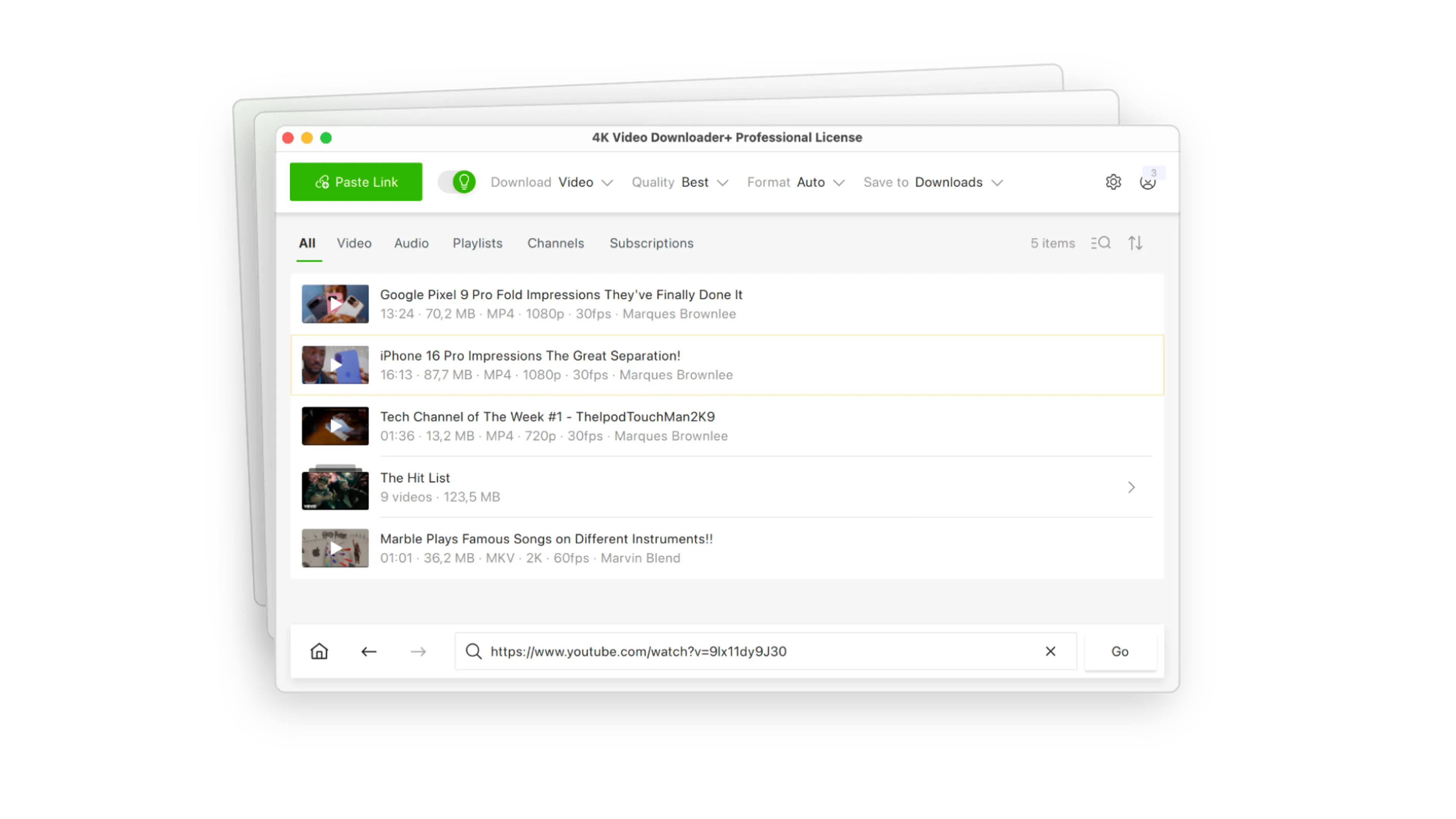
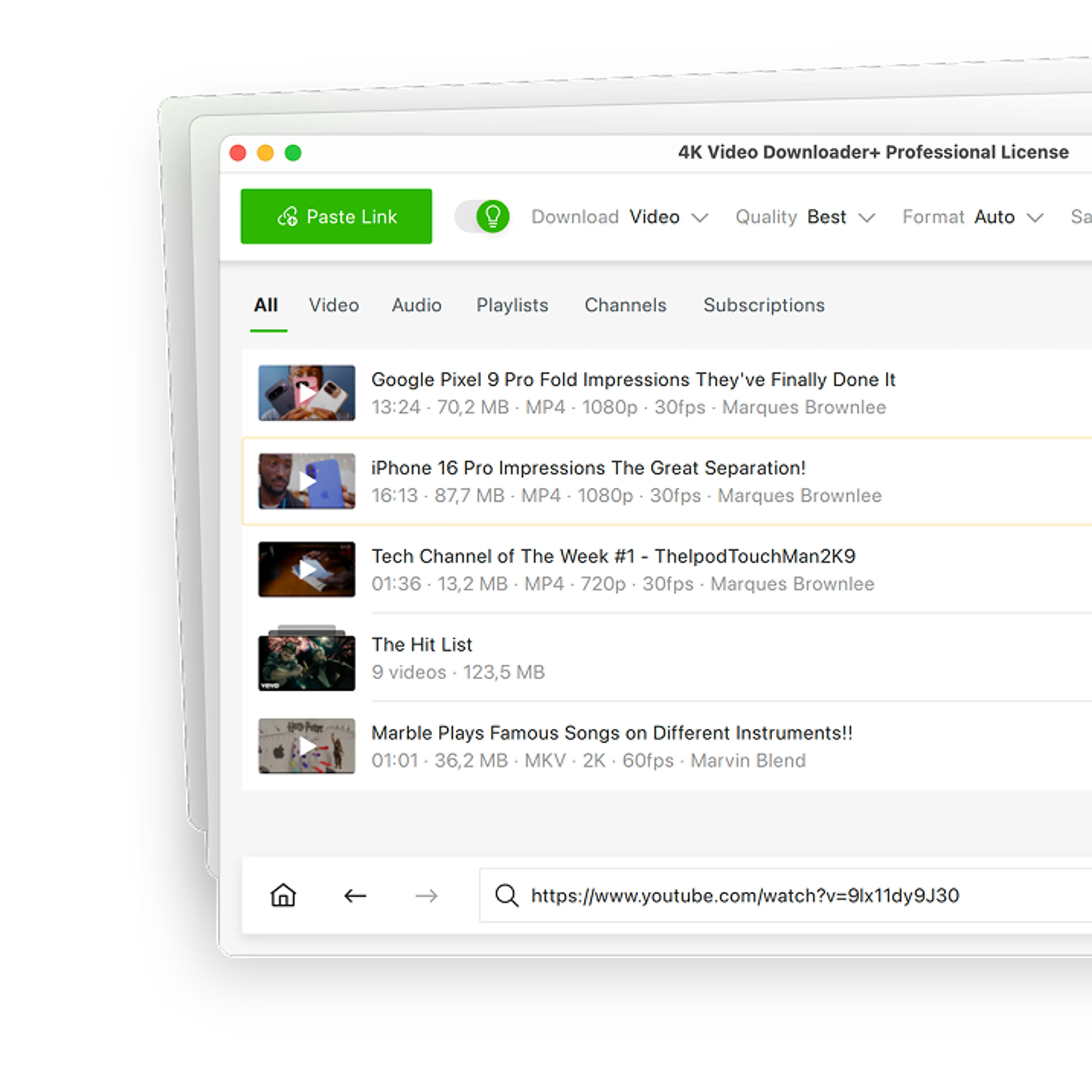
Batch Channels & Playlists Download
Forget copying and pasting video links one by one. Paste a single link to grab entire multi-gigabyte playlists and channels from YouTube, SoundCloud, and more sites.

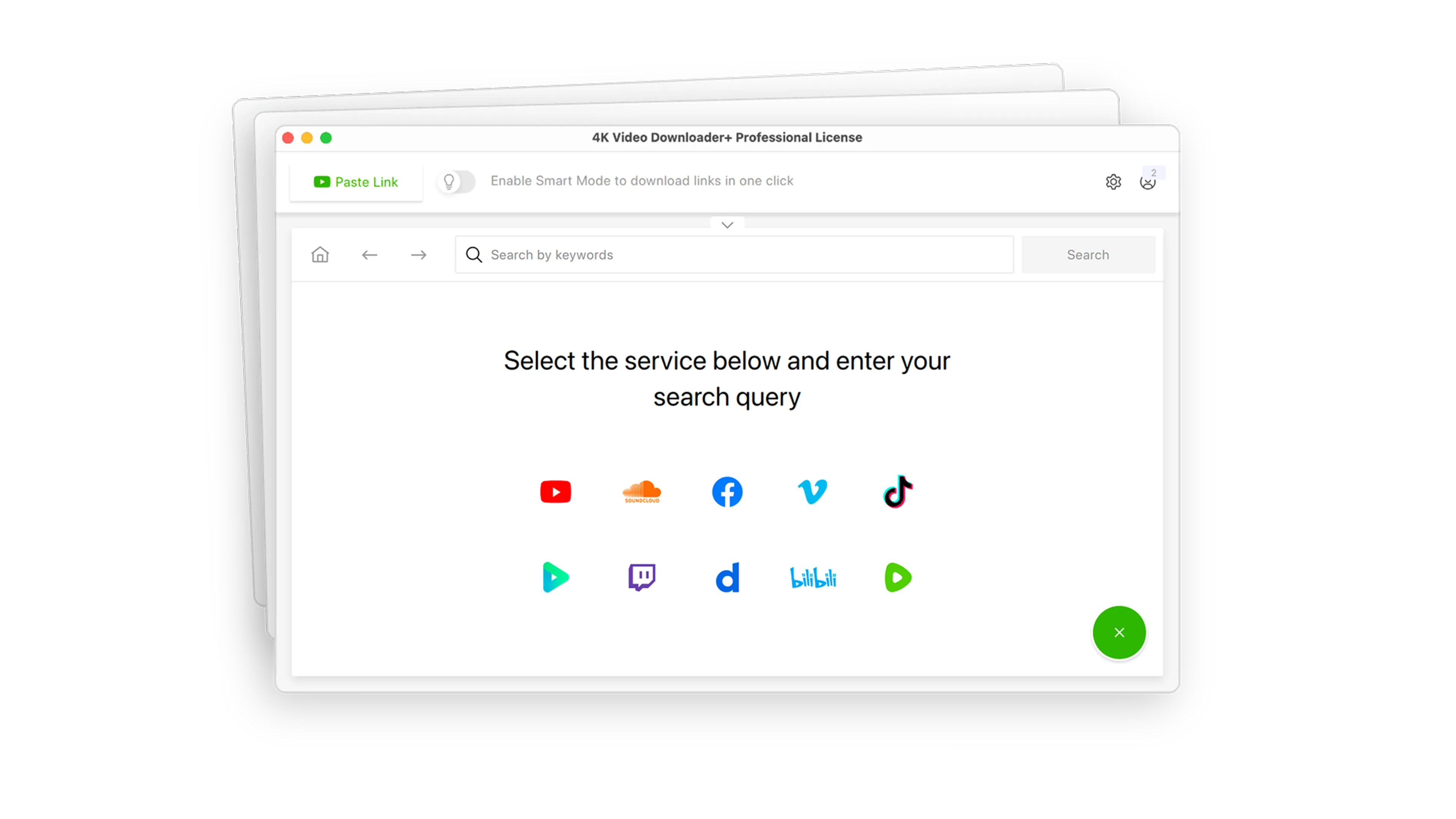
YouTube Search Results Download
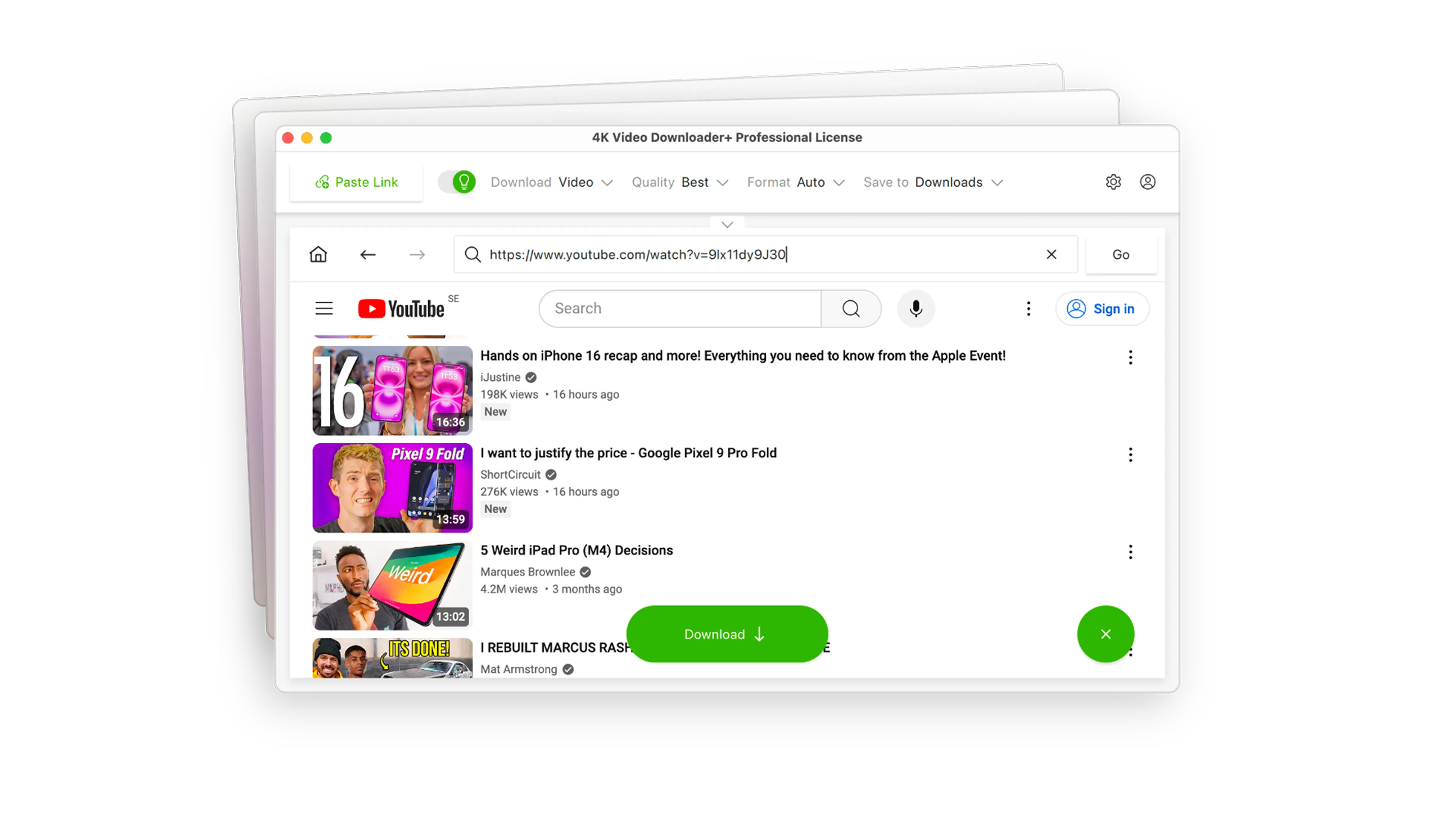
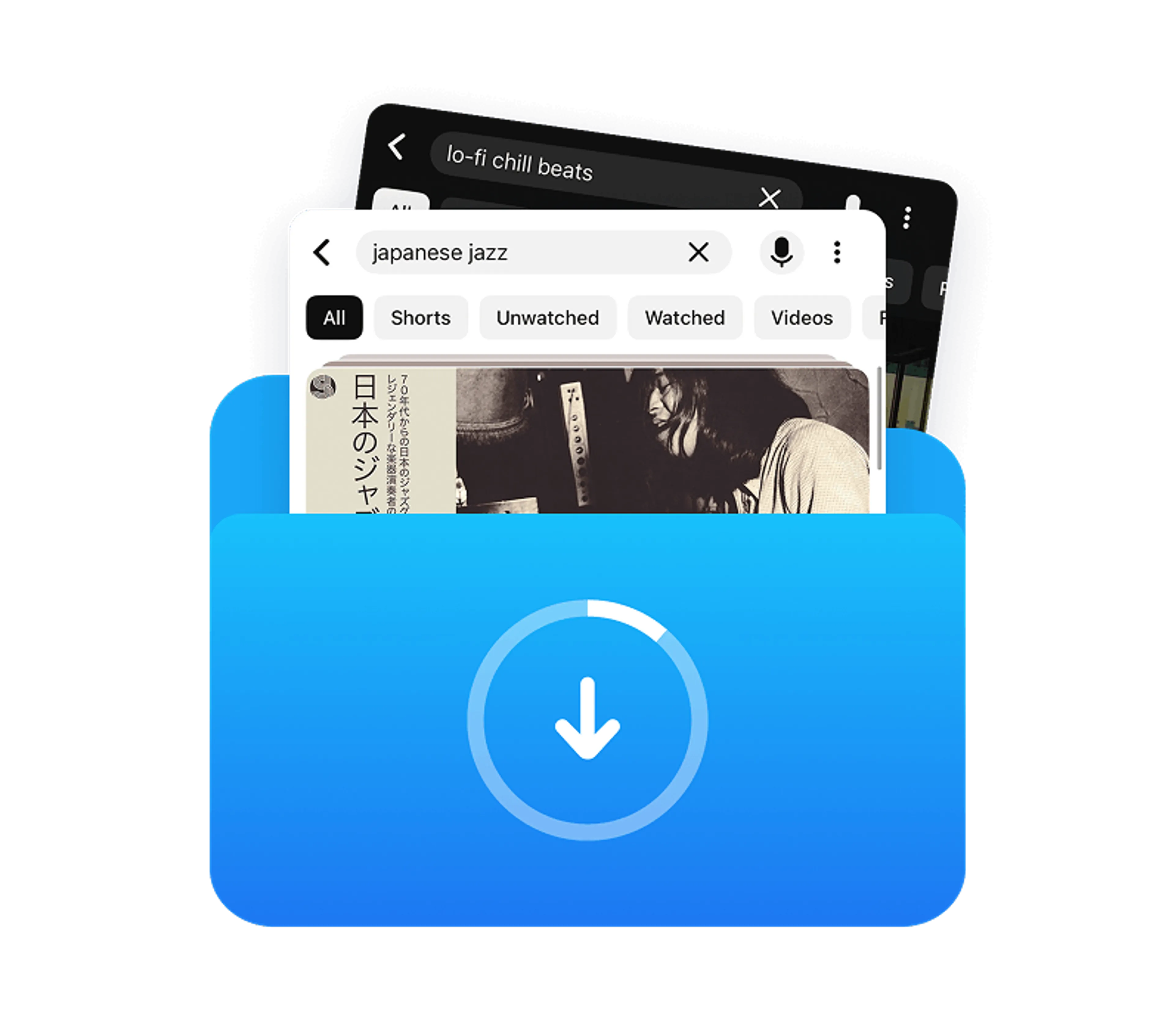
Don`t waste time bouncing between tabs. Search for any video directly inside the app, and download individual files or entire sets of search results without ever opening an external web browser.

Auto YouTube Channel Subscriptions
Subscribe to your favorite creators inside the app, and new videos will download automatically the moment they go live.

4K & 8K Support
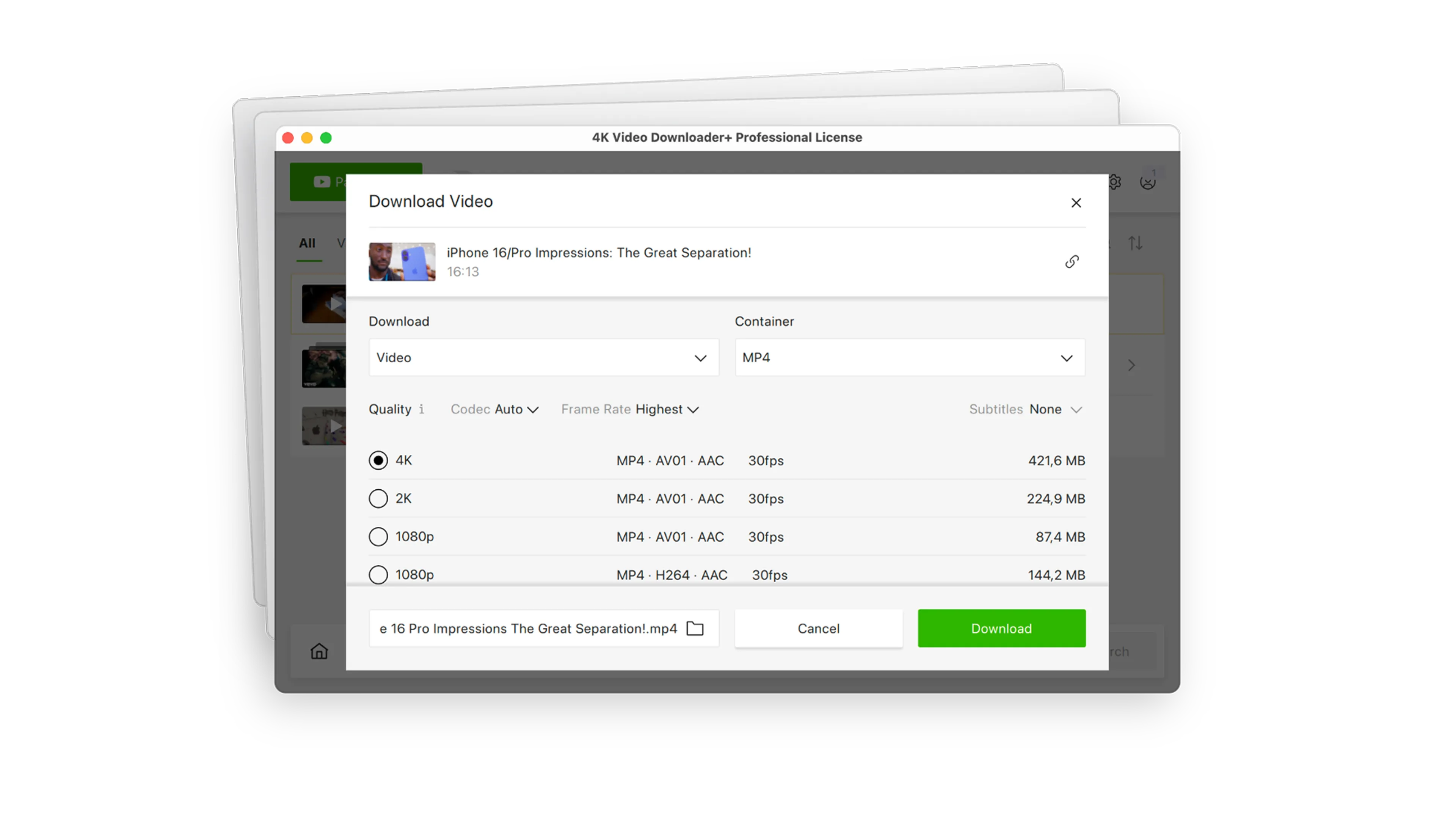
Select the highest possible resolution, complete with multi-language subtitles and embedded metadata, with zero configuration.

Private Content Download
Access what free online downloaders can't touch. Log in safely through our secure environment to download private, age-restricted, or login-protected media from YouTube, Bilibili, Vimeo, and Facebook.

One-Click Smart Mode
Set your preferred format, quality, and destination once. After that, downloading takes exactly one click.

360° & 3D Videos Support
Download immersive VR and stereoscopic 3D videos in the correct projection formats with zero manual network configuration. Simply paste the link, and the app automatically handles the metadata so your media is instantly ready to play on your PC or VR headset.

Auto-Dubbed Audio Support
Save videos with alternative audio options. Effortlessly download multi-language tracks, including YouTube’s native auto-dubbed tracks, so you always have the narration or language you need.

Instant Video-to-Audio Conversion
Turn video files into audio in seconds. Automatically extract HQ music tracks, lectures, or podcasts from videos and convert them directly to MP3, M4A, or OGG.

Post-Processing Tools
Clean up and reshape your files right inside the app. Use advanced built-in machine learning models to isolate or remove vocals for karaoke, extract clear voices from background noise, and eliminate echo or reverb with a single click.

Proxy Connection for Unrestricted Access
Bypass restrictions set by your Internet service provider and get around your school or workplace firewall. Connect through an in-app proxy to access and download from YouTube and other sites.
Over 60 Million Users Enjoy Using Our Apps
FAQ
You can download and use 4K Video Downloader Plus completely for free. If you want to unlock the unlimited batch downloads, auto-channel subscriptions, and advanced audio processing features, you can upgrade to a premium license at any time. The free version remains free forever.
Even though yt-dlp is powerful, it requires you to be comfortable installing secondary tools like FFmpeg and manually fixing errors when sites update their video players. 4K Video Downloader Plus gives you an all-in-one experience. We handle the updates, host the servers, help you with any issues you may have, and give you exclusive built-in features like an in-app browser, direct search, automated batch downloading, proxy connections, and modern audio-processing tools that yt-dlp simply doesn’t have.
Yes, this is one of the biggest headaches with yt-dlp, which requires you to export your browser cookies to access private accounts. With 4K Video Downloader Plus, you simply log in to your YouTube, Bilibili, Vimeo, or Facebook account right inside our secure, built-in browser window to safely download member-only, private, or age-restricted content.
No. Unlike yt-dlp, which relies on you manually configuring external third-party software like FFmpeg to combine high-definition video and audio tracks, 4K Video Downloader Plus works completely out of the box. Simply download the app, open it, and start downloading videos in up to 8K instantly with zero extra setup.
Platforms serve 360-degree media in complex formats meant strictly for native apps. To get a standard projection format that VR headsets actually recognize, yt-dlp users have to manually spoof their network requests to look like an Android VR device using intricate command strings.
4K Video Downloader Plus automatically detects 3D and 360° videos, processing them natively so they are instantly ready for your Meta Quest or Apple Vision Pro without any complex network spoofing.
When YouTube changes its code, free scripts like yt-dlp often break for days until someone updates the code. Our dedicated development team monitors these changes. We quickly push updates to your app so your downloading experience remains seamless and uninterrupted.
Try a New, Fast, Reliable Way of Downloading Videos
4K Video Downloader Plus