


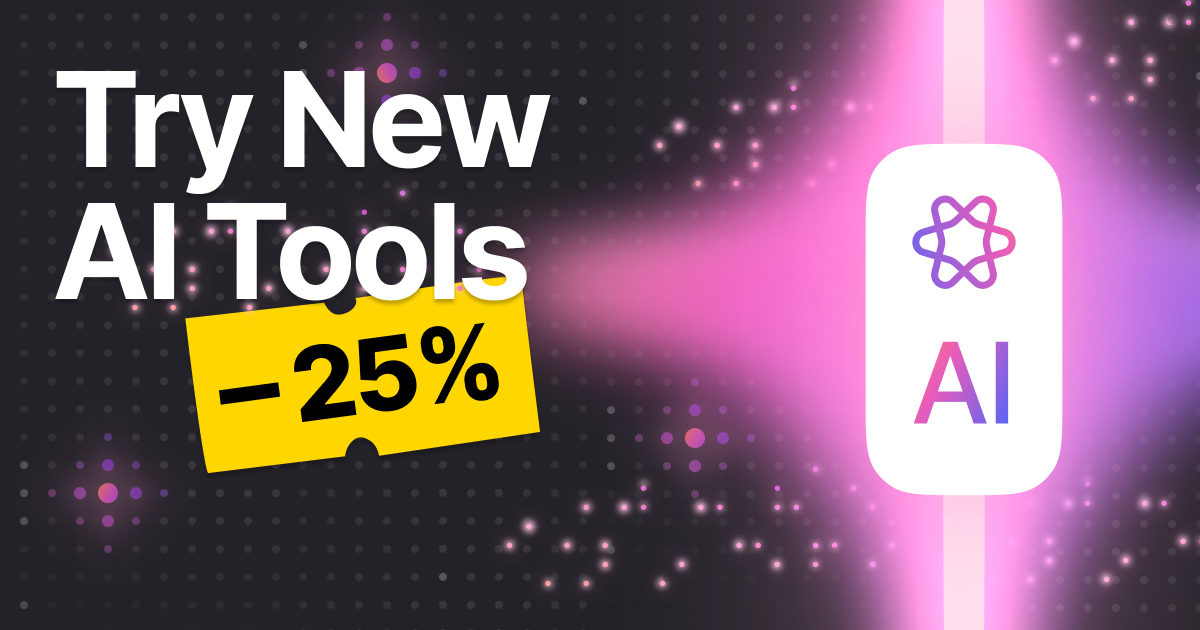

We know you came for the downloads. But we just shipped something that makes your downloads a whole lot more useful! 4K Video Downloader Plus Pro now includes a set of machine learning–powered audio tools — no third-party apps, no audio editor required.
They live right inside the app, accessible via a single "Process with AI" button next to any downloaded file. Press it, pick a tool, and let the model do the work.
Four AI-powered tools, one app
Here's what you can do with the new AI audio features:
Remove Vocals
Strip the vocal track from any song. Instantly turn a YouTube music video into a karaoke backing track.
Extract Vocals
Flip it around: keep only the vocals and drop the instruments. Great for isolating SoundCloud tracks.
Extract Voice
Separate spoken speech from background noise — crowd sounds, ambient music, reverb. Clean up vlogs and podcasts in seconds.
Remove Echo
Reduce room reflections and reverb so recordings sound direct and present, not like they were shot in a bathroom.
How it works
Once you've downloaded a video or audio file as usual, a Process with AI button appears alongside it in your downloads list. Click it to open the audio processing panel — no export step, no switching to a separate app.
The processing happens locally on your machine, which means your files stay private and the results land in your downloads folder just like any other output. For a full walkthrough of each tool, check out the official feature announcement.
The release promo: 25% off
To mark the launch, we're running a limited-time discount. Through April 5, 2026, you can get 25% off a 4K Video Downloader Plus Pro license or the 4K Pro Bundle. So if you've been on the fence, now is a good time.
25% off 4K Video Downloader Plus Pro or 4K Pro Bundle available until April 5, 2026.
Who's this for?
These tools slot into a few pretty obvious workflows. If you download music to listen offline, Remove Vocals turns any track into a karaoke version instantly. If you archive podcasts or interview recordings, Extract Voice cleans up the audio so it's actually listenable. Vloggers who shoot in noisy environments will find Remove Echo genuinely useful for salvaging footage they'd otherwise have to reshoot.
What used to require exporting audio to a separate editor and importing it back now takes a single click inside the app you're already using.
The tools are available exclusively in the Pro version of 4K Video Downloader Plus. If you're already on Pro, the update brings them to you automatically. If you're on the free tier, this is a good moment to upgrade, especially with 25% off on the table.
For technical details on how each AI tool works, see the full release post: Meet AI Processing Tools in 4K Video Downloader Plus.
 SHARE ON TWITTER


Thanks for feedback
Your comments will appear here shortly. Please spread the word about us in social networks.