4K Video Downloader Plus vs. JDownloader 2
Looking for a JDownloader 2 alternative?
Compare a dedicated video downloader with a general-purpose download manager across formats, YouTube features, and setup.

4K Video Downloader Plus

62+ Million
satisfied users worldwide
1000+ Awards
from tech industry PROs
10+ Years
of stable performance
Why Choose 4K Video Downloader Plus over JDownloader 2?
JDownloader 2 was built mainly for file-hosting services, while 4K Video Downloader Plus is designed specifically to save video and audio, with everything you need ready in one app from the first launch.
Why Choose 4K Video Downloader Plus over JDownloader 2?
JDownloader 2 was built mainly for file-hosting services, while 4K Video Downloader Plus is designed specifically to save video and audio, with everything you need ready in one app from the first launch.




4K Video Downloader Plus vs. JDownloader 2 Comparison

Setup Time

Video-to-Audio Conversion

In-App Search & Browser

Channel Subscriptions

Available Formats
Audio: M4A, OGG, MP3.
Audio: M4A, Opus.

Audio Post-Processing
See the Full Comparison
| 4K Video Downloader Plus | JDownloader 2 | |
|---|---|---|
| Getting Started | ||
Interface | Point-and-click interface built for video and audio | Desktop download manager with extensive advanced settings |
Setup time | Under 60 seconds (install and run) | Main Windows installer can include optional third-party offers; FFmpeg added on first video download |
| Formats & Coverage | ||
Formats | Video: MKV, MP4 Audio: M4A, OGG, MP3 | Video: MP4, WebM Audio: M4A, Opus |
Quality | Video: Up to UHD 8K Audio: Up to 320 kbps (where available) | Video: Up to UHD 8K Audio: As provided by YouTube (M4A, Opus) |
Supported sites | YouTube, Twitch, TikTok, Facebook, Bilibili, Vimeo, Dailymotion, Flickr, SoundCloud, YouTube Gaming, YouTube Kids, Rumble, BitChute and more | YouTube, Vimeo, Instagram, X (Twitter), VK, Google Drive, Archive.org, hundreds of file-hosting services and more |
| Search & Batch | ||
In-app search and browser | Yes Browse and download directly | No Links must be found in an external browser |
YouTube search results download | Yes Download entire sets of search results | No Search results page links aren’t supported |
Batch download | Yes Channels and playlists in one click | Yes Playlists and channels via the link grabber |
| Advanced Download | ||
YouTube auto-dubbed audio | Yes (Pro) Pick one track or save all tracks in a single file | Yes Tracks aren’t always packaged into one video by default |
80+ language subtitles | Yes Choose languages in the download window | Yes Extra languages set manually via language codes in Advanced Settings |
3D and 360° (VR) video | Yes | Yes |
Post-processing | Yes (Pro) Noise, echo, and music removal, vocal isolation | Yes, but ... Archive extraction only, no audio tools |
Explore Possibilities of
4K Video Downloader Plus

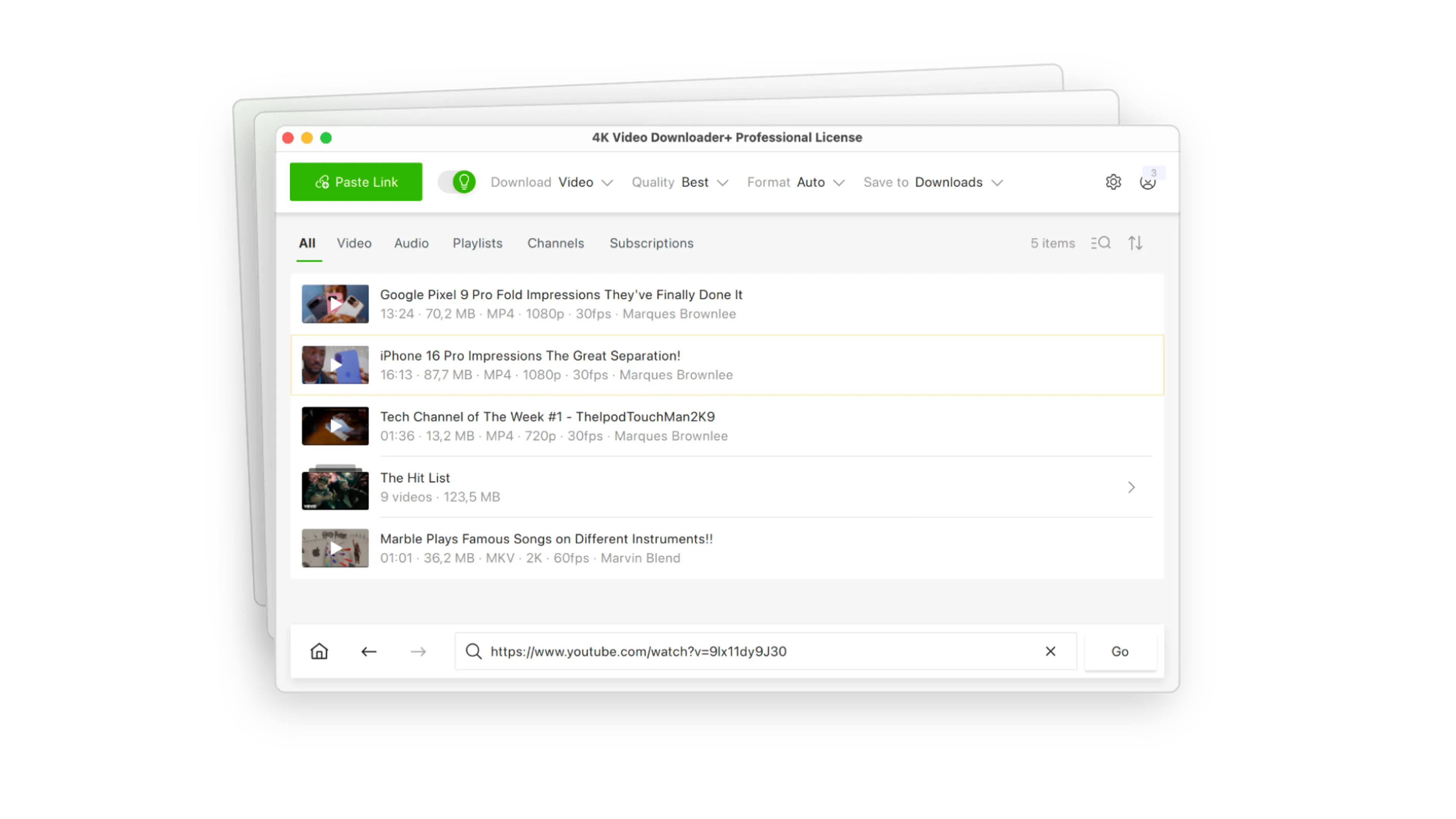
Batch Channels & Playlists Download
Forget copying and pasting video links one by one. Paste a single link to grab entire multi-gigabyte playlists and channels from YouTube, SoundCloud, and more sites.

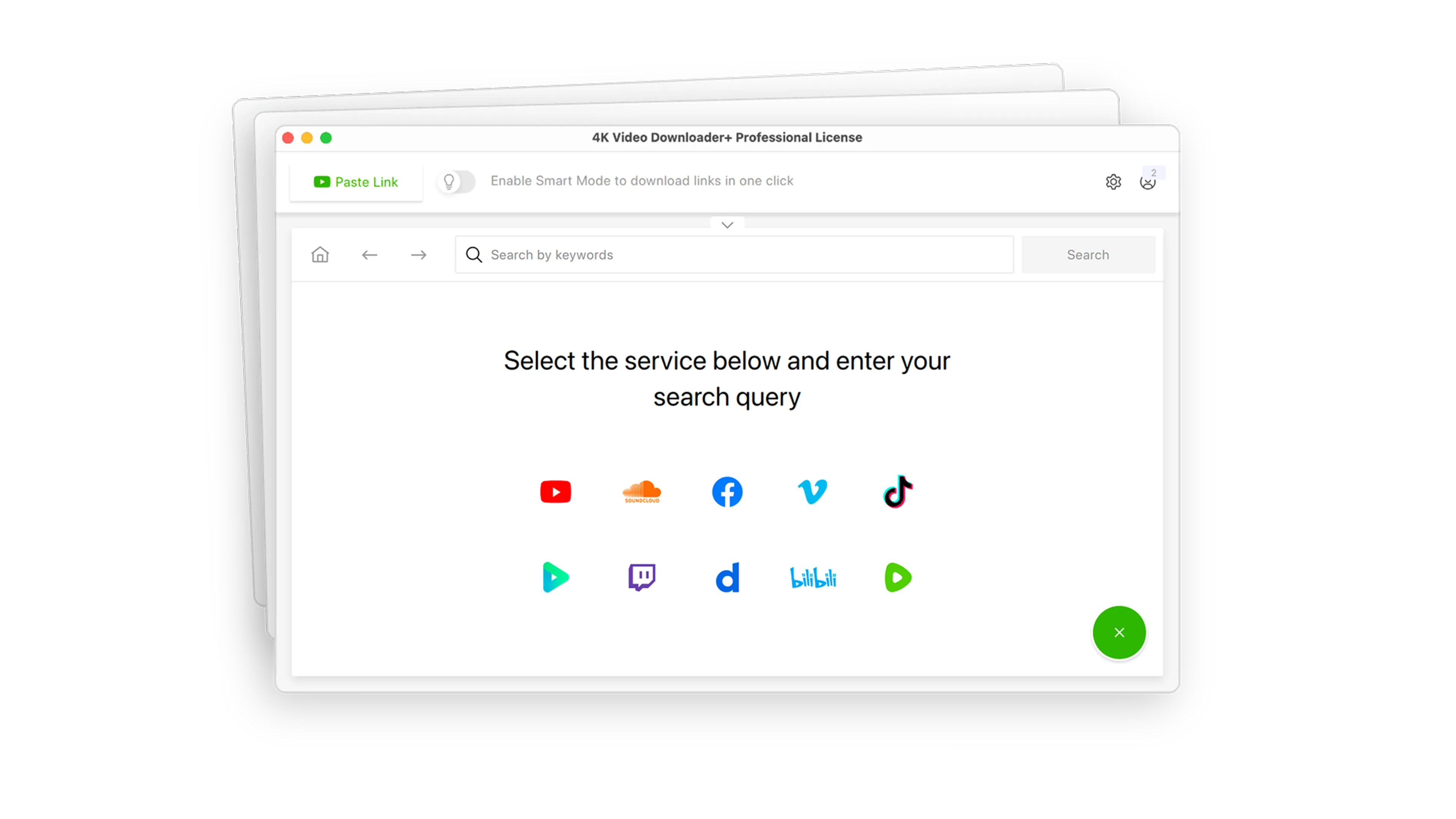
YouTube Search Results Download
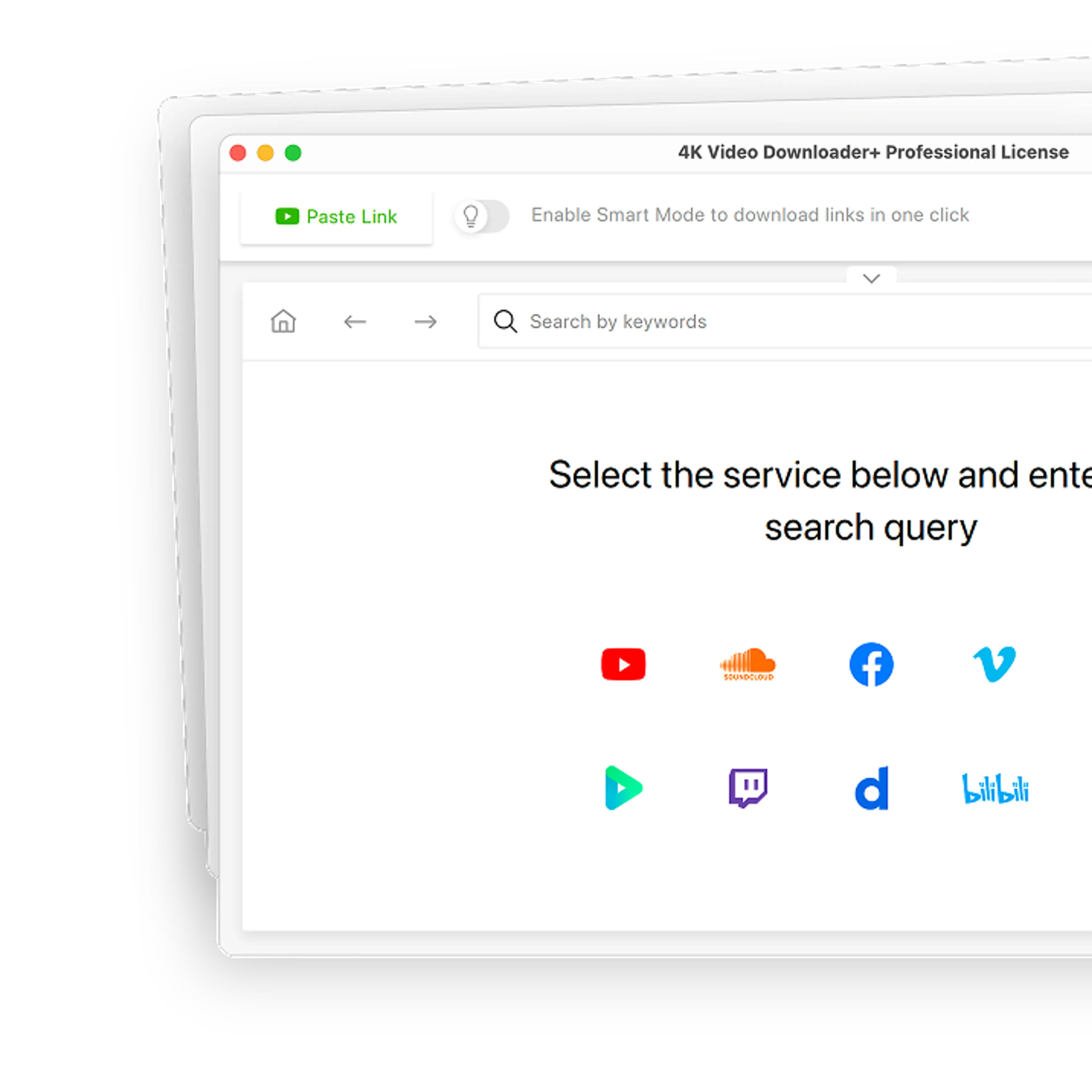
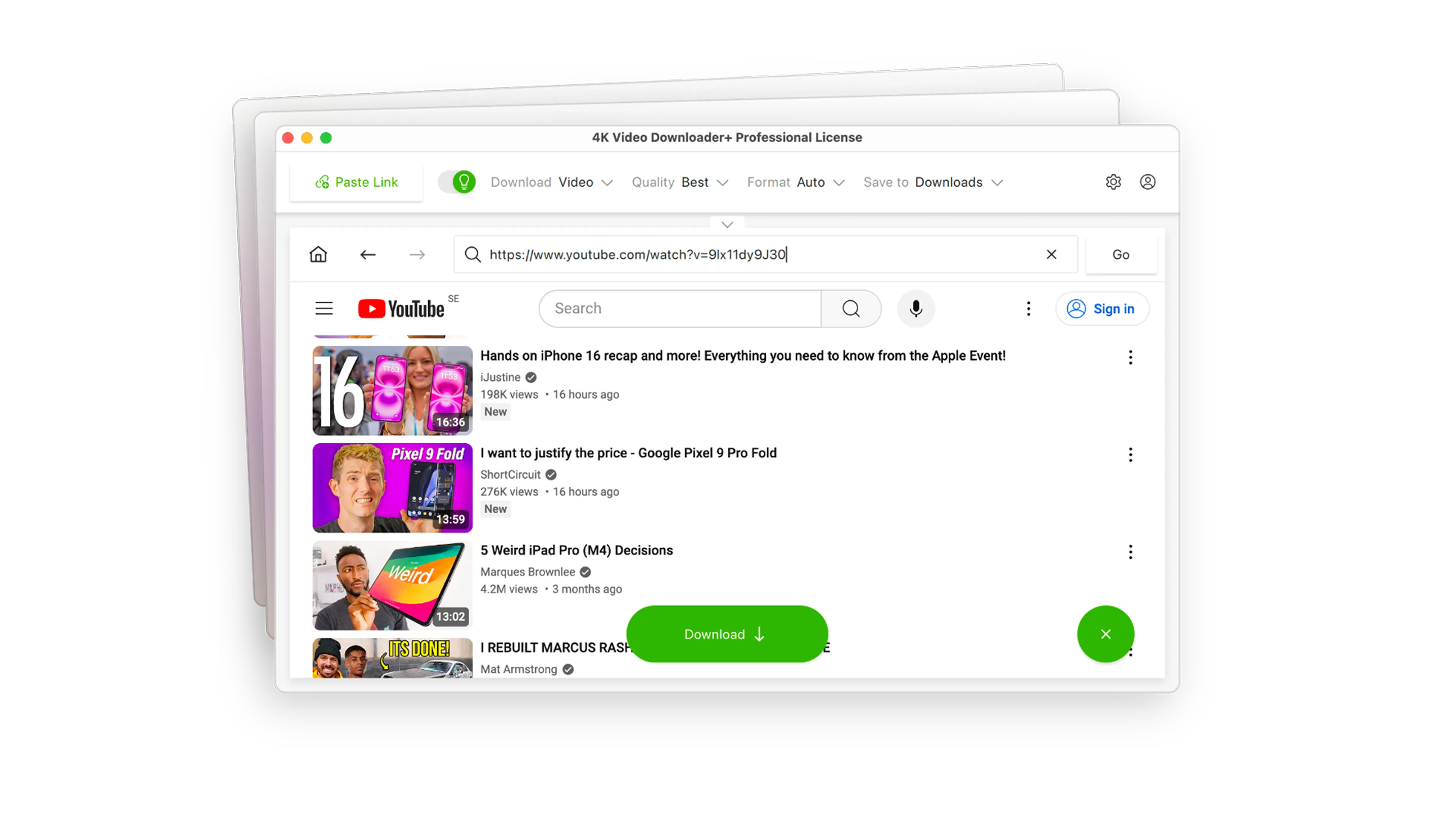
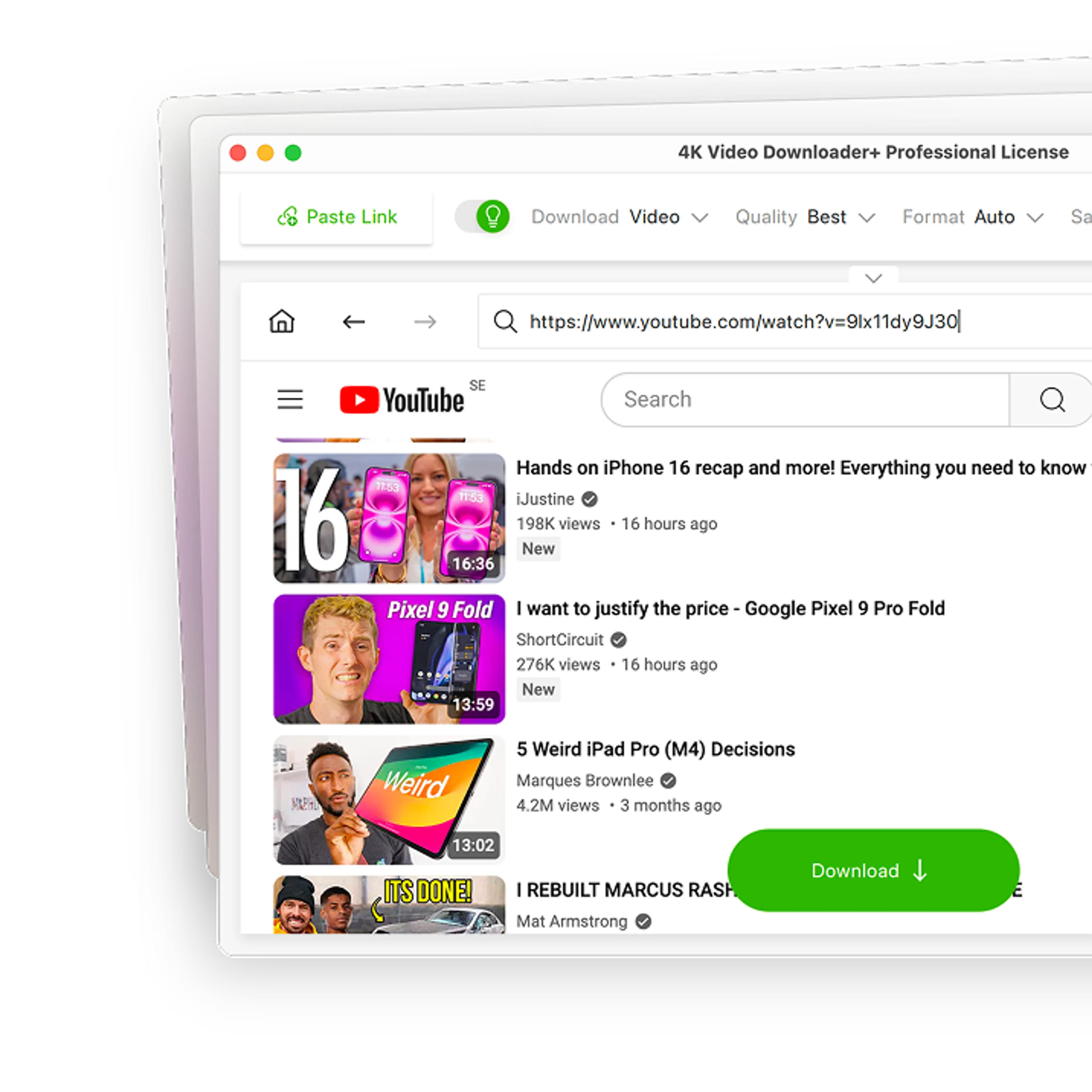
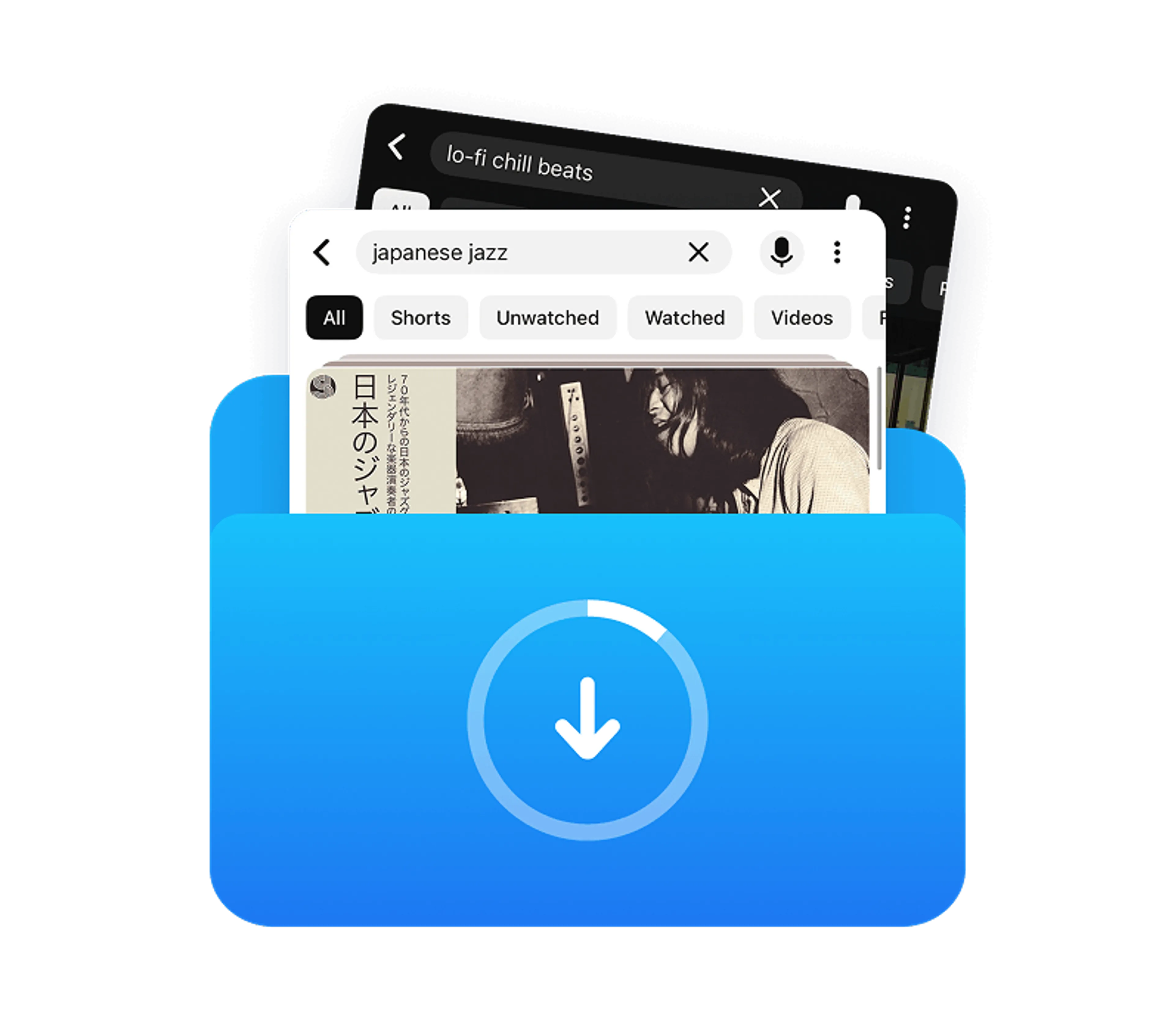
Don't waste time bouncing between tabs. Search for any video directly inside the app, and download individual files or entire sets of search results without ever opening an external web browser.

Auto YouTube Channel Subscriptions
Subscribe to your favorite creators inside the app, and new videos will download automatically the moment they go live.

4K & 8K Support
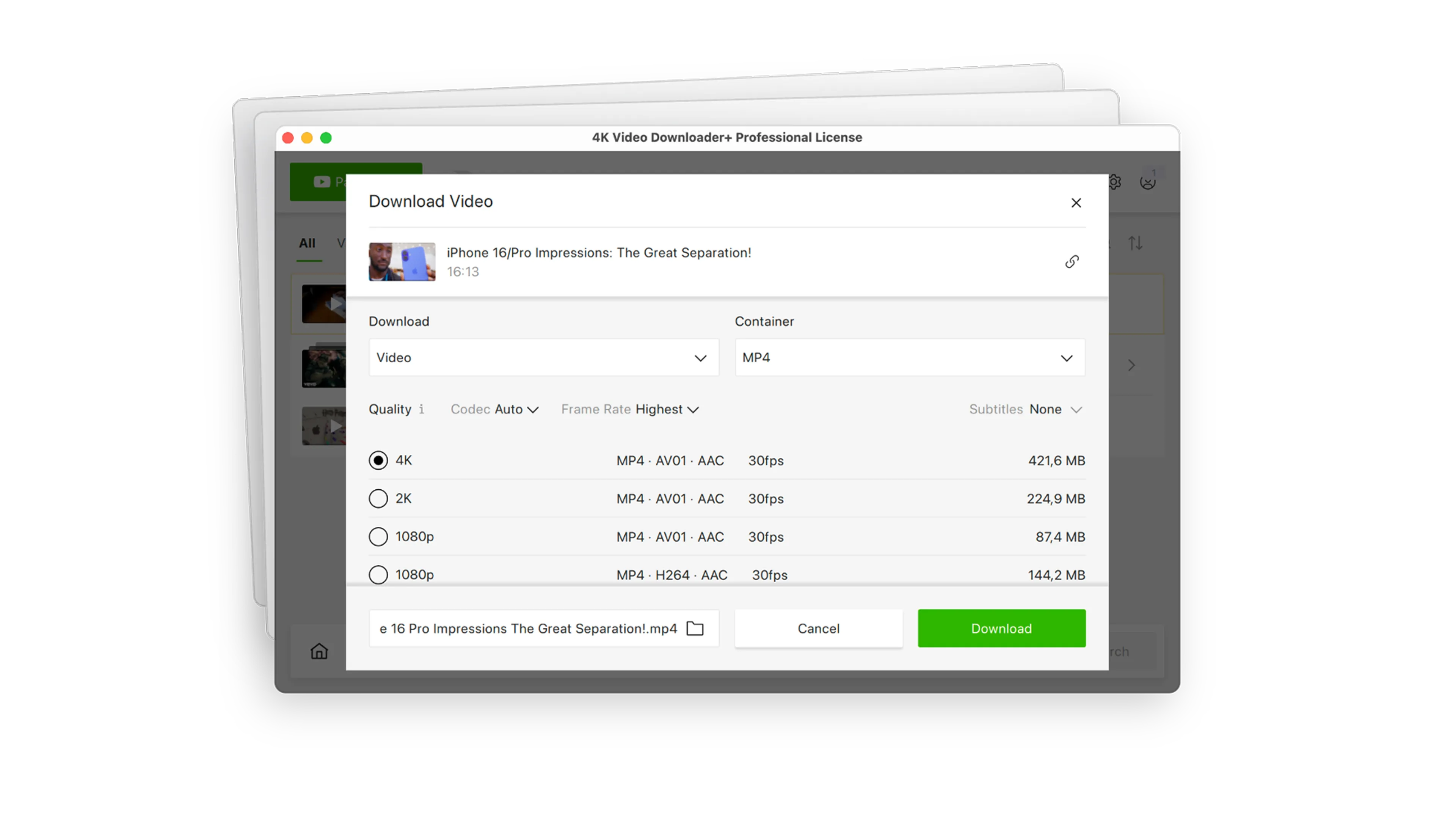
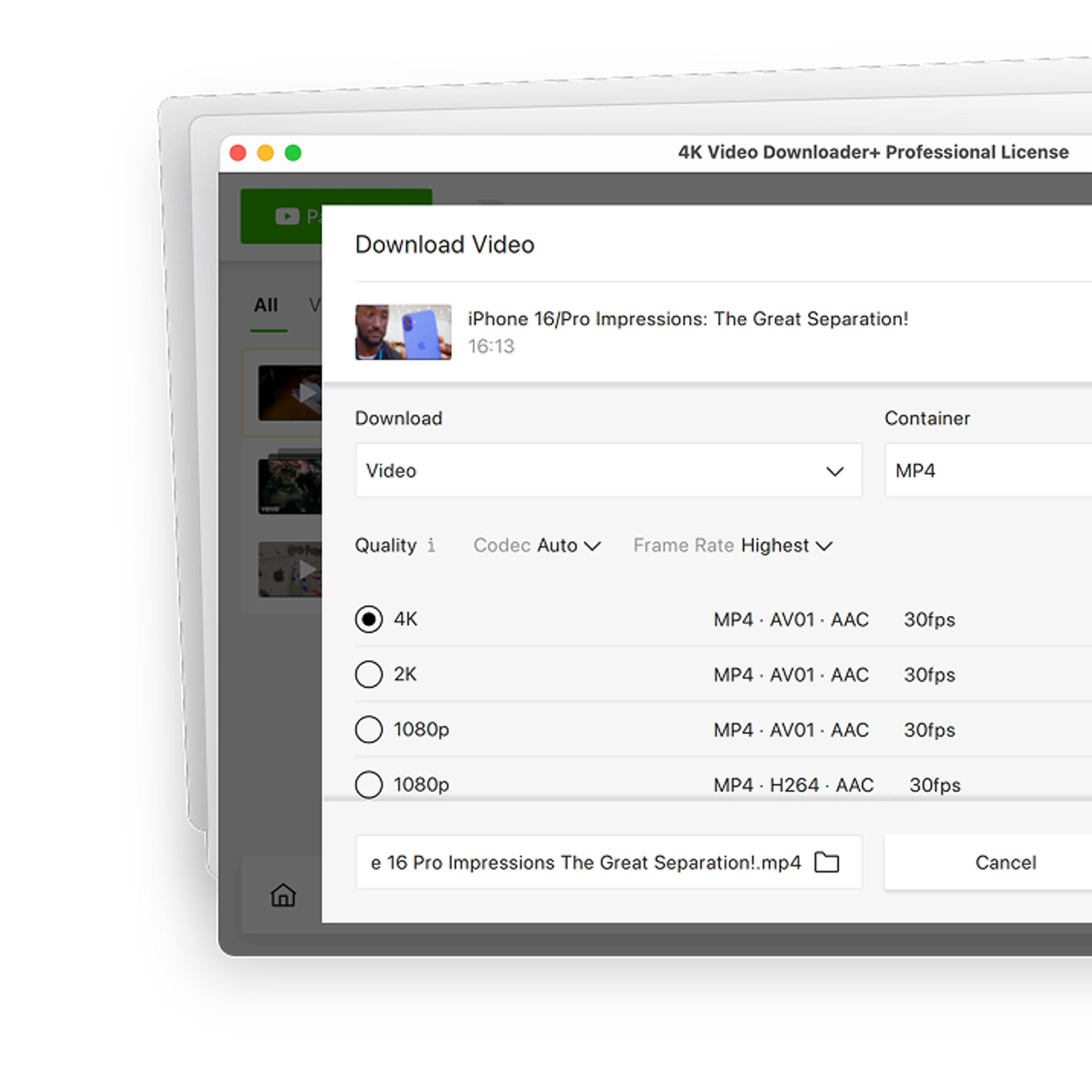
Select the highest possible resolution, complete with multi-language subtitles and embedded metadata, with zero configuration.

Private Content Download
Access what free online downloaders can't touch. Log in safely through our secure environment to download private, age-restricted, or login-protected media from YouTube, Bilibili, Vimeo, and Facebook.

One-Click Smart Mode
Set your preferred format, quality, and destination once. After that, downloading takes exactly one click.

360° & 3D Videos Support
Download immersive VR and stereoscopic 3D videos in the correct projection formats with zero manual network configuration. Simply paste the link, and the app automatically handles the metadata so your media is instantly ready to play on your PC or VR headset.

Auto-Dubbed Audio Support
Save videos with alternative audio options. Effortlessly download multi-language tracks, including YouTube’s native auto-dubbed tracks, so you always have the narration or language you need.

Instant Video-to-Audio Conversion
Turn video files into audio in seconds. Automatically extract HQ music tracks, lectures, or podcasts from videos and convert them directly to MP3, M4A, or OGG.

Proxy Connection for Unrestricted Access
Bypass restrictions set by your Internet service provider and get around your school or workplace firewall. Connect through an in-app proxy to access and download from YouTube and other sites.
Over 60 Million Users Enjoy Using Our Apps
FAQ
JDownloader 2 is a free, Java-based download manager developed by AppWork GmbH. It was built mainly for downloading from file-hosting services, but it also supports video sites such as YouTube and Vimeo through plugins. It runs on Windows, macOS, Linux, and NAS devices.
JDownloader 2 is legitimate software from a registered German developer, but pay attention during installation. The main Windows installer on the official site can include optional third-party software offers that you can decline. To avoid them entirely, use the alternative installer without offers from the official download page or reliable 4K Download software.
JDownloader 2 not being fast enough is a common complaint. To make it faster, check that no bandwidth limit is set in JDownloader 2’s settings. You can also increase the number of simultaneous downloads and connections per file. For file-hosting services, speed often depends on the host itself, and JDownloader supports premium hosting accounts, which usually remove free-tier speed limits.
No, not natively. JDownloader 2 saves YouTube audio in the formats YouTube provides, M4A, or Opus, so getting an MP3 requires a separate conversion tool. 4K Video Downloader Plus converts videos to MP3, M4A, or OGG directly in the app.
Yes, JDownloader 2 can download multi-language and auto-dubbed audio tracks, but it doesn’t always package them into a single video by default. 4K Video Downloader Plus Pro lets you pick one track or save all tracks together in one file from the download window.
If you mostly download video and audio from YouTube and similar sites, 4K Video Downloader Plus is the better fit: it handles these tasks with less setup and keeps every tool in one app. JDownloader 2 makes more sense if you mainly download from file-hosting services, where its premium account support and automatic archive extraction come in handy.
Try a New, Fast, Reliable Way of Downloading Videos
4K Video Downloader Plus