



YouTube Shorts have become a staple of online video consumption in 2026. With 12 million Shorts uploaded and 90 billion watched daily, users increasingly look for ways to save content for offline viewing, archiving, or repurposing in their own projects. Daily views have surged from 30 billion in 2021 to 200 billion by June 2025, marking a 186% year-over-year increase from prior 70 billion benchmarks. This growth reflects Shorts' popularity, with over 910 million total Shorts posted to date and an average of 647 views per Short.
However, downloading Shorts isn’t always straightforward. Quality, download speed, and device compatibility can vary widely between tools. To help, we’ve tested and compiled a list of the best YouTube Shorts downloaders available in the year that is approaching.
What to Look for in a YouTube Shorts Downloader
Not all downloaders are created equal. Some prioritize speed, while others focus on quality or versatility. When choosing a downloader, consider several factors:
Video quality and format: Many tools allow downloading at resolutions from 720p to 4K, and formats typically include MP4 and MP3 for audio extraction.
Speed and reliability: If you plan to download multiple Shorts or entire playlists, batch download and download-resume options can save time.
Platform support: Compatibility with Windows, macOS, Android, or web-based tools can influence your choice.
Safety and privacy: Free tools can come with ads or risk malware. Verified and trusted software is safer, especially if you handle sensitive files.
Extra features: Some downloaders offer playlist downloads, automatic subtitle extraction, or even basic video editing.
Understanding your priorities helps narrow the field to tools that fit your workflow.
Top YouTube Shorts Downloaders for 2026
4K Video Downloader Plus — Our Choice
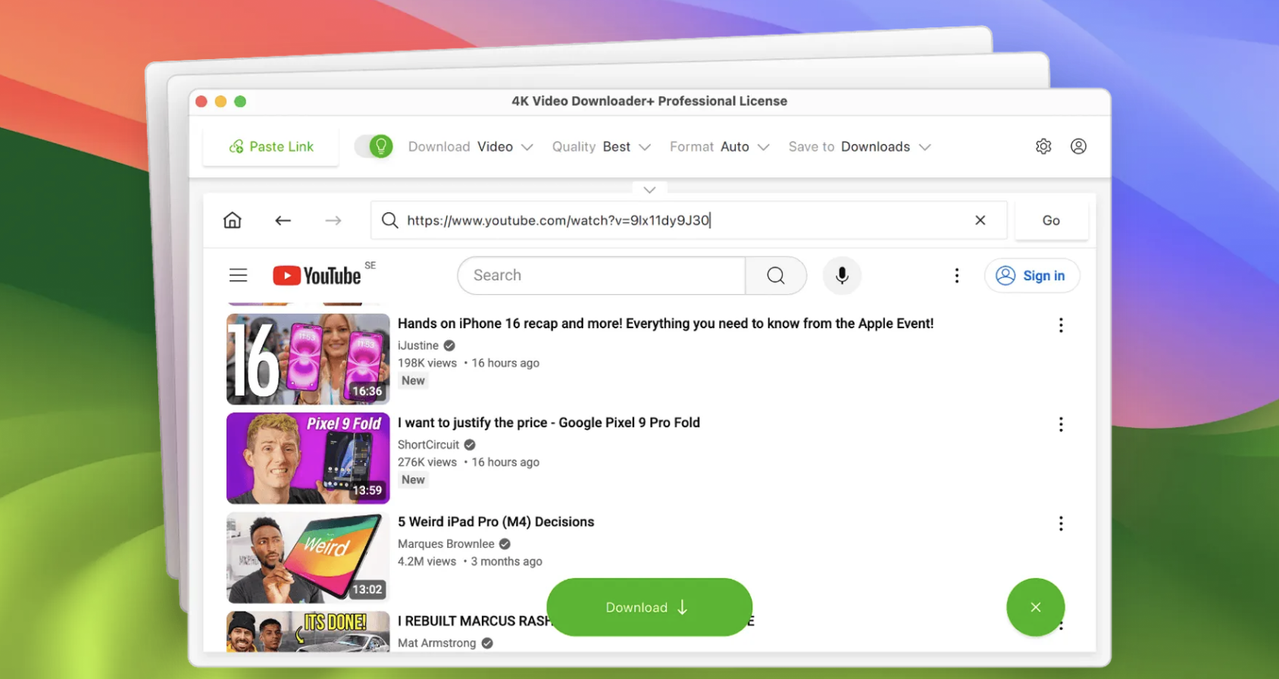
4K Video Downloader Plus remains one of the most versatile tools. It supports high-quality single YouTube videos downloads, playlists, subtitles, audio tracks, Shorts, private videos, search results in YouTube, and even entire channels. In addition to just YouTube, 4K Video Downloader Plus saves audio and video from plenty of other sources, including but not limited to Vimeo, Twitch, SoundCloud, YouTube Gaming, Rumble, BiliBili, and many other sources.
Pros:
- The app downloads Shorts quickly without buffering, ideal for single clips via simple paste-link process.
- Supports high-quality formats (up to 4K/8K where available) and channel Shorts tabs, with Smart Mode for batch preferences.
- Handles playlists/channels including Shorts, plus subtitles and multi-audio, surpassing basic online downloaders.
- You can subscribe to any channel or playlist within the app and get Shorts downloaded to your device automatically.
- No watermarks
Cons:
- Some advanced features, like unlimited playlist downloads, require a license. Free version limits to 10 videos/day, pushing paid upgrade for heavy Shorts use; less specialized than dedicated Shorts tools.
SnapDownloader
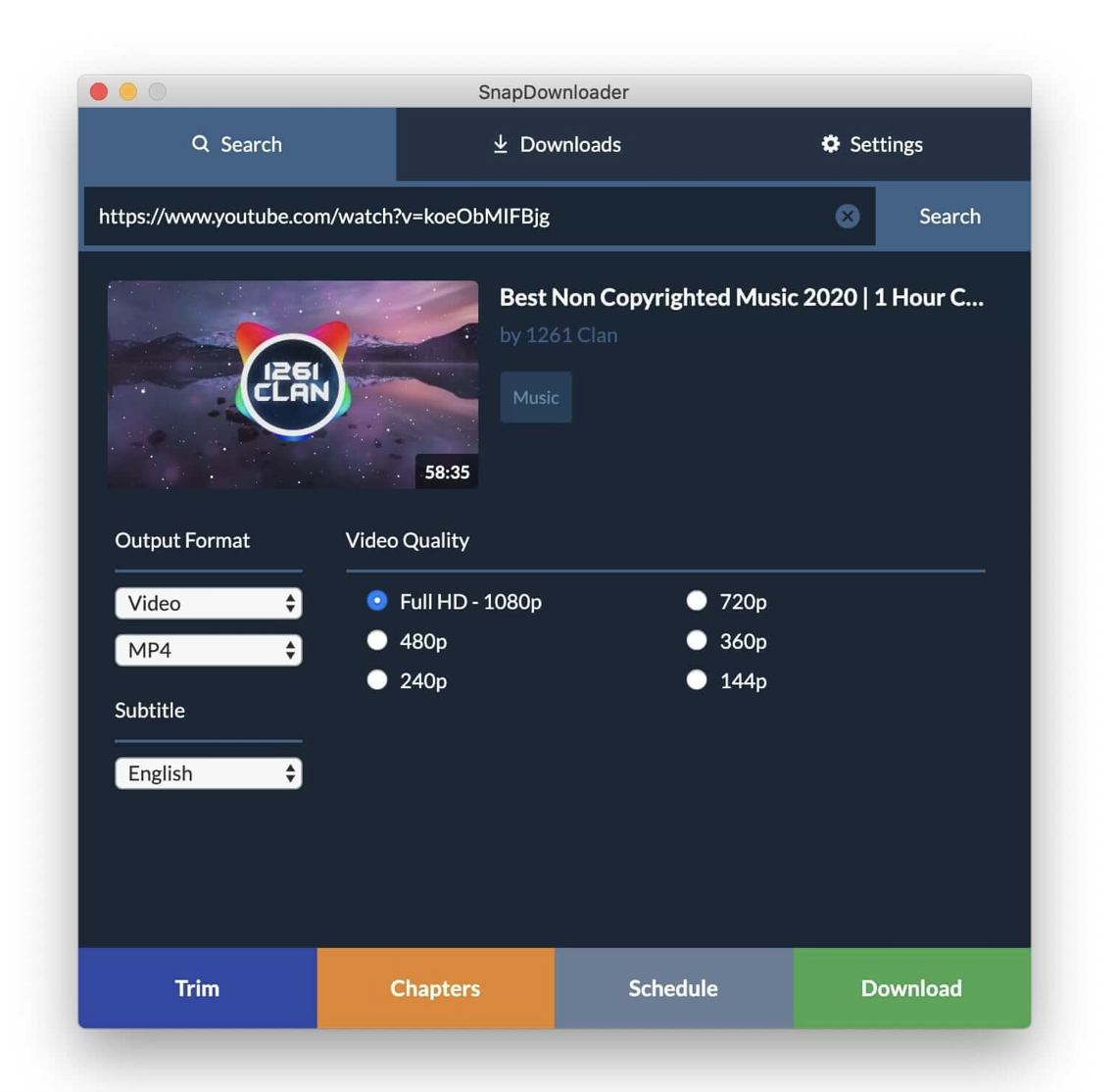
SnapDownloader offers multi-platform support, including Windows and macOS, and supports resolutions up to 8K. Its batch download feature is efficient, and it can convert videos to audio or other formats on the fly. SnapDownloader is loved for fast speeds and batch options, which might be a great option to save Shorts for offline viewing. Besides, SnapDownloader has a few editing options which makes it a more versatile tool than just a video downloader.
Pros:
- Supports Shorts downloads in high quality (720p to 8K) with easy paste-link or in-app search, plus bulk from playlists/channels.
- Features like video trimming, subtitles, format conversion (MP4, MP3), and private video support enhance Shorts handling beyond basic tools.
- Handles 15+ concurrent downloads across platforms like TikTok and Instagram, ideal for creators grabbing multiple Shorts efficiently.
Cons:
- The subscription model may not suit casual users.
- Occasional failures downloading certain YouTube Shorts or videos that free tools manage, frustrating paid users.
- Less specialized for Shorts tabs/subscriptions compared to dedicated tools, potentially slower on large batches.
Y2Mate
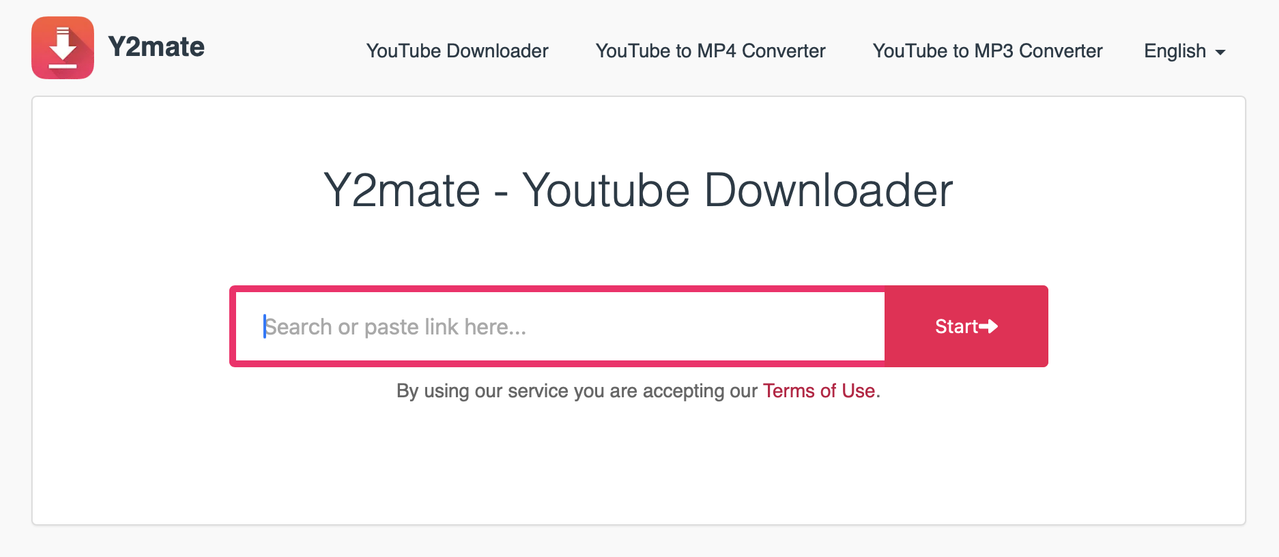
Web-based tools like Y2Mate are popular for quick downloads without installation. They are convenient for one-off downloads or users on mobile devices. Y2Mate offers free, browser-based YouTube Shorts downloads with simple URL pasting and quality options up to 1080p, but heavy ads, security risks, and instability make it unreliable for consistent Shorts use.
Pros:
- Completely free with no registration or limits, accessible on any device for quick single Shorts via paste-and-download.
- Retains original video quality without watermarks, supporting MP4/MP3 formats across platforms like mobile and desktop.
- Fast processing for most Shorts, ideal for offline viewing without apps or software installation.
Cons:
- Aggressive ads, redirects, and pop-ups pose malware/security risks and interrupt the process frequently.
- No batch downloading, subtitles, or reliable high-res support; prone to failures, slow speeds, and parsing errors.
- Unstable service with downtime, especially for copyrighted/age-restricted Shorts, lacking metadata preservation.
VideoProc Converter
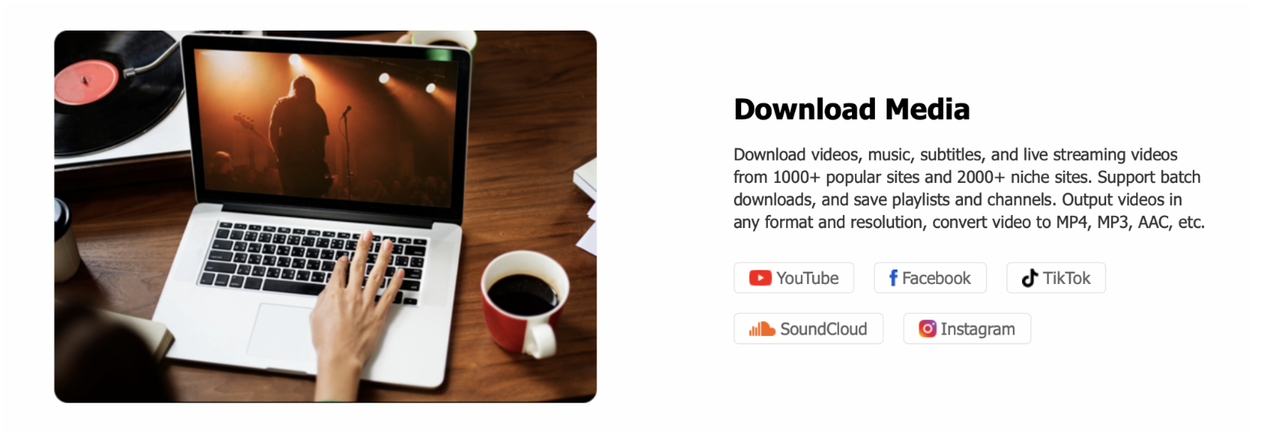
VideoProc Converter AI downloads YouTube Shorts effectively as part of its broad video downloader from over 1000 sites, supporting high resolutions up to 8K with batch capabilities, but it's more a full converter suite than a dedicated Shorts tool. The tool also combines downloading with basic editing. It supports multiple formats and resolutions and can handle playlists, though batch downloading is slower than dedicated downloaders.
Pros:
- Handles Shorts via simple URL paste for fast, stable batch downloads (up to 999+ files) in HD/4K/8K, with auto-subtitles and no watermarks.
- AI upscaling enhances Short quality post-download, plus format conversion to MP4/MP3 and playlist/channel support for creators.
- Clean, private experience without ads or limits, outperforming browser-based tools for reliable Shorts grabs.
Cons:
- Not the fastest option for large-scale downloads.
- Primarily a converter/editor, so Shorts downloading feels secondary with steeper learning curve than specialized apps.
- Paid software after trial, lacking free unlimited access; occasional site compatibility tweaks needed for YouTube changes.
- Bulkier install for all-in-one features, overkill for simple single Shorts compared to lightweight downloaders.
EaseUS Video Downloader
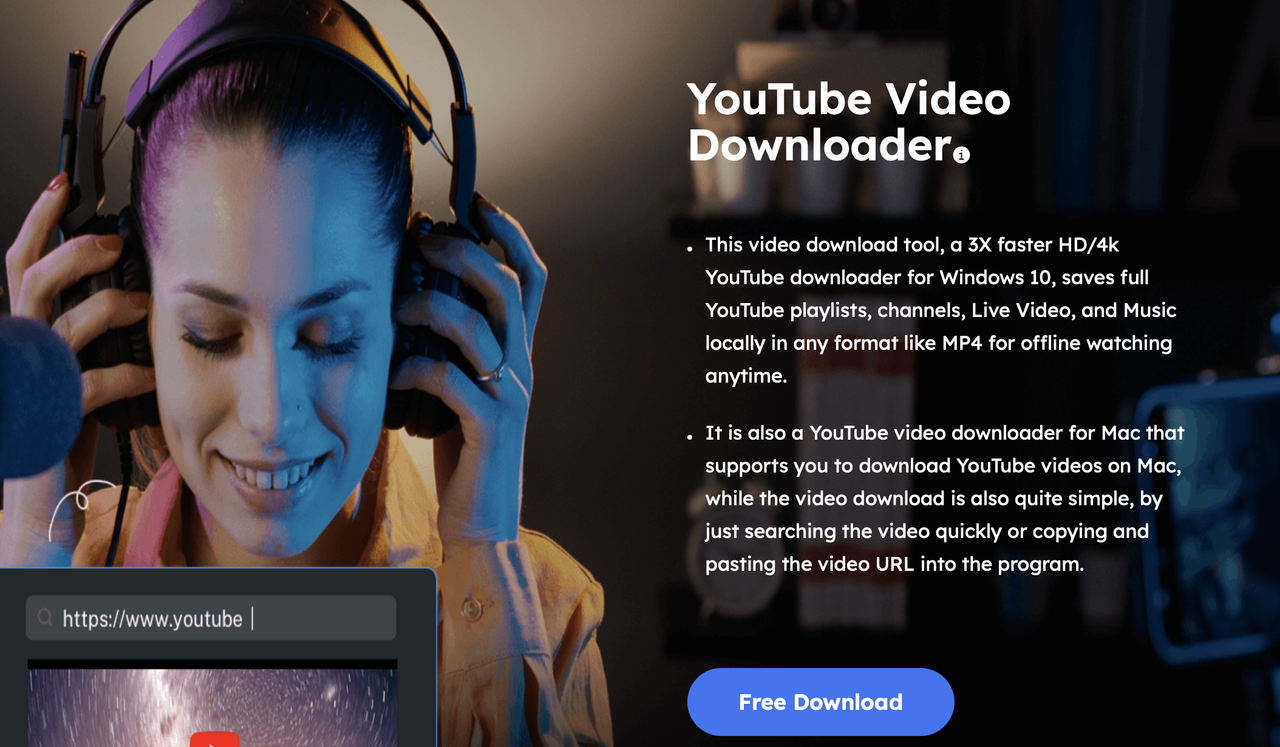
EaseUS Video Downloader is a comprehensive desktop application for Windows and Mac, designed to grab YouTube Shorts alongside videos from over 1,000 sites including TikTok and Instagram. It supports resolutions up to 8K, batch downloading of entire Shorts playlists or channels, format conversion to MP4/MP3/AVI, and features like built-in video merging and private video access via login. Users paste URLs or use in-app browsing for quick Shorts extraction, with options for subtitles and proxy support to bypass restrictions.
Pros:
- Excellent batch processing for Shorts-heavy channels (up to hundreds at once)
- Maintains original 1080p vertical quality without watermarks
- Includes ad-free playback scheduling
- Highly stable post-YouTube updates
Cons:
- Requires purchase after a limited trial (30 videos/day free)
- Interface feels bloated for simple single-Short tasks
- Occasional parsing delays on age-restricted content
VidMate
VidMate is a free Android-exclusive mobile app (distributed via APK) that excels at downloading YouTube Shorts, Reels, and other short-form videos from multiple platforms like Facebook and Vimeo. It offers in-app YouTube integration for searching and auto-detecting Shorts tabs, with quality choices from 360p to 1080p, audio-only extraction, and background downloading. Additional perks include live streaming capture and a built-in player for previews before saving to device storage.

Pros:
- Completely free with unlimited downloads
- Lightning-fast for mobile Shorts
- Preserves metadata like titles without ads interrupting the core process
Cons:
- Needs sideloading (risky for security)
- Heavy on intrusive ads/pop-ups during use
- Lacks desktop support or advanced batch tools for large collections
ByClick Downloader
ByClick Downloader is a lightweight Windows-focused tool that automatically detects and downloads YouTube Shorts embedded in playlists, channels, or home feeds. It handles up to 4K resolutions, supports MP3 conversion for audio Shorts, and includes smart URL detection from clipboard for one-click saves. Features like download scheduling, duplicate removal, and multi-language subtitles make it creator-friendly for archiving Shorts libraries efficiently.
Pros:
- Seamless auto-download of Shorts from subscriptions/playlists
- Customizable speed limits to avoid bans
- Generous free tier (no daily limits on basics).
Cons:
- Windows-only with no Mac version
- Free edition caps concurrent downloads at low numbers
- Frequent YouTube algorithm changes cause temporary Shorts detection failures.
ClipGrab
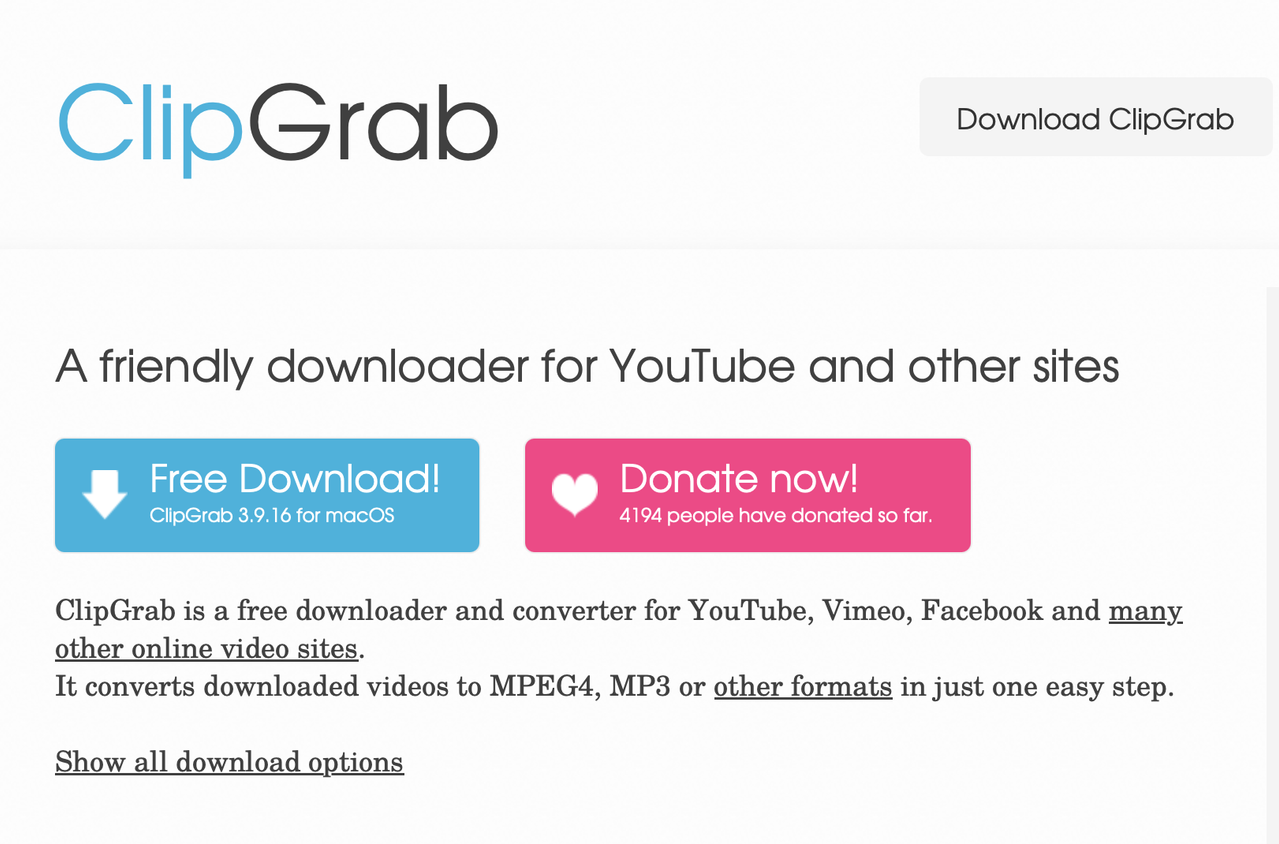
ClipGrab is an open-source, cross-platform (Windows, Mac, Linux) downloader with a minimalist interface for pasting YouTube Shorts URLs directly. It searches sites internally, converts to MP4 or MP3 on-the-fly, and supports quality auto-detection up to 1080p for vertical Shorts. No account needed, it emphasizes privacy with no tracking, and handles basic playlists though not optimized for massive Shorts batches.
Pros:
- Totally free and ad-free forever
- Rock-solid reliability for individual HD Shorts across devices
- Lightweight (under 50MB install) with no bloat.
Cons:
- Lacks batch/playlist support for Shorts channels
- Slower processing on high-res files
- No mobile app or advanced features like subtitles
NoteBurner YouTube Downloader
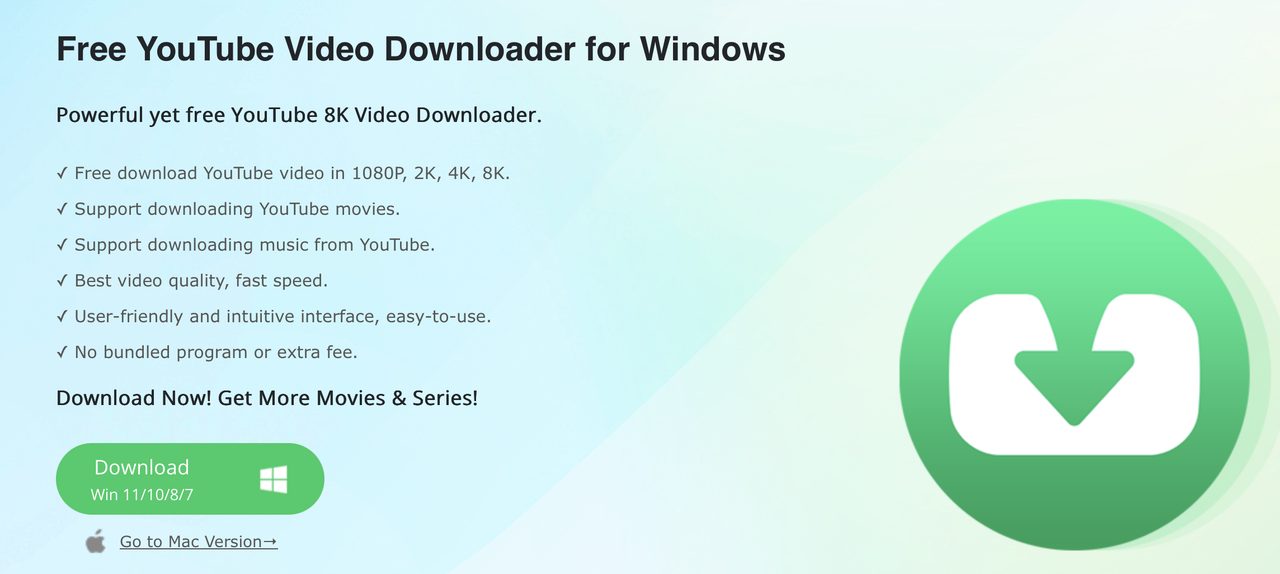
NoteBurner is a premium desktop app for Windows and Mac tailored for high-fidelity YouTube content, including Shorts from playlists and channels in up to 1080p. It bypasses watermarks/ads, retains full metadata (titles, descriptions), and outputs to MP4/MP3 with multi-audio tracks. Bulk mode processes 100+ Shorts simultaneously, with EAC (external audio converter) for perfect sync, ideal for offline editing or reposting.
Pros:
- Top-tier quality preservation and speed for bulk Shorts (no quality loss)
- 100% ad-free/safe operation
- Robust playlist support without YouTube login hassles.
Cons:
- Subscription model (no lifetime free option beyond trial)
- Higher price point for casual users
- Occasional updates needed for new Shorts formats
YTShortsDL
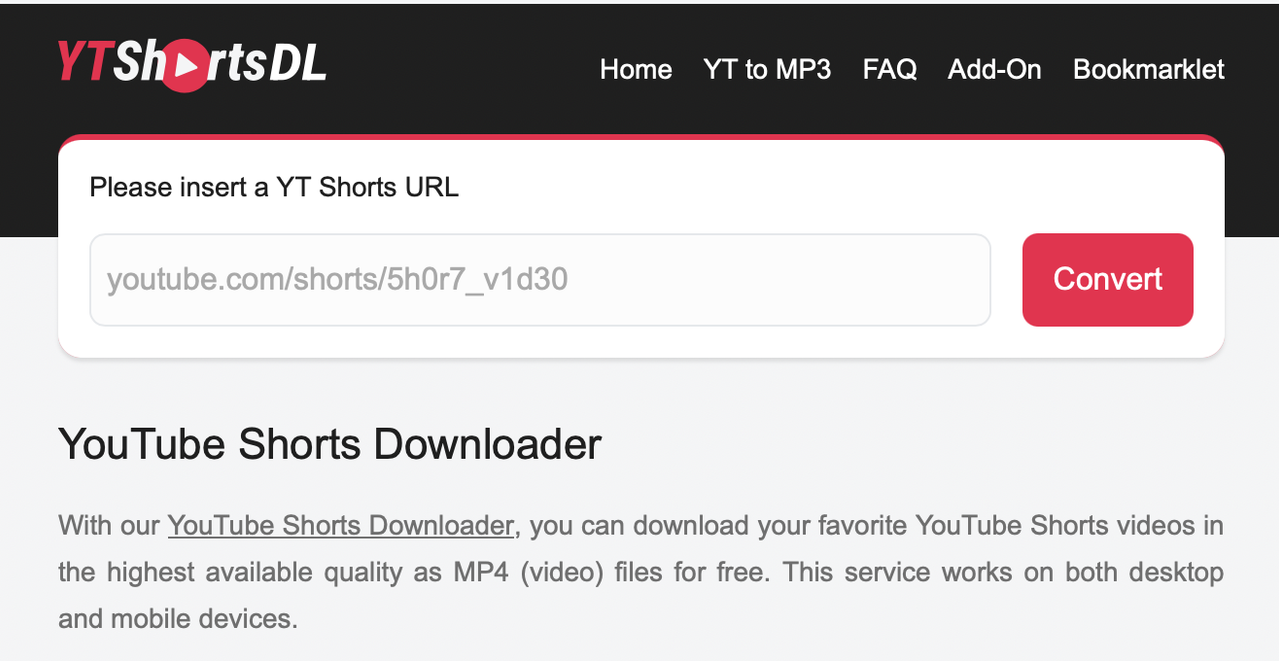
YTShortsDL is a no-install, web-based downloader accessible via any browser on desktop or mobile, specializing in instant YouTube Shorts conversion to HD MP4. Users paste a Short's URL for one-click processing (360p-1080p), with no registration or watermarks. It handles public Shorts quickly via server-side rendering, supporting embeds from searches but not private/logged-in content or bulk operations.
Pros:
- Zero setup for ultra-fast single Shorts on any device
- Clean interface with minimal ads
- Reliable HD output without software downloads.
Cons:
- No batch downloading or playlist support
- Server-dependent speeds cause queues during peaks
- Skips subtitles/metadata entirely
How to Download YouTube Shorts Safely
Downloading content from YouTube carries legal and safety considerations. Stick to trusted tools, avoid shady websites, and ensure your antivirus software is up to date.
On Desktop
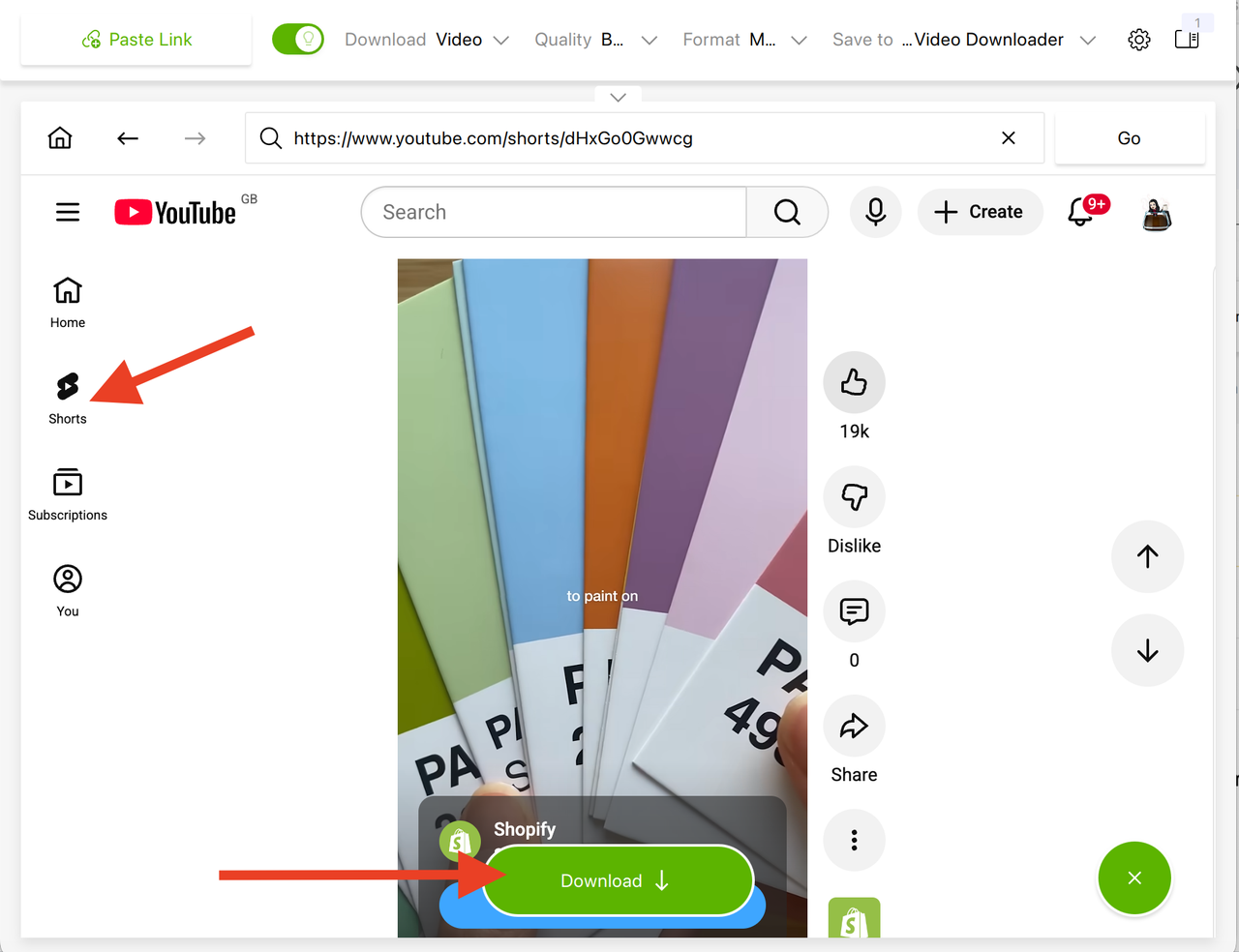
Using 4K Video Downloader Plus, you simply paste the link to a Shorts video, playlist, or channel, choose the resolution, and start the download. The tool handles batch processing automatically.
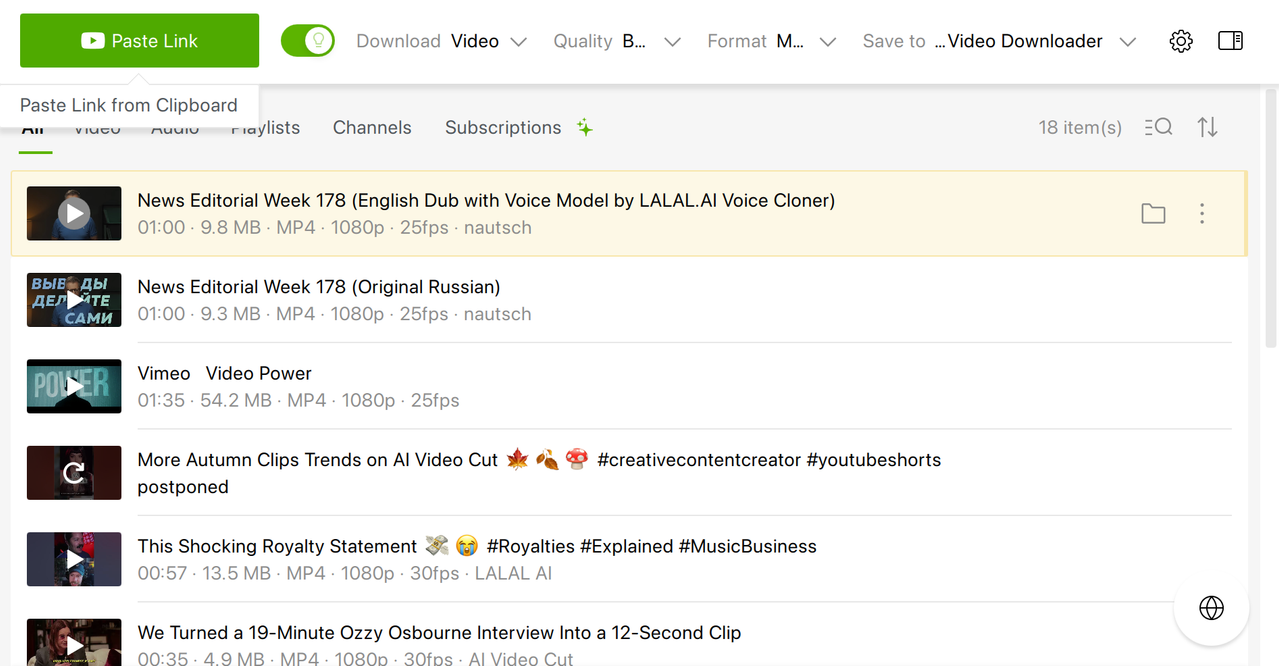
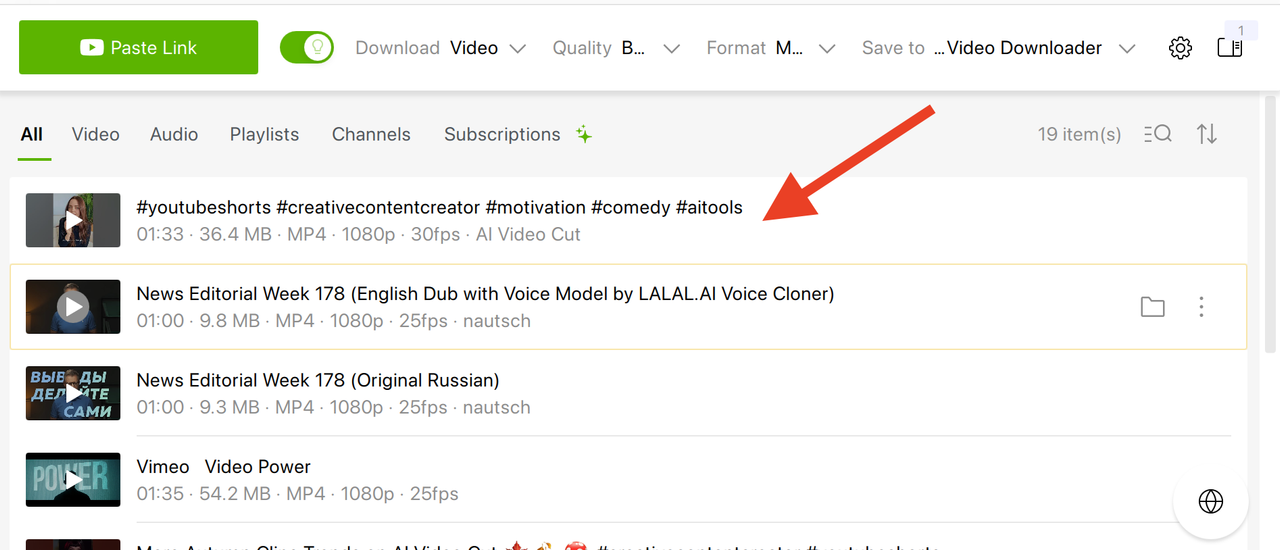
Besides, you can look for Shorts to download right in the app’s browser without opening Chrome, Safari, or Firefox on your PC.
On Mobile
Web-based downloaders like Y2Mate can work on Android, but expect ads and occasional slowdowns. Always verify the site’s URL to avoid phishing.
Remember that content downloaded for personal use is generally safer than redistribution, which can violate copyright laws.
- Open the website.
- Copy the YouTube Short’s URL.
- Paste it on Y2Mate or similar site and wait for the download to begin.
The video will be then automatically downloaded to your device.
FAQ
Can I download YouTube Shorts on my phone?
Yes, some web-based tools work on mobile browsers, but apps like 4K Tokkit and 4K Video Downloader are desktop-only. Mobile downloads may be slower and less reliable.
Is it legal to download YouTube Shorts?
Downloading for personal offline viewing is generally tolerated, but redistributing or monetizing content without permission can violate copyright laws.
Can I download entire channels of Shorts?
Tools like 4K Video Downloader Plus support channel and playlist downloads, which is convenient for researchers, educators, or fans archiving content.
What quality can I expect when downloading Shorts?
Most reliable tools support up to 4K resolution, though the quality depends on the original upload. Some converters allow extracting audio only.
Are there free options?
Yes, online tools like Y2Mate are free, but they may include ads and carry security risks. Desktop tools often offer free versions with limitations.
Choosing the right YouTube Shorts downloader depends on your priorities. For casual, one-off downloads, web-based tools can suffice. For creators, marketers, or educators who need high-quality, organized collections, desktop tools like 4K Video Downloader Plus offer speed, reliability, and extra features. Whatever your choice, following safe downloading practices ensures that your offline library grows without complications.
 SHARE ON TWITTER


Thanks for feedback
Your comments will appear here shortly. Please spread the word about us in social networks.