
This guide is no longer up to date
Due to technical changes on Nico Nico’s side, downloading videos from the platform is currently not supported in 4K Video Downloader Plus.
Niconico(NicoVideo)是一家在全球範圍內提供的日本視頻託管服務。 Niconico用戶觀看、分享和上傳不同類型的視頻,最受歡迎的視頻通常與動漫、視頻遊戲、流行音樂、AMV(動漫音樂視頻)等有關。 如果您想從Niconico免費下載高清視頻,您可以使用4K Video Downloader Plus。 按照下面的簡單步驟開始下載。
1. 啟動4K Video Downloader Plus。 它適用於macOS、Windows、Linux和Android。
獲取4K Video Downloader Plus
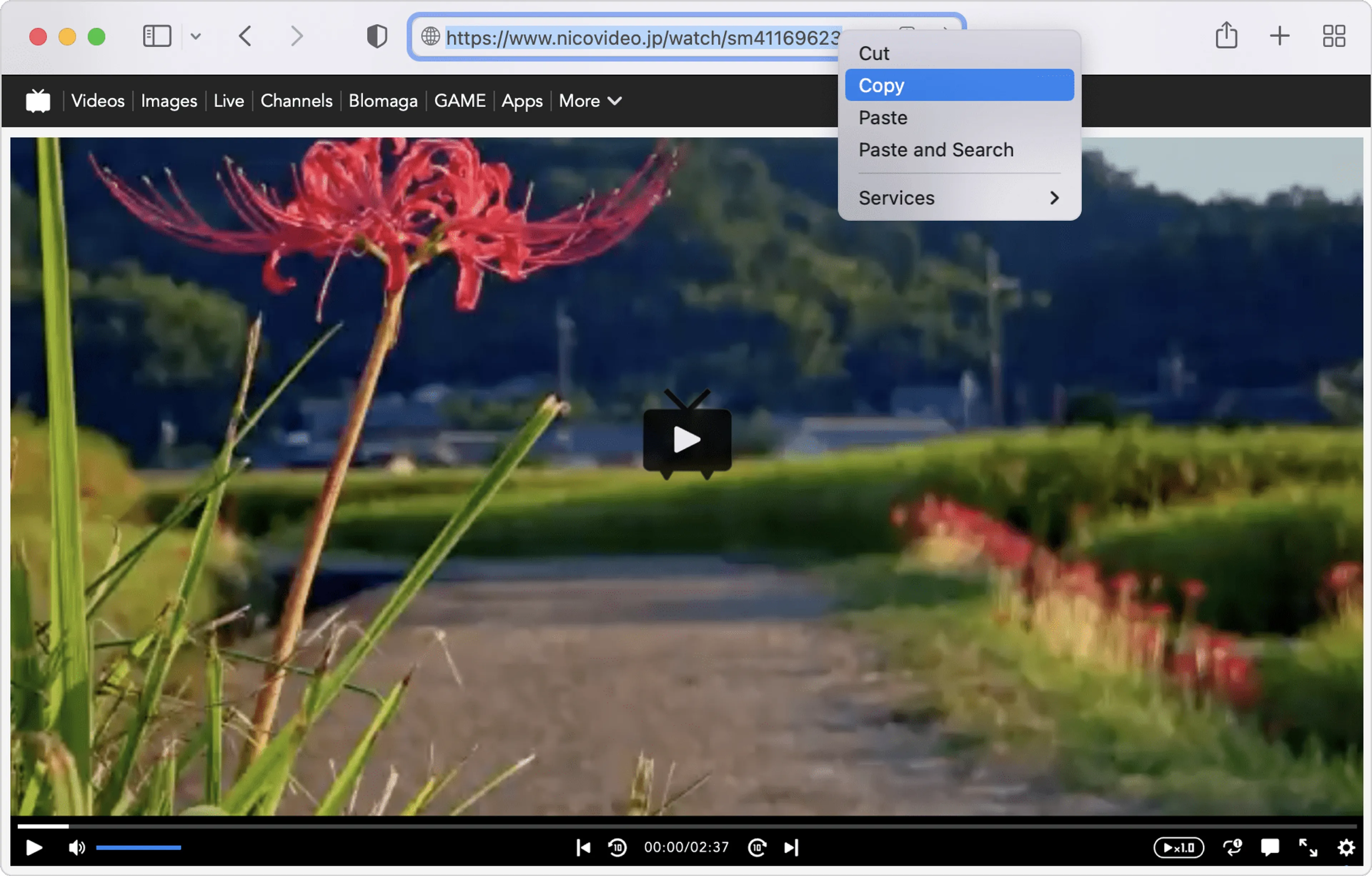
下載2. 將連結複製到要下載的Niconico視頻。
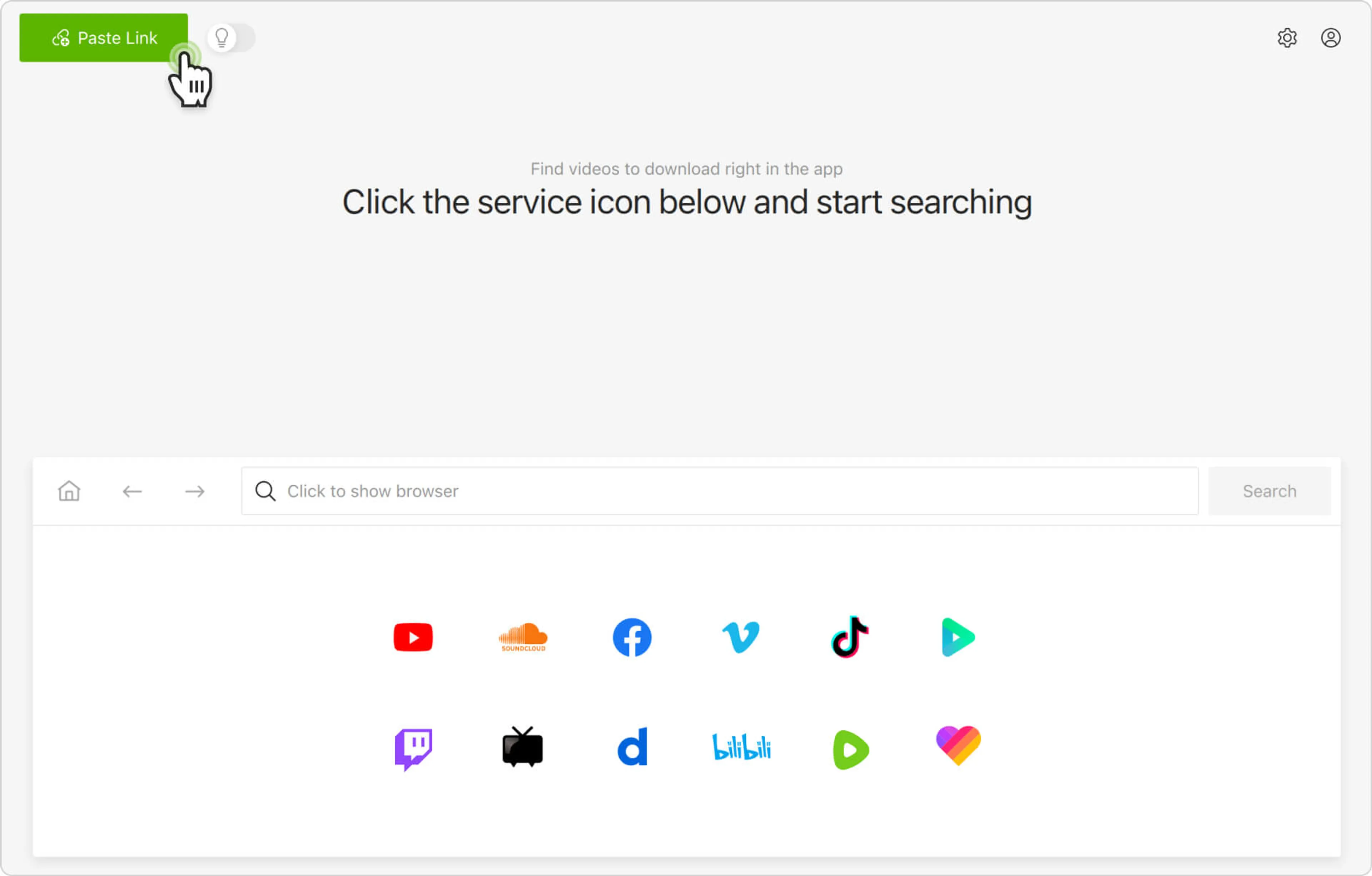
3. 按一下下載程式中的粘貼連結 按鈕。
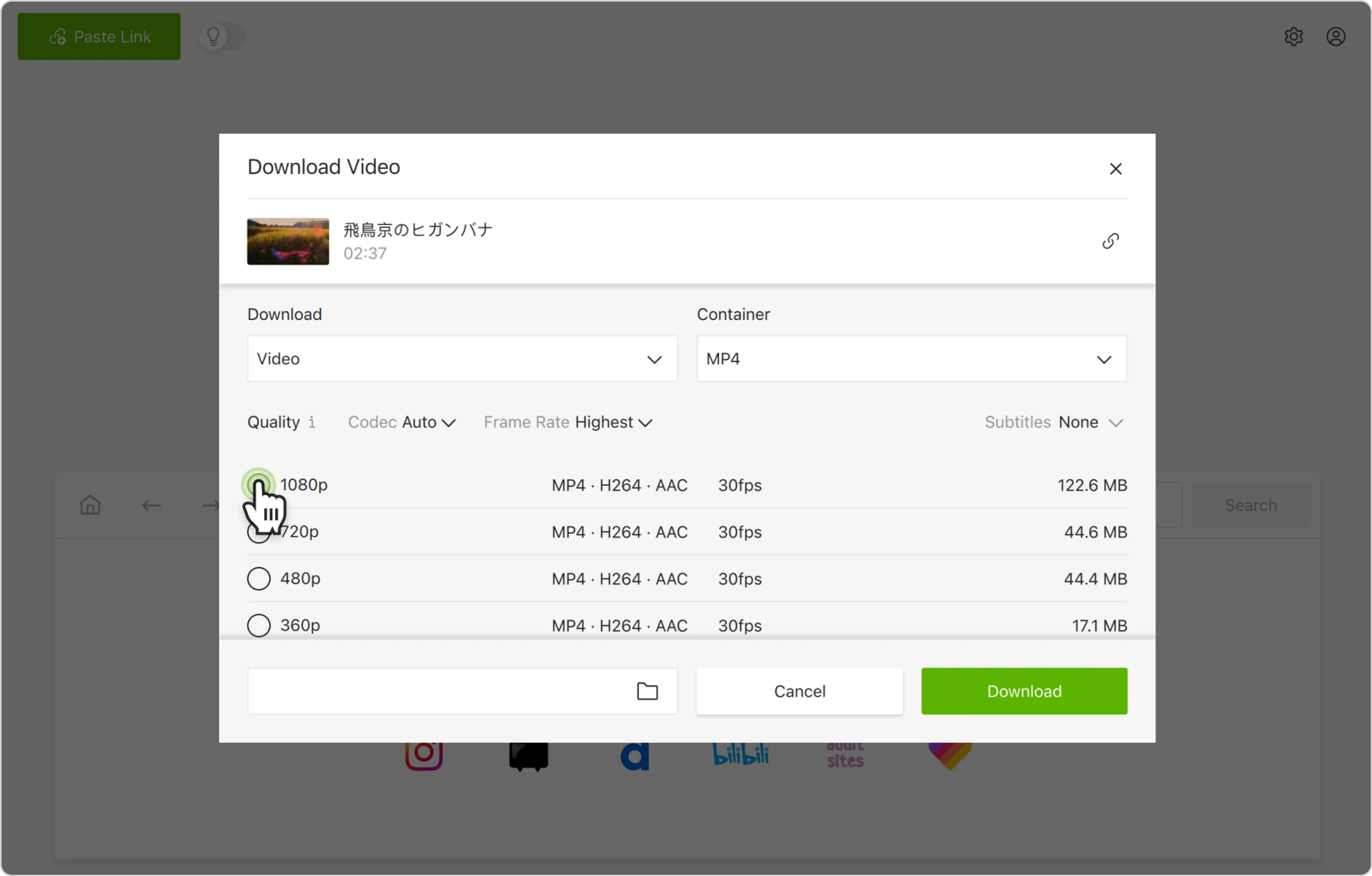
4. 選擇格式、質量和輸出資料夾
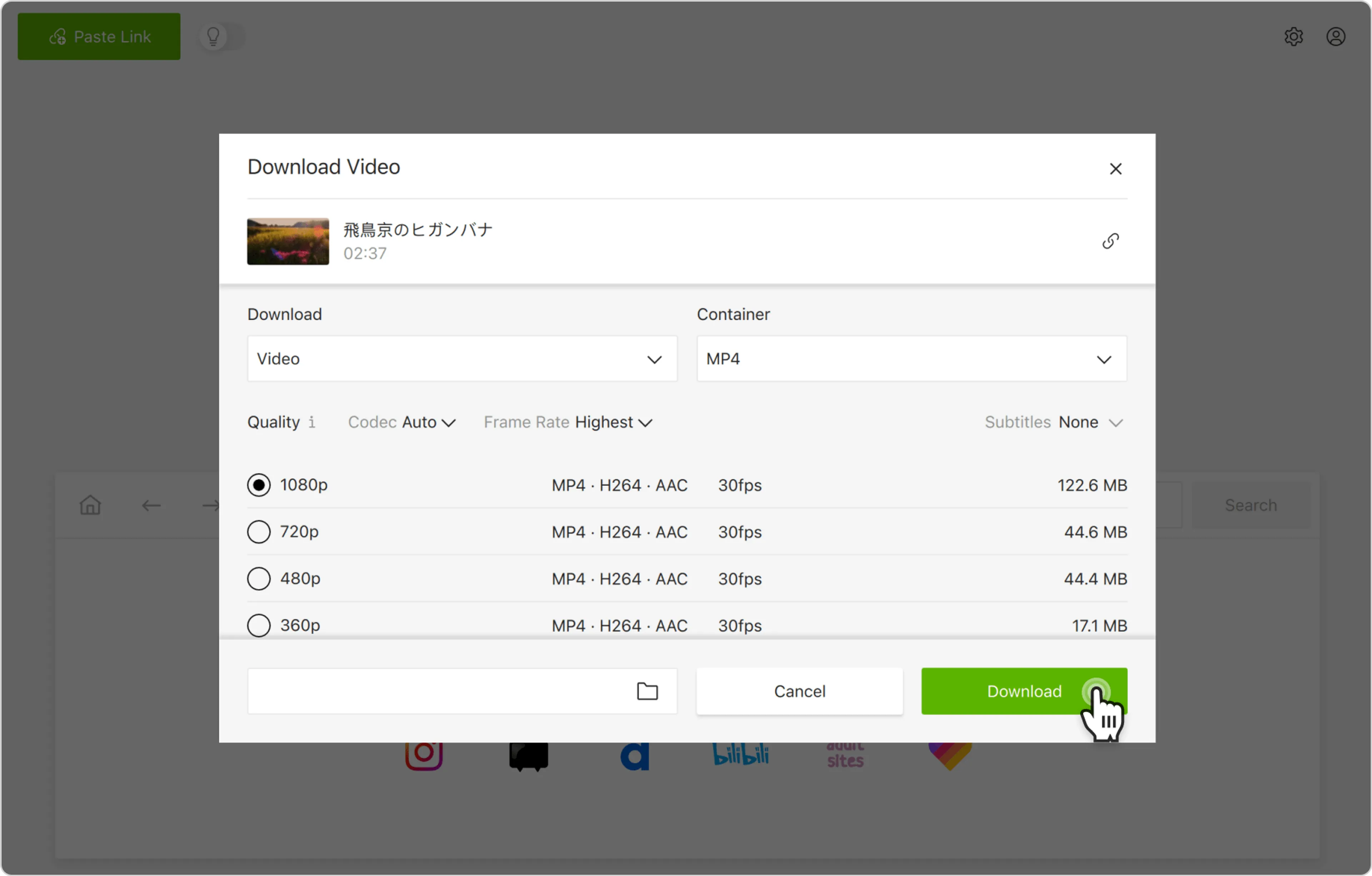
5. 按一下下載按鈕。
或者,您可以通過應用內瀏覽器查找並下載Niconico視頻。 通過這種管道,您可以在不離開應用程序的情况下瀏覽Niconico並當場下載內容。