A private TikTok account is a profile where only approved followers can view and interact with videos. Unlike public accounts, private content is blocked at the server level, so no third-party tool can access it without follower authentication. To download videos from a private TikTok account, you need a desktop app, such as 4K Tokkit , that logs in with your TikTok credentials and verifies your follower status on your behalf.
TikTok private accounts by policy: According to TikTok's official Guardian's Guide , all accounts belonging to users aged 13–17 are set to private by default. Additionally, for users under 16, video downloading is disabled entirely, even for approved followers, and cannot be changed by the account holder.
How to Download a Private TikTok Account
- Download and install 4K Tokkit on your Mac, Windows, or Ubuntu desktop computer.
- Open 4K Tokkit and click Tools in the menu bar.
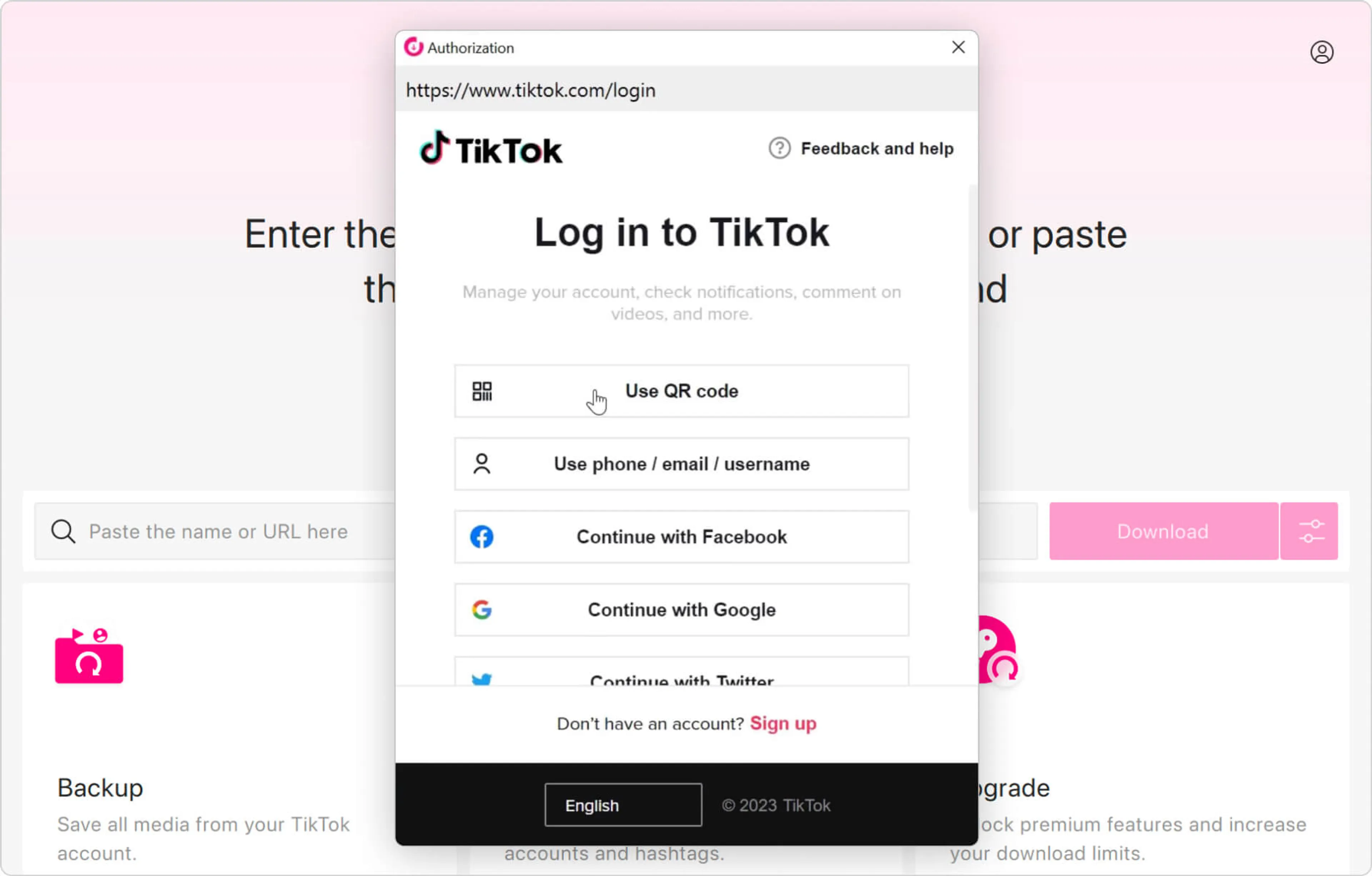
- Select Log In and sign in with your TikTok account credentials. Please note that the authorization is only available on premium plans.
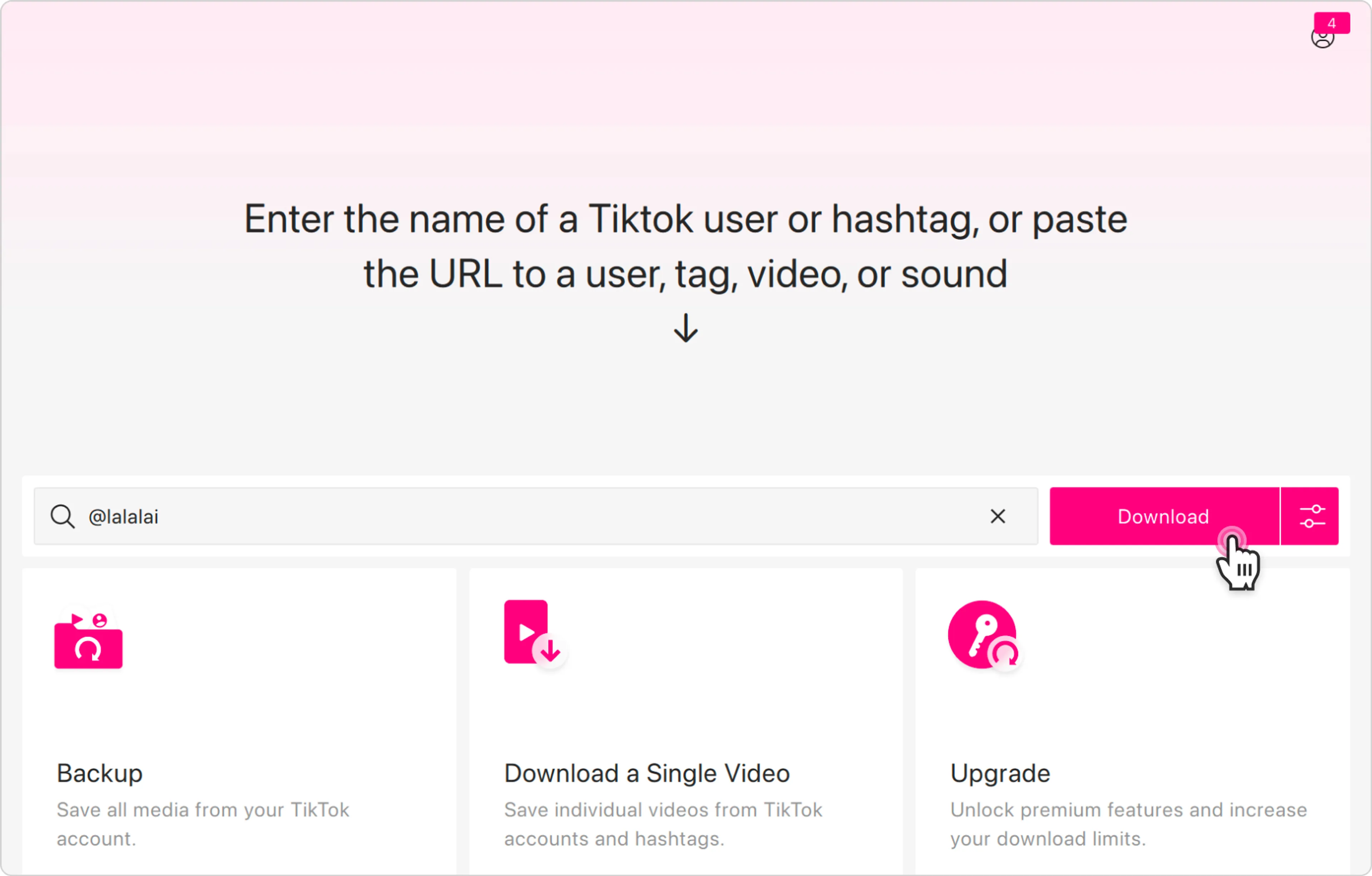
- Type the private account's username into the search bar or paste their profile URL.
- Click the Download button to save all videos to your computer.
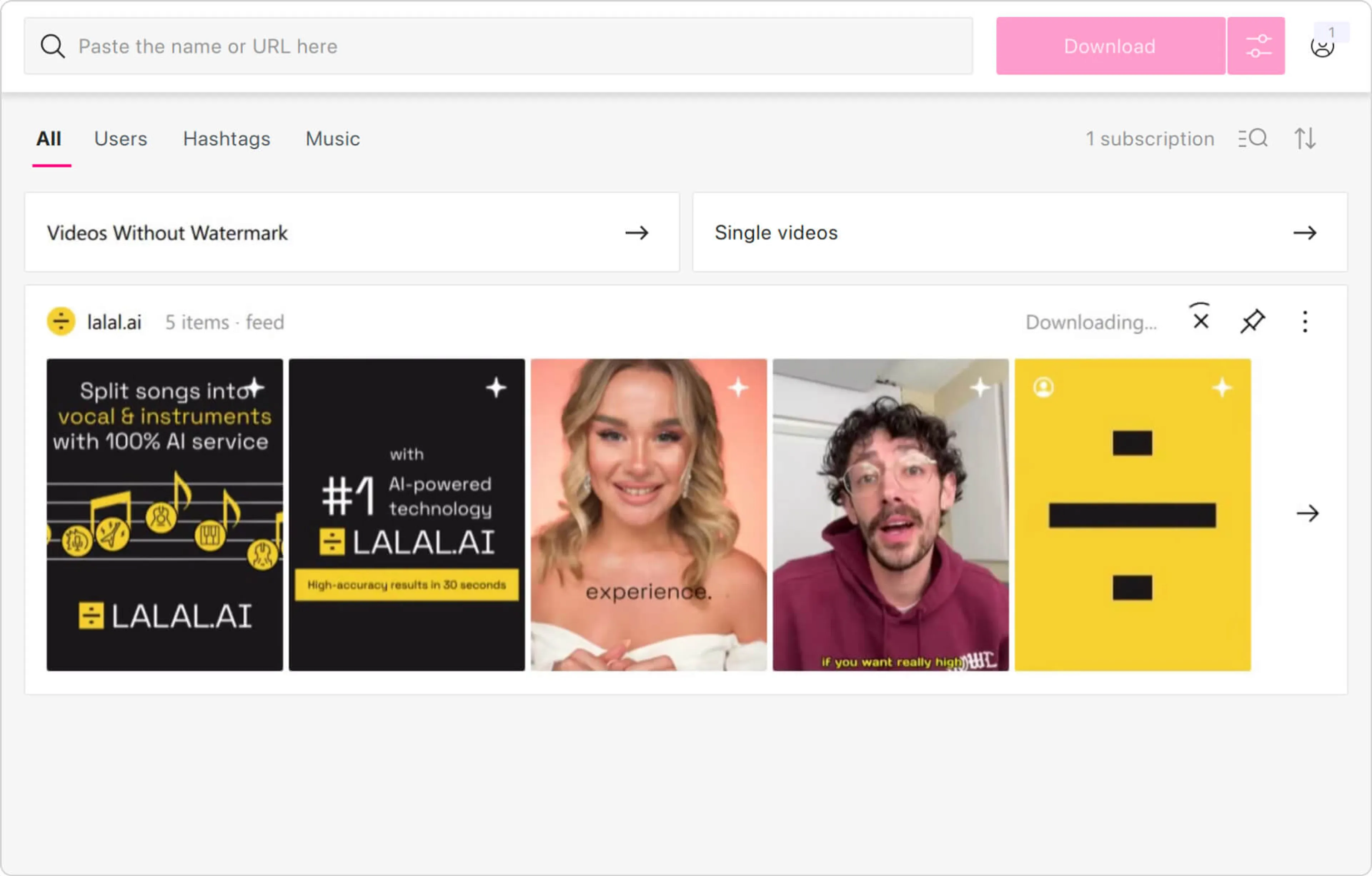
When you click Download, 4K Tokkit queues all available videos from the private account and saves them to a folder on your device in their original quality with no watermark. The process typically takes a few minutes, depending on the number of videos and your connection speed. With 4K Tokkit, you can also have all new videos from that account automatically downloaded as they are posted.
Important: You must already be an approved follower. If your follow request is still pending, 4K Tokkit will not be able to access that private account's content.
Which TikTok Downloaders Support Private Accounts?
| Feature | 4K Tokkit | Web-based tools | Browser extensions |
|---|---|---|---|
| Private account download | ✔ | ✖ | ✖ |
| TikTok login support | ✔ | ✖ | ✖ |
| Bulk account download | ✔ | ✖ | ✔ / ✖ |
| Download without watermark | ✔ | ✔ | ✔ |
| Windows / Mac / Ubuntu | ✔ | ✔ | ✔ |
Why Most TikTok Downloaders Don't Work for Private Accounts
Private TikTok accounts require follower authentication at the API level. Tools that work without login, such as browser extensions, web scrapers, or apps that accept only a URL, receive a server-level permission error when they request private content.
4K Tokkit bypasses this by authenticating directly with TikTok using your credentials, then accessing content as a verified follower account. This is the same access level you have when watching videos inside the TikTok app itself.
Common Errors When Downloading Private TikTok Accounts & How to Fix Them
"Can't download clips" or download starts then stops
The most common cause is a session timeout: TikTok logs the app out after a period of inactivity.
Fix: go to Tools -> Log In, sign out, then sign back in. If the problem persists, check for app updates via Tools -> Check for Updates, as 4K Tokkit releases backend fixes specifically targeting this error. Version 25.4.2 included backend changes that reduced the error rate in the US.
"Private content" error despite being an approved follower
This usually means the app session doesn't reflect your current follower status.
Fix: log out of 4K Tokkit completely, then log back in so the app re-verifies your follower relationship with TikTok. Plus, confirm on TikTok's mobile app that your follow request was actually accepted, not just sent.
Download fails due to firewall or antivirus blocking the connection
Security software can intercept 4K Tokkit's connection to TikTok's servers.
Fix: temporarily disable your firewall or antivirus. If that resolves the issue, add 4K Tokkit to the exceptions list in your security software settings.
App downloads wrong account or zero videos
This happens when a username is entered with a small typo or the wrong account is matched in search results.
Fix: right-click the subscription in 4K Tokkit and select "Show on TikTok" to verify you've added the correct profile before downloading.
Download fails due to regional restrictions
Some countries restrict TikTok access without login or TikTok applies regional rate limits that interrupt downloads.
Fix: try connecting through a VPN set to a different country, close 4K Tokkit completely, then reopen and retry.
FAQ
Can you download private TikTok videos without following the account?
No. TikTok enforces account privacy at the server level. If you are not an approved follower, the content is not served to any client, regardless of which tool you use. To download videos from a private TikTok, you need to send a follow request and wait for the account owner to approve it first.
Does 4K Tokkit store my TikTok login credentials?
4K Tokkit uses TikTok's own login interface inside the app. Your credentials are handled by TikTok directly and are not stored by 4K Tokkit separately.
Will the account owner know I downloaded their videos?
No. 4K Tokkit downloads content silently in the background. The account owner receives no notification.
In which format does 4K Tokkit save videos?
4K Tokkit saves videos as MP4 files, which are compatible with all major media players and video editors.
Does 4K Tokkit work if the private account blocks me after I follow them?
If you are removed as a follower, 4K Tokkit will no longer be able to access new videos from that account.
Wrapping Up
Downloading videos from a private TikTok account is possible with one condition: you must be an approved follower. 4K Tokkit is the only major desktop tool that supports TikTok login, making it the practical solution for saving private content. The process takes four steps: install 4K Tokkit, log in with your TikTok account, search the private profile, and click Download. All videos are saved to your computer as MP4 files, in original quality, without a watermark.