Downloading an audiobook means extracting audio from a platform like YouTube or SoundCloud and saving it to your device as an audio file, typically MP3, OGG, or M4A. Once it’s saved, you can listen to it offline in any compatible player, with no need of internet access or streaming, and play long recordings continuously without interruptions.
Audiobook sales grew 13%, with 99% of revenue coming from digital formats. Publishers worldwide, including Bloomsbury and Lagardère, report major boosts in audio growth driven by new partnerships. Source: Audio Publishers Association, 2025 Sales Survey
How to Download an Audiobook From YouTube
- Install 4K YouTube to MP3 on your device.
4K YouTube to MP3 is the software that converts YouTube videos into audio files. It's available for macOS (12 or newer), Windows 11, and Ubuntu (22.04 64-bit (GNOME only) or newer).
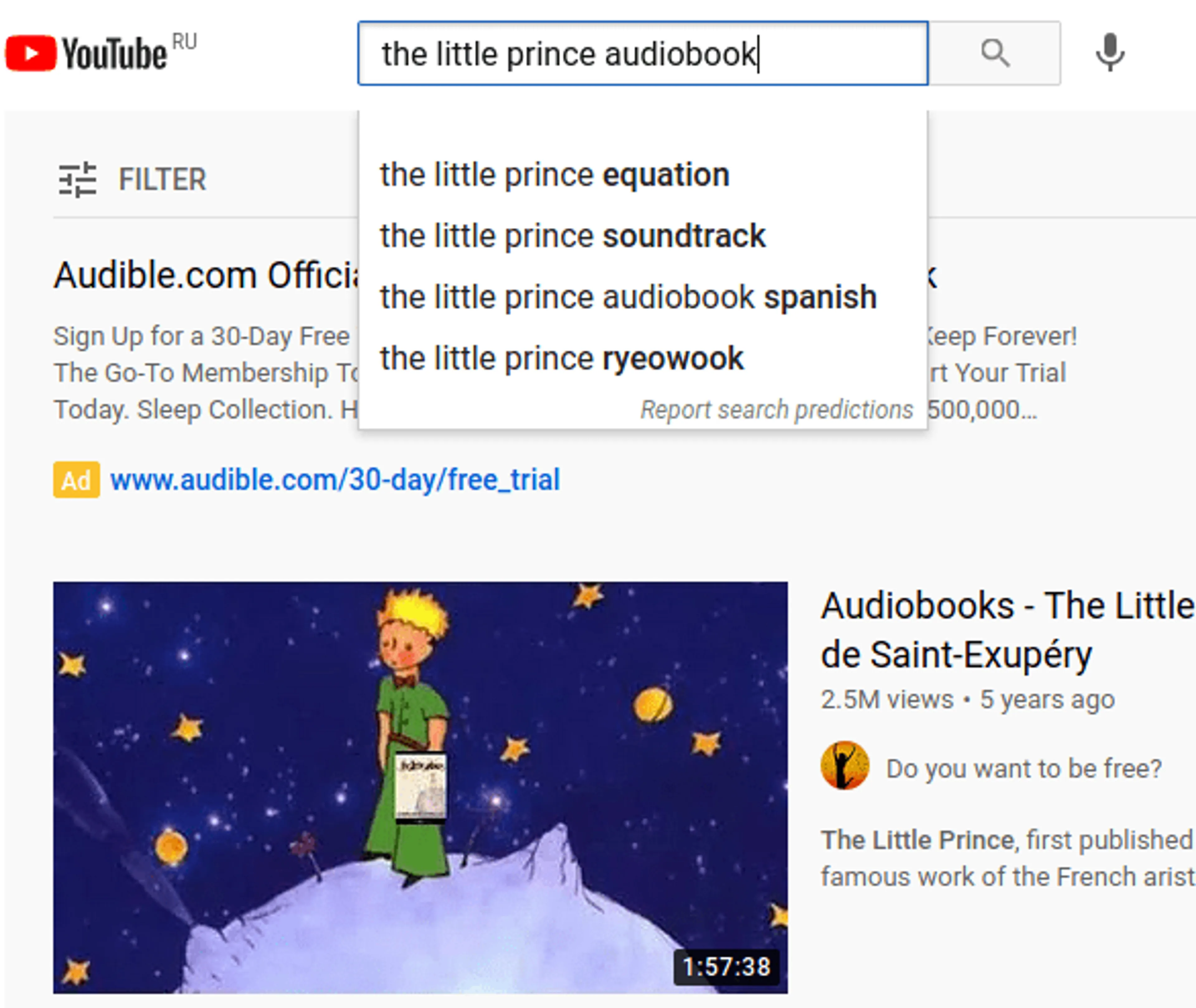
- Open YouTube and find the audiobook you want to download.
Search by title, author, or series. Pick a full video or playlist so that the entire audiobook is included, especially if it’s split into chapters.
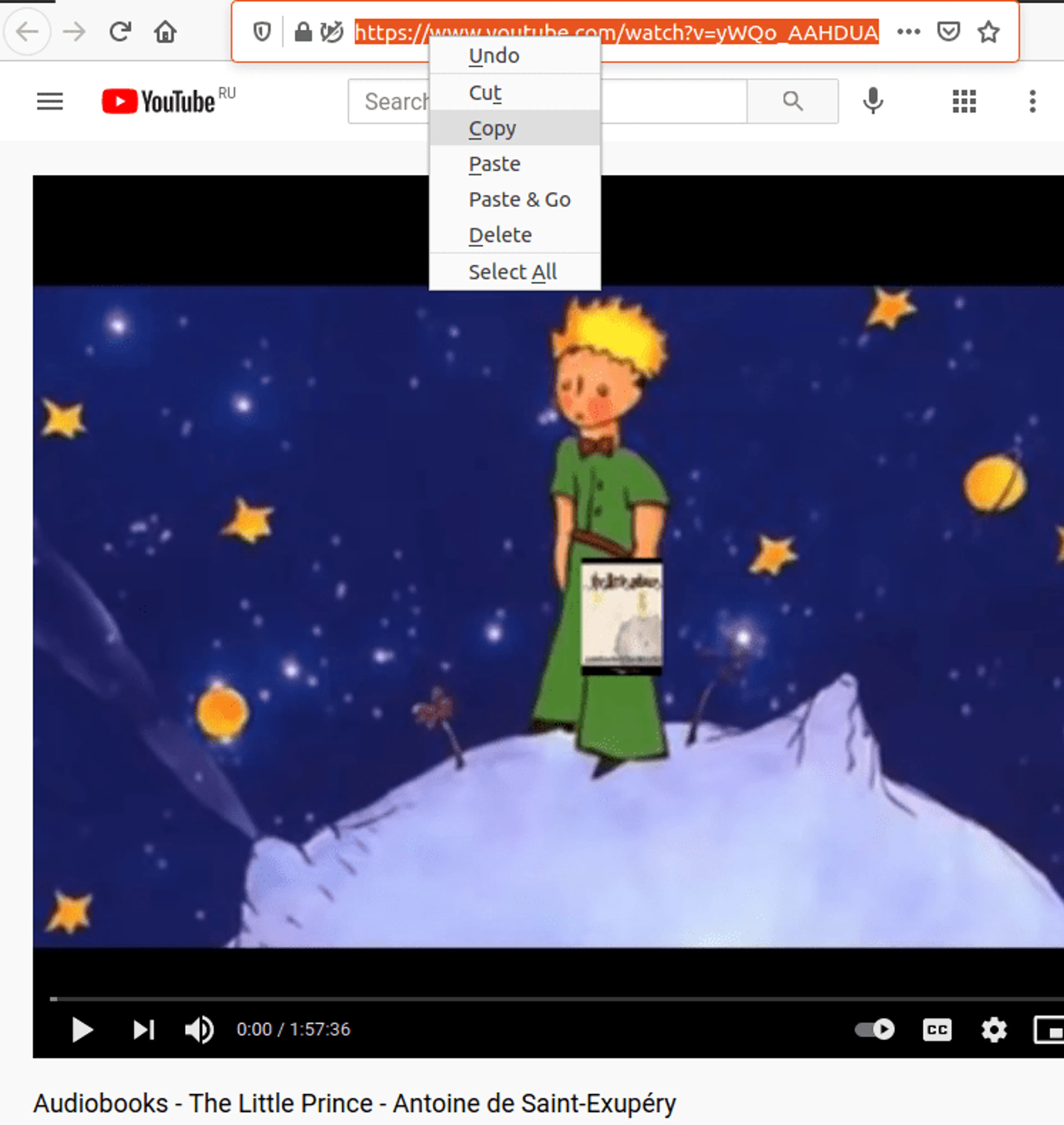
- Copy the video or playlist URL.
Copy it directly from the browser address bar or through the share button.
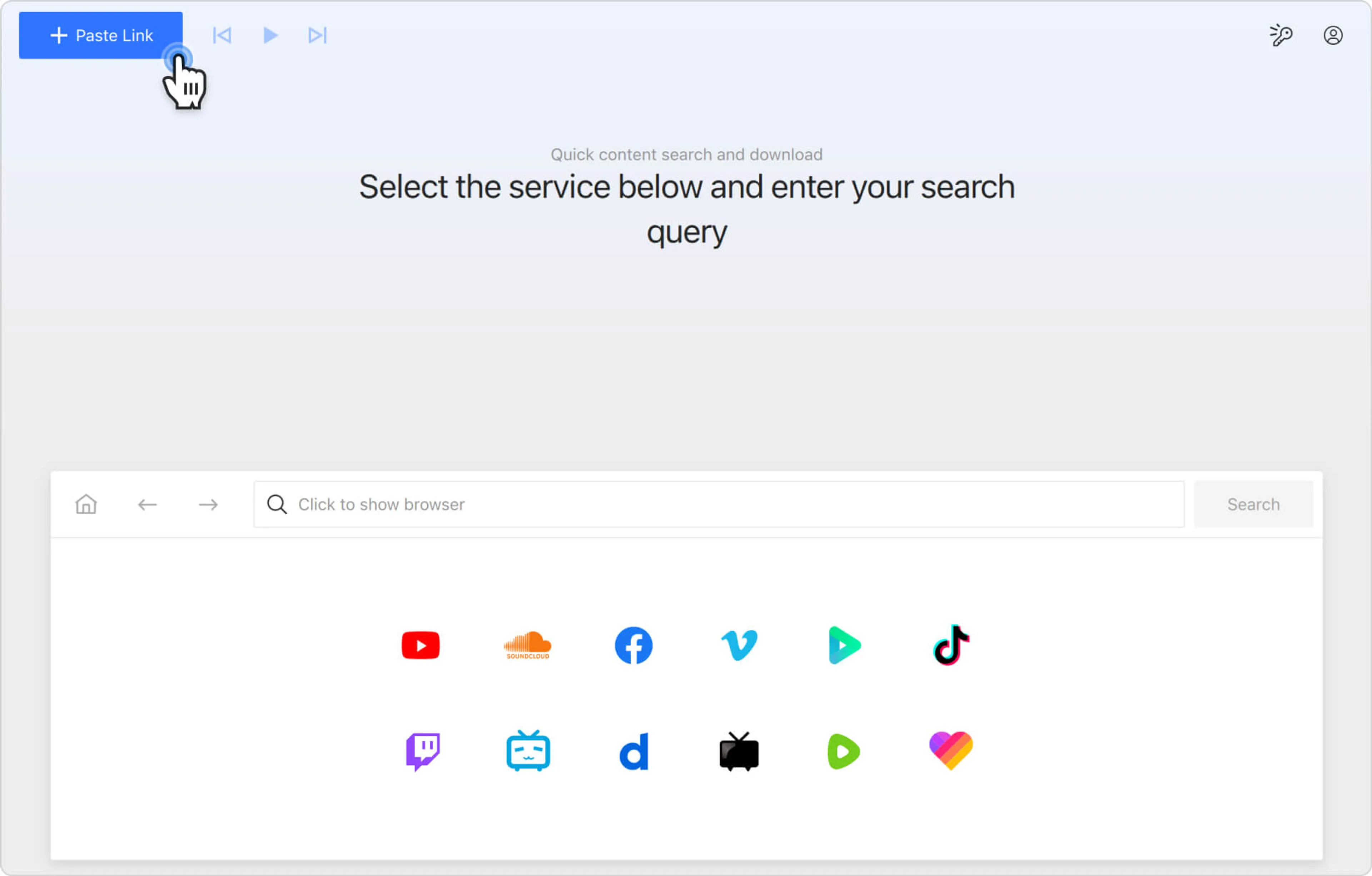
Alternatively, you can open the in-app browser in 4K YouTube to MP3, click on the desired video hosting icon and find the content you want to save as an audiobook without leaving the app.
- Click Paste Link in 4K YouTube to MP3.
4K YouTube to MP3 automatically reads the URL, analyzes the content, and prepares it for audio extraction.
- Wait for the audio extraction to finish.
4K YouTube to MP3 downloads the file and stores it in a dedicated folder on your PC or Mac. Longer audiobooks or playlists may take more time to be downloaded.
- Play the file or transfer it to another device.
Once processing is complete, the audiobook is saved locally in the folder selected in the settings, which you can change anytime.
Your audiobook is now stored directly on your device as a standard audio file and no longer depends on an internet connection or streaming. You can open it with any compatible media player, transfer it to other devices if needed, and listen to it anytime, even when you are completely offline.
How 4K YouTube to MP3 Simplifies Audiobook Downloads
Many audiobooks on the platform are divided into multiple videos because long recordings exceed typical upload lengths or are broken up for easier navigation. Converting the full playlist into audio with 4K YouTube to MP3 means you receive every chapter in the correct order without missing sections.
4K YouTube to MP3 extracts audio directly from YouTube videos without quality loss and saves it in MP3, M4A, or OGG formats, depending on user settings. It also supports playlist and entire channel downloads, which helps when audiobooks are split into multiple parts. All chapters are kept in sequence within a single download workflow.
MP3 vs. M4A for Audiobooks
| Feature | MP3 | M4A |
|---|---|---|
| Compatibility | ✔ Universal | ✔ Most devices |
| File size | Larger | Smaller |
| Quality | Good | Better at the same bitrate |
| Works on old devices | ✔ | ⚠ Sometimes |
| Best for | Any device | Mobile storage |
MP3 and M4A mainly differ in how they balance file size and audio quality. MP3 focuses on steady, reliable playback across almost all devices. M4A uses more efficient compression to deliver clearer sound at similar bitrates.
In long audiobooks, the difference becomes more noticeable in file size consistency and how the audio is stored over extended recordings. This is especially relevant for multi-hour files or playlist-based downloads, where more efficient compression can reduce overall storage usage.
Which Format Should You Choose to Download an Audiobook from YouTube?
The choice between MP3 and M4A mainly depends on how your device handles audio files and how you plan to store or move them. Both formats are widely used for audiobooks.
Choose MP3 if:
- You use older devices.
- You want maximum compatibility across players.
- You plan to transfer files to USB drives.
Choose M4A if:
- You prefer smaller file sizes.
- You listen mainly on smartphones.
- You download multiple long audiobooks.
FAQ
Can you listen to an audiobook offline on any device?
Yes, even though offline playback depends mainly on format compatibility with the device and media player. Once an audiobook is saved locally, it can be transferred or played without an internet connection.
- iPhone → M4A provides smoother native support across Apple apps and ecosystem.
- Android → MP3 and M4A both work widely across default players and third-party apps.
Can I download audiobooks from YouTube?
Yes. Many full-length audiobooks, public-domain works, and educational recordings are available on YouTube. With 4K YouTube to MP3, you can convert these videos into MP3 audiobooks and save them as single videos or playlists for offline listening.
What format is best for audiobooks?
MP3 is the most universally supported format across phones, tablets, car stereos, and older players. However, M4A offers better compression and clearer speech at lower bitrates.
Can I download a full audiobook playlist?
Yes. 4K YouTube to MP3 can download entire YouTube playlists in the correct order, which is essential for audiobooks uploaded in multiple chapters or split into several parts.
How do I listen an audiobook offline on my phone?
After downloading, simply transfer the audiobook on your phone using a cable or AirDrop (for iPhones and Mac). MP3 and M4A formats are widely supported and let you play files without internet access once the file is stored locally.
Does downloading reduce audio quality?
Quality depends on the original upload and the selected output format. If the source is high-quality, the converted file preserves the same audio fidelity without noticeable quality downgrade.
Can I convert audiobook formats later?
Yes. Audio files can be converted between formats using standard conversion tools. However, repeated conversions may slightly affect clarity depending on the codec and compression settings used.
Conclusion
Downloading audiobooks from YouTube is an efficient way to enjoy long-form content offline, especially when the source is split into several videos in a playlist. The overall experience depends on selecting the right format (MP3 for universal compatibility, M4A for efficient storage) and preserving the original structure of multi-part uploads to avoid missing sections or broken playback. 4K YouTube to MP3 streamlines the process by extracting audio directly from YouTube and saving it in widely supported formats like MP3, M4A, and OGG. Offline listening stays consistent across different devices and use cases.