
Bilibili is a leading Chinese video-sharing platform, originally focused on anime, comics, and games but now offering diverse content like vlogs, live streams, tech, and variety shows. While public content is openly available to anyone, private Bilibili videos are only accessible to the creator’s approved followers who must be logged in. If you have access to a private Bilibili video you want to download for offline viewing, 4K Video Downloader Plus is the app you need. With this tool, you can save private Bilibili videos at the highest available quality and resolution. Follow the simple steps below to start the download.
1. Install the app. Download 4K Video Downloader Plus and install it on your computer. It’s available for Windows, macOS, and Linux.
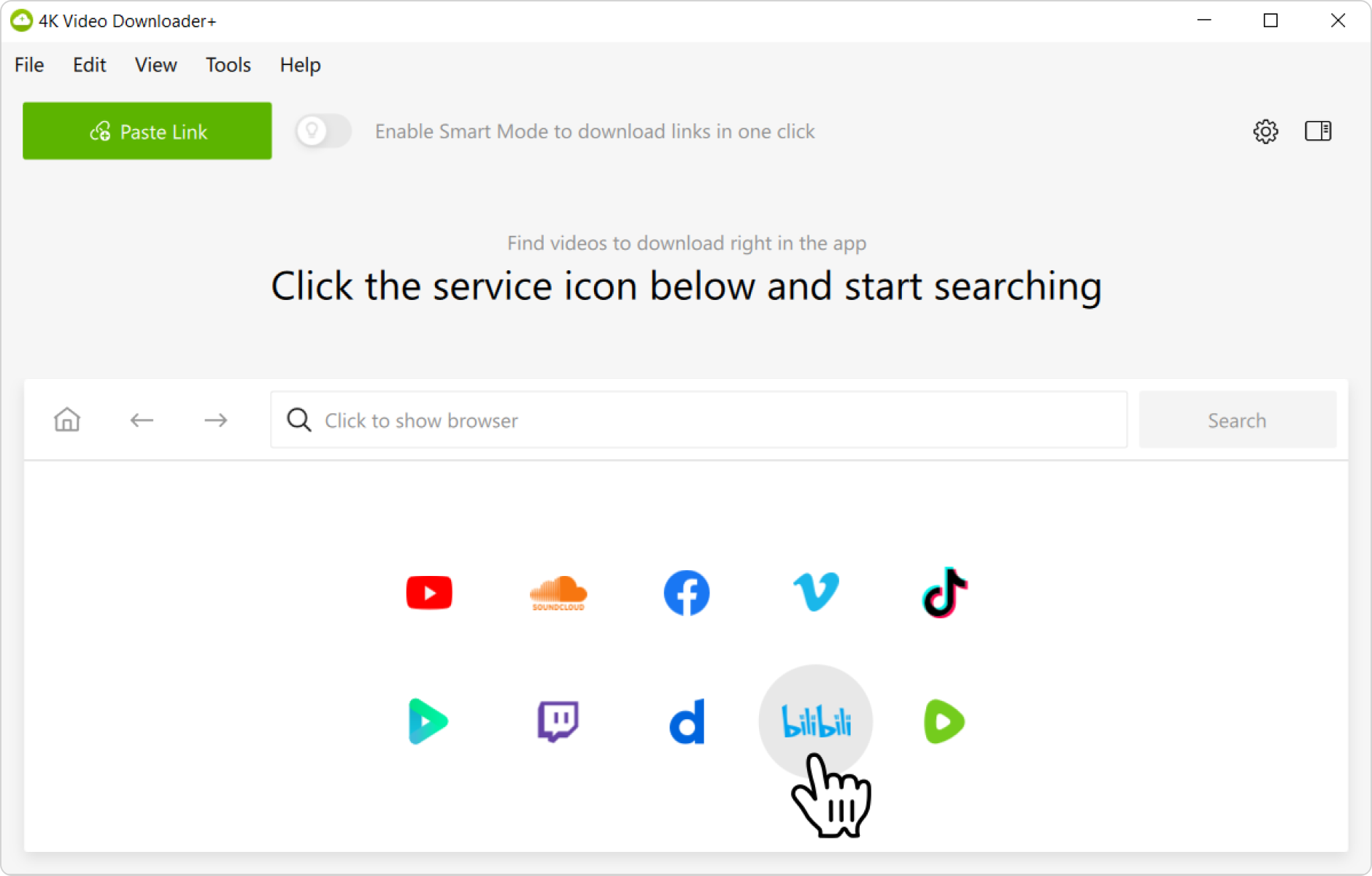
2. Specify the source. Launch 4K Video Downloader Plus, then click the Bilibili icon in the app window. The site will open in the built-in browser.
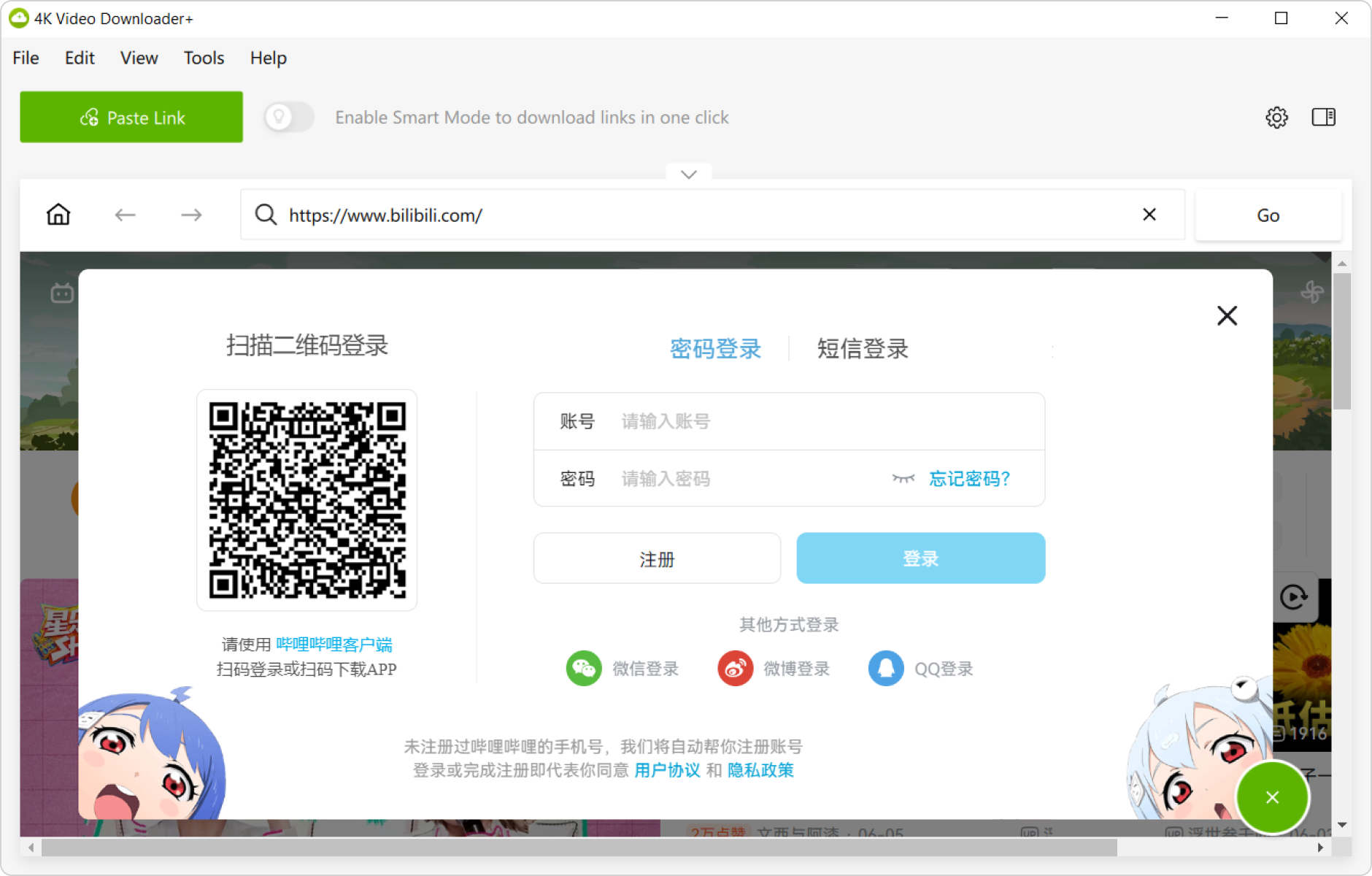
3. Sign in to Bilibili. On the Bilibili page, log in to your account like you normally would.
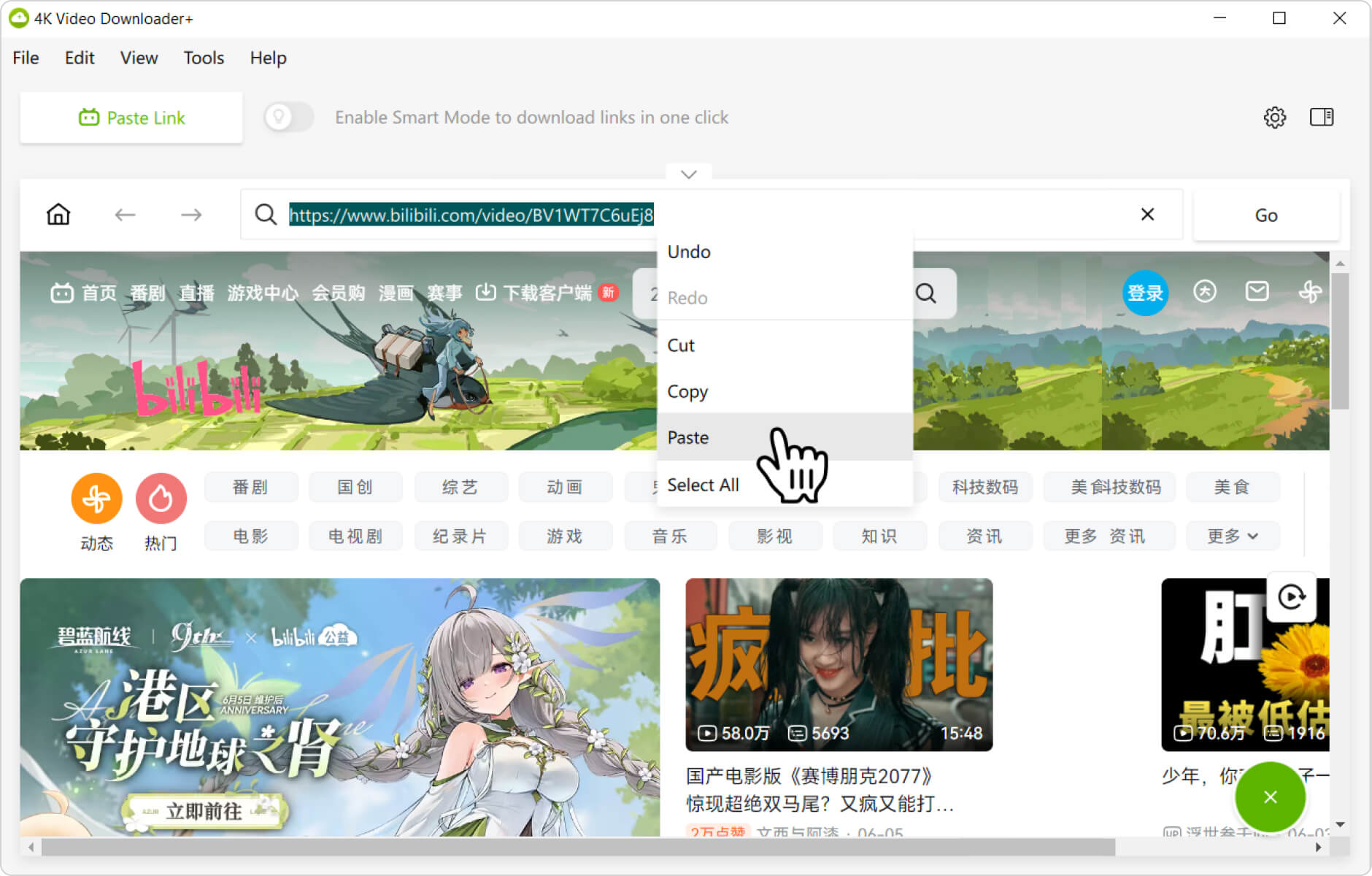
4. Add the URL. Find the private Bilibili video you want to download. Alternatively, you can paste its direct link (if you already have it) into the browser’s address bar.
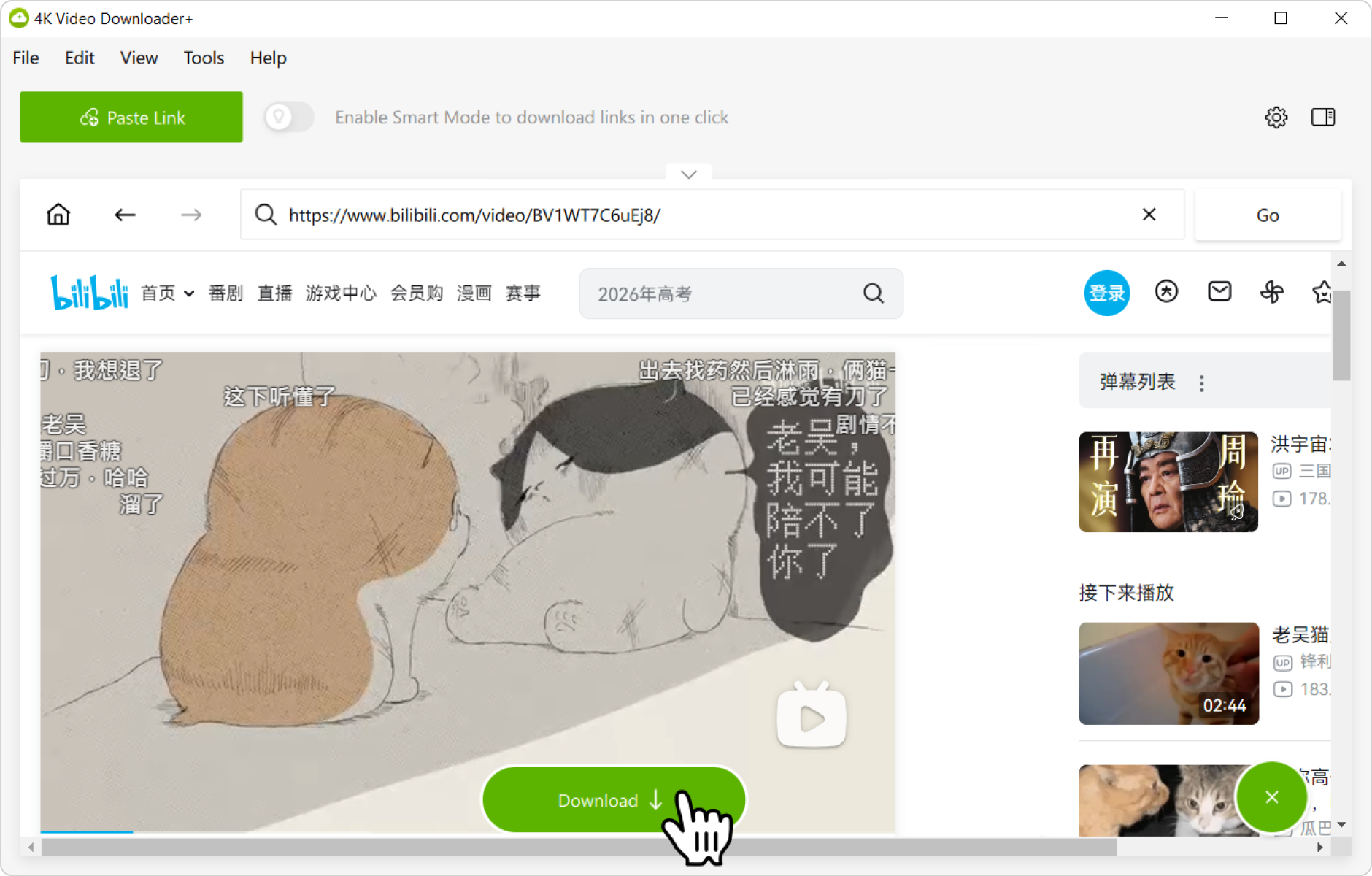
5. Start the download. Click the Download button to save the video to your computer.
That’s it! Wait for the video to finish downloading and enjoy watching it offline whenever you want.