
Naver Blog is a popular Korean blogging platform where users post articles, photos, and embedded videos. While public posts are available for anyone to see, private Naver Blog videos embedded in restricted posts are accessible only to the blog owner or approved mutual neighbors who must be logged in to a Naver account. If you have access to a private Naver Blog video you want to save, you can easily do so using 4K Video Downloader Plus. With this desktop app, you can download private Naver Blog videos at the highest available quality. Follow the simple instructions below to start downloading.
1. Install the app. Download 4K Video Downloader Plus and install it on your computer. It’s available for Windows, macOS, and Linux.
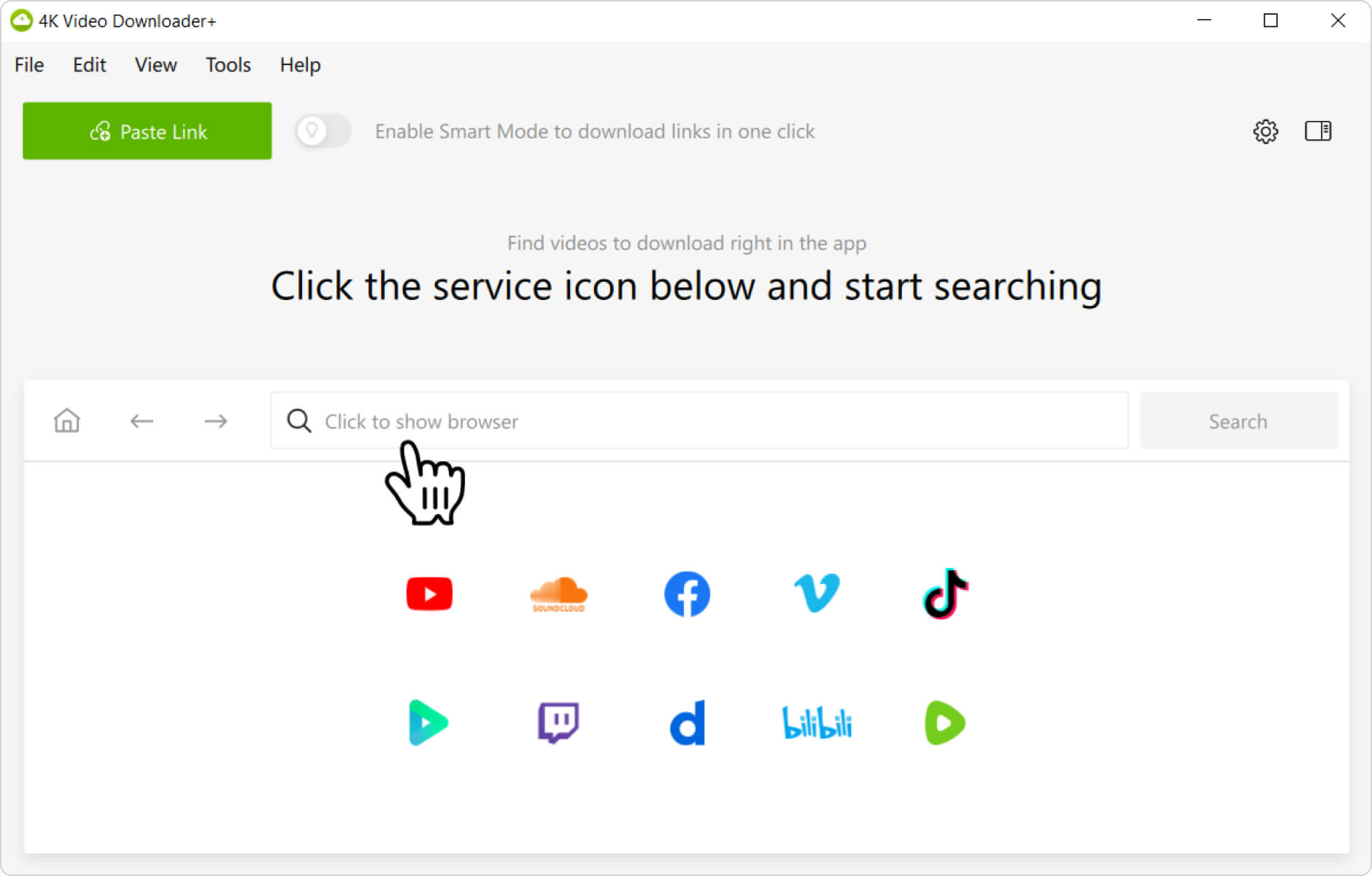
2. Open the in-app browser. Launch 4K Video Downloader Plus, then click on the Click to show browser field in the application window. The in-app browser will open.
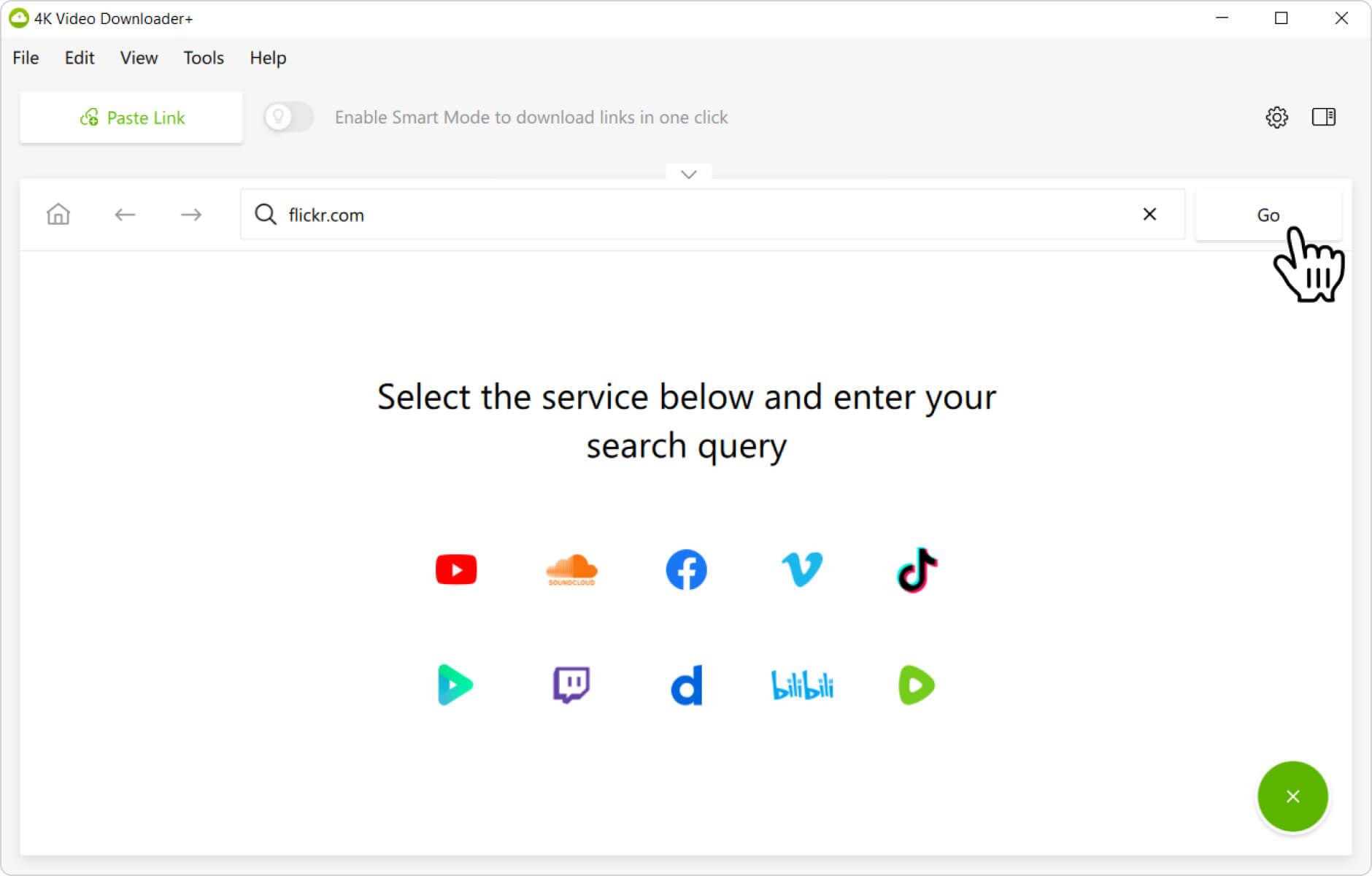
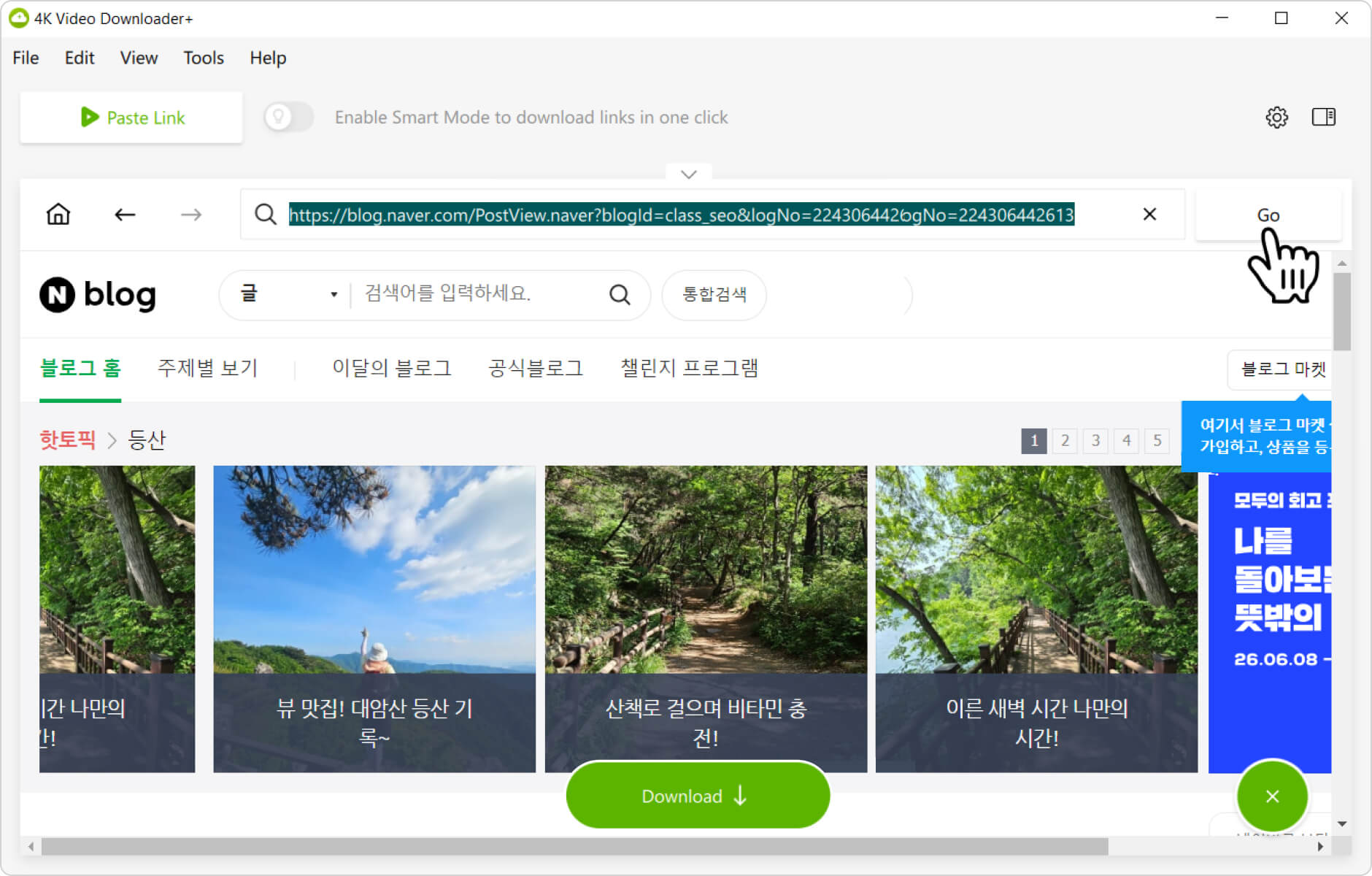
3. Visit the Naver Blog site. Enter the Naver Blog website address into the browser’s address bar, then click the Go button.
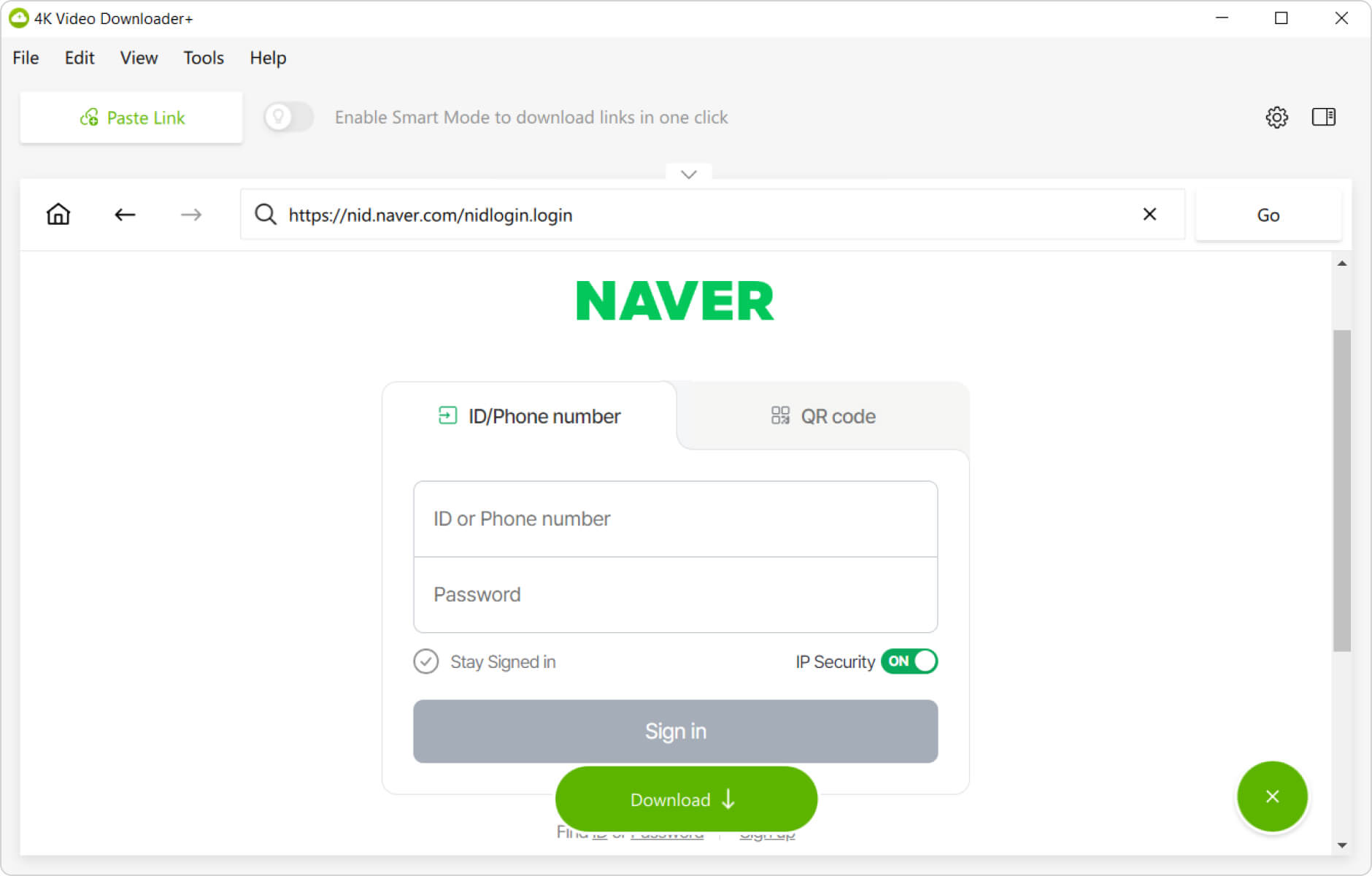
4. Sign in to Naver Blog. On the website page, log in to your Naver Blog account like you normally would.
5. Add the URL. Copy the link to the private Naver Blog post containing the video. Paste it into the address bar.
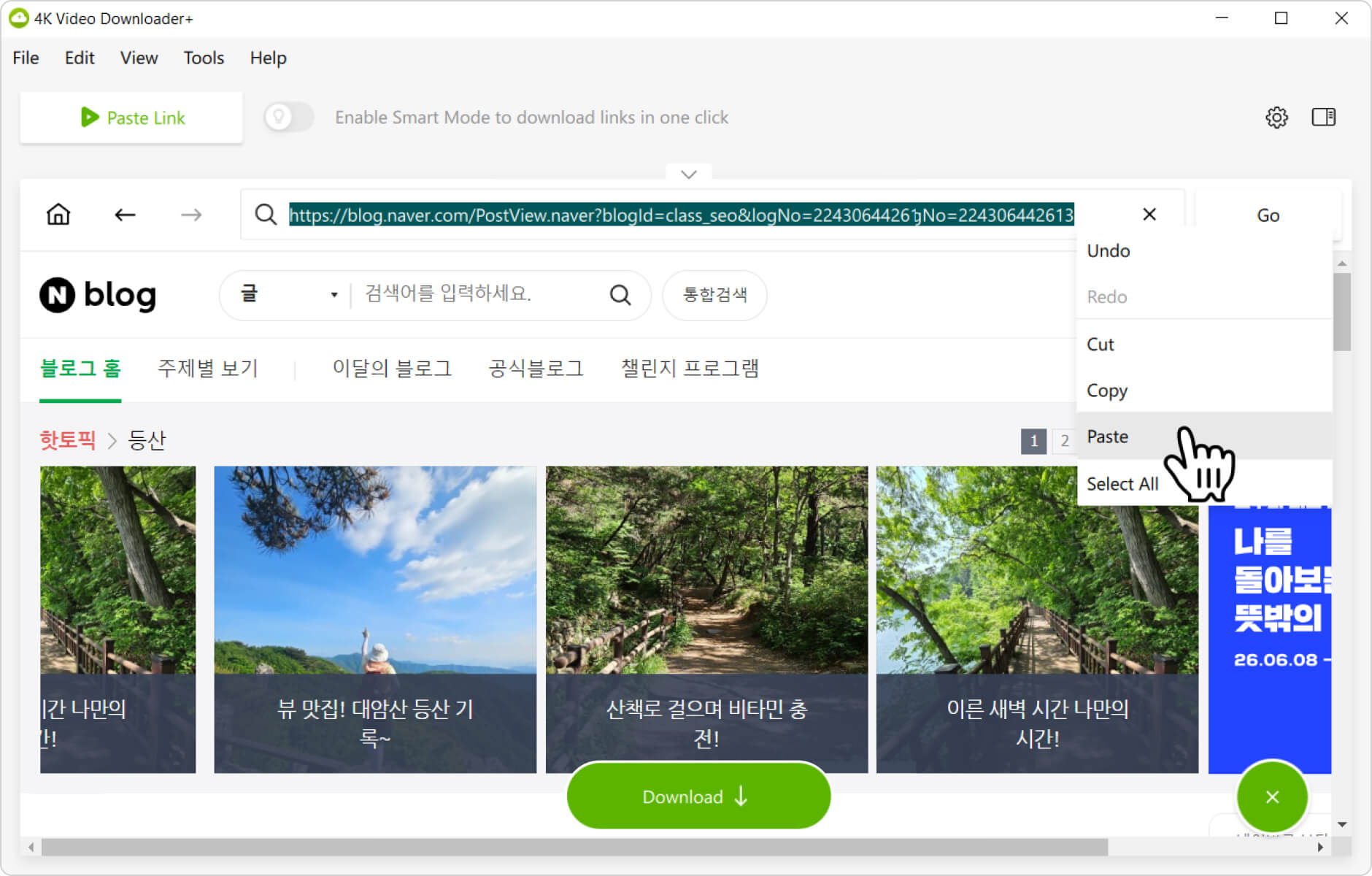
6. Open the video page. Click the Go button to open the video post page.
7. Start the download. Click the Download button to save the video to your computer.
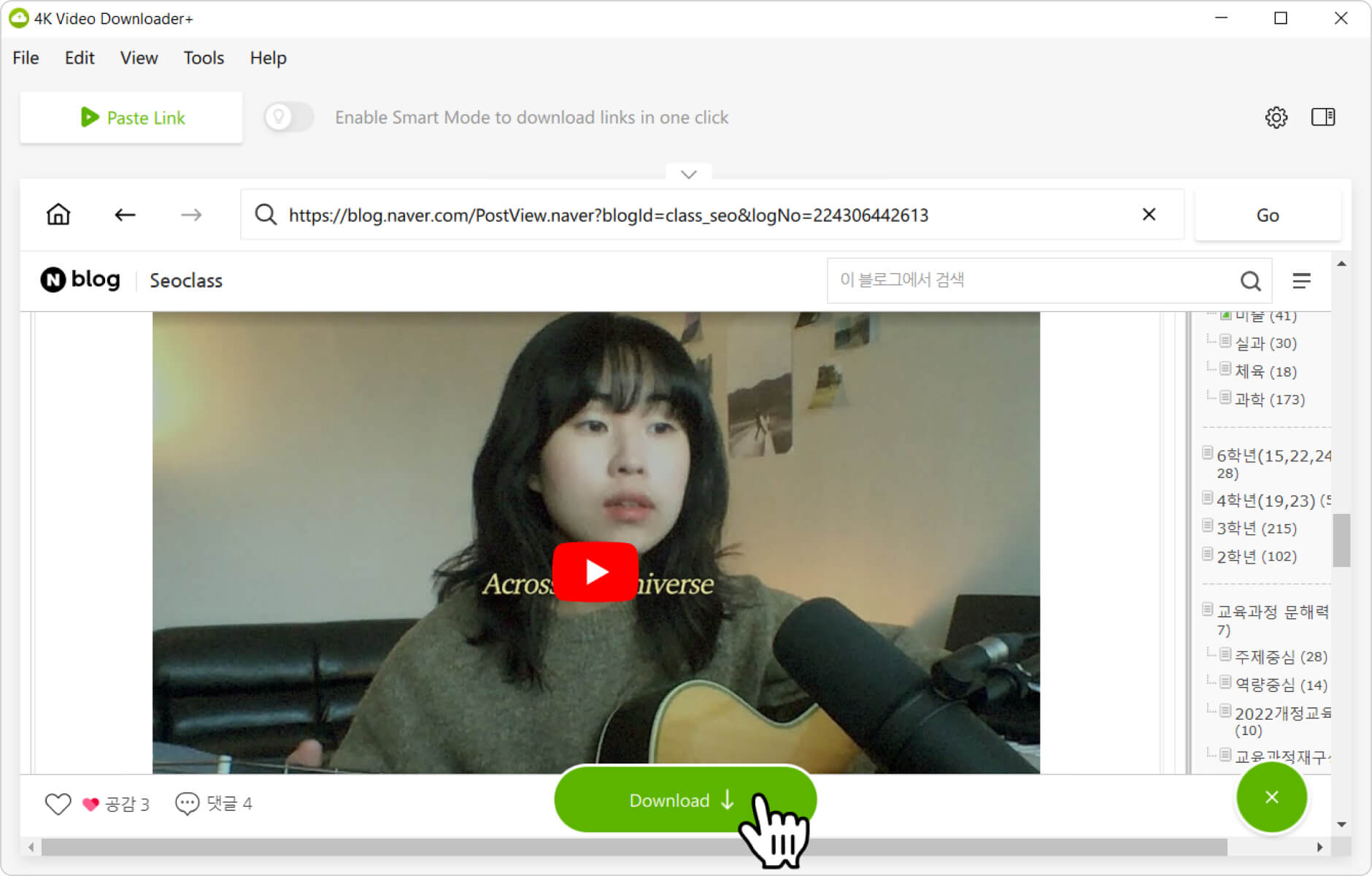
That’s it! Wait until the download is complete and enjoy watching the private Naver video on your computer offline.