
How to Download Age-Restricted YouTube Videos
Many videos on YouTube are age-restricted, meaning they require the viewer to be signed in to a YouTube account that verifies their age. This restriction often prevents typical download tools from accessing such content because YouTube enforces account authorization.
4K Video Downloader Plus offers the capability to handle age-restricted videos by letting you sign in to your YouTube account right inside the app. This login process allows the downloader to bypass restrictions and access videos with disabled embedding. Follow the steps below to download age-restricted YouTube videos on Windows, macOS, or Linux securely and easily.
1. Download and install the app. Get 4K Video Downloader Plus and install it on your Windows, macOS, or Linux computer.
2. Launch the app. Double-click the 4K Video Downloader Plus icon to open the app.
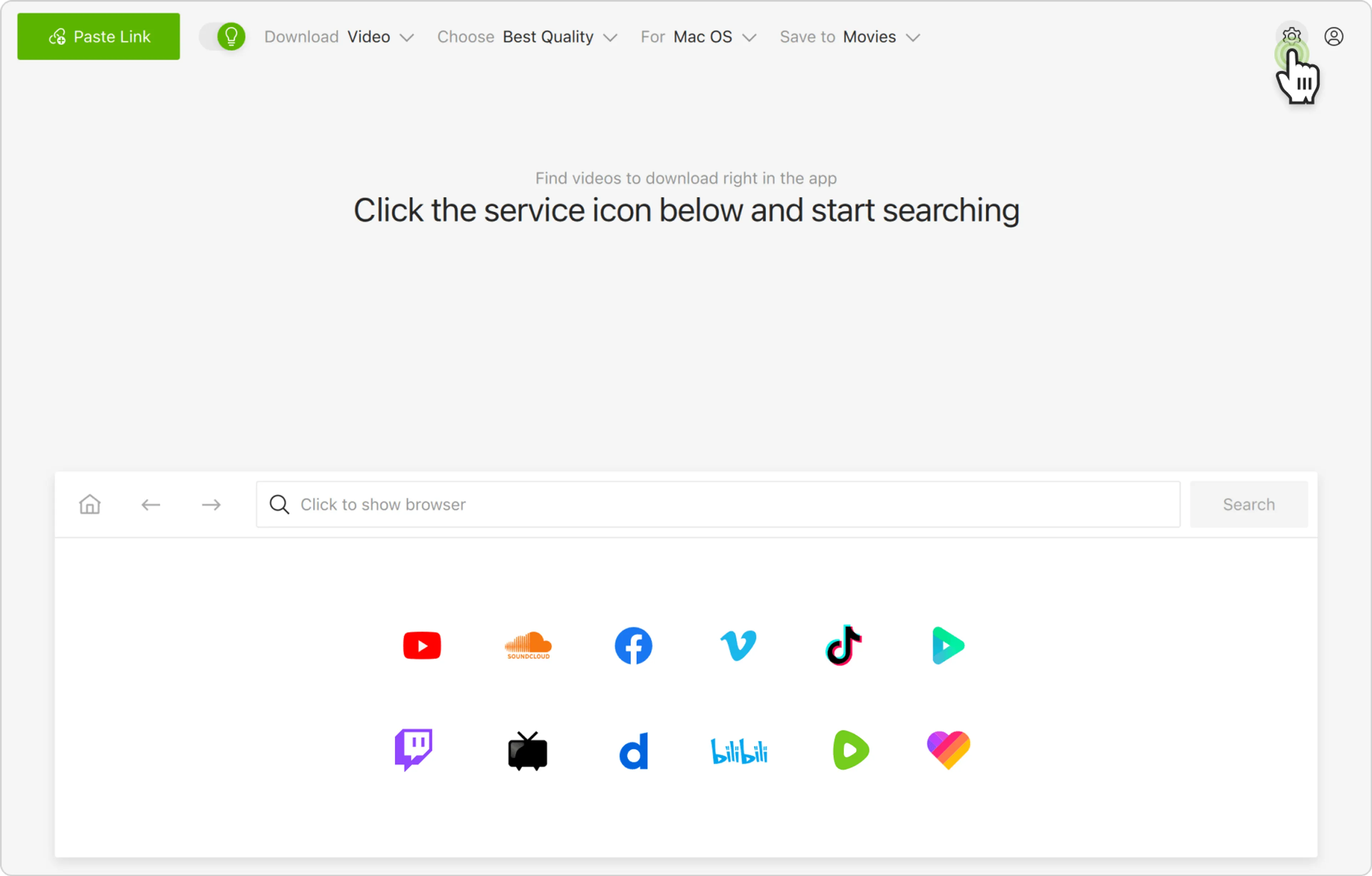
3. Open the settings. In the app’s menu bar at the top, click Tools and select Preferences.
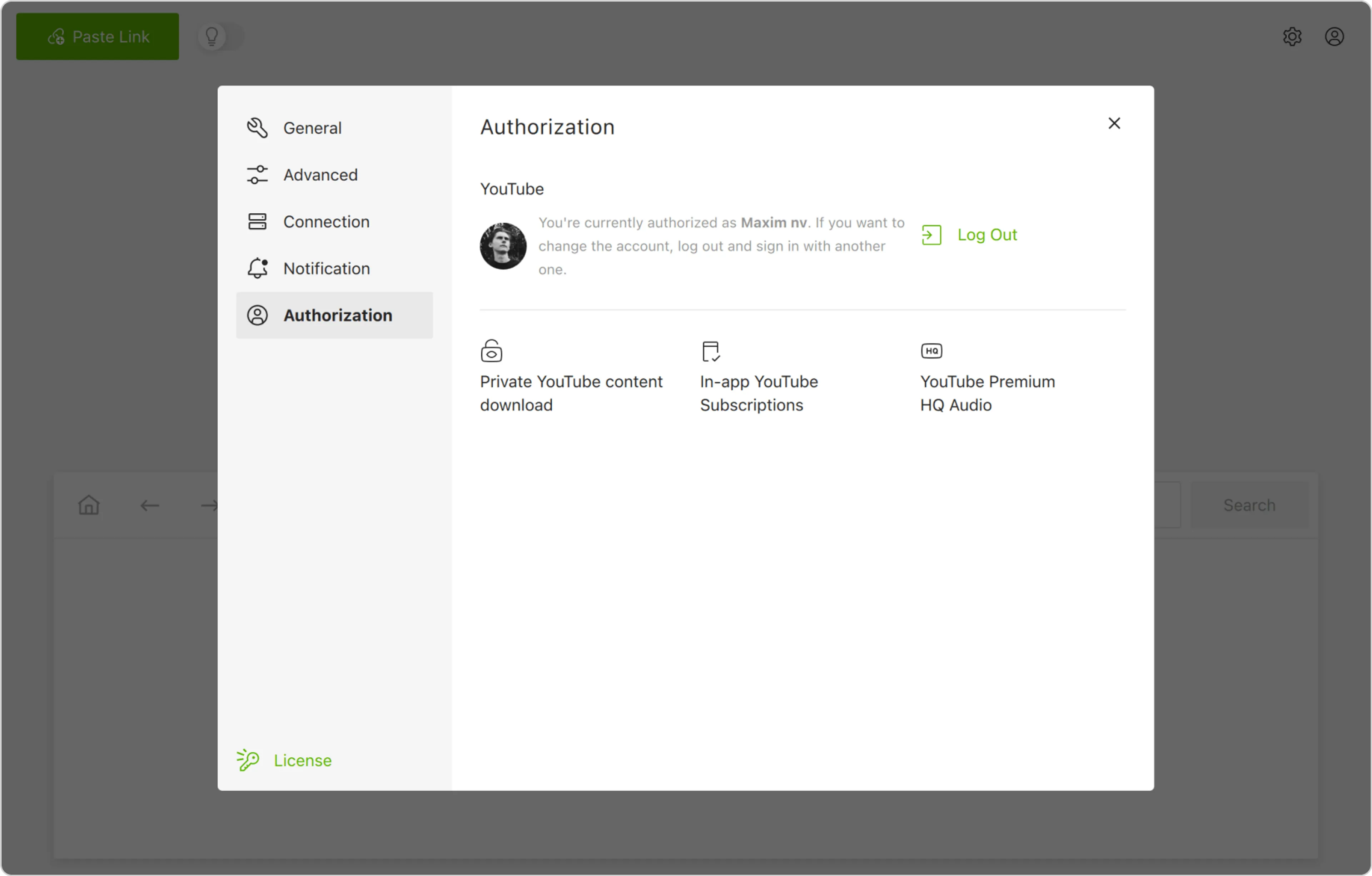
In the pop-up window, select the Authorization tab, as shown below.
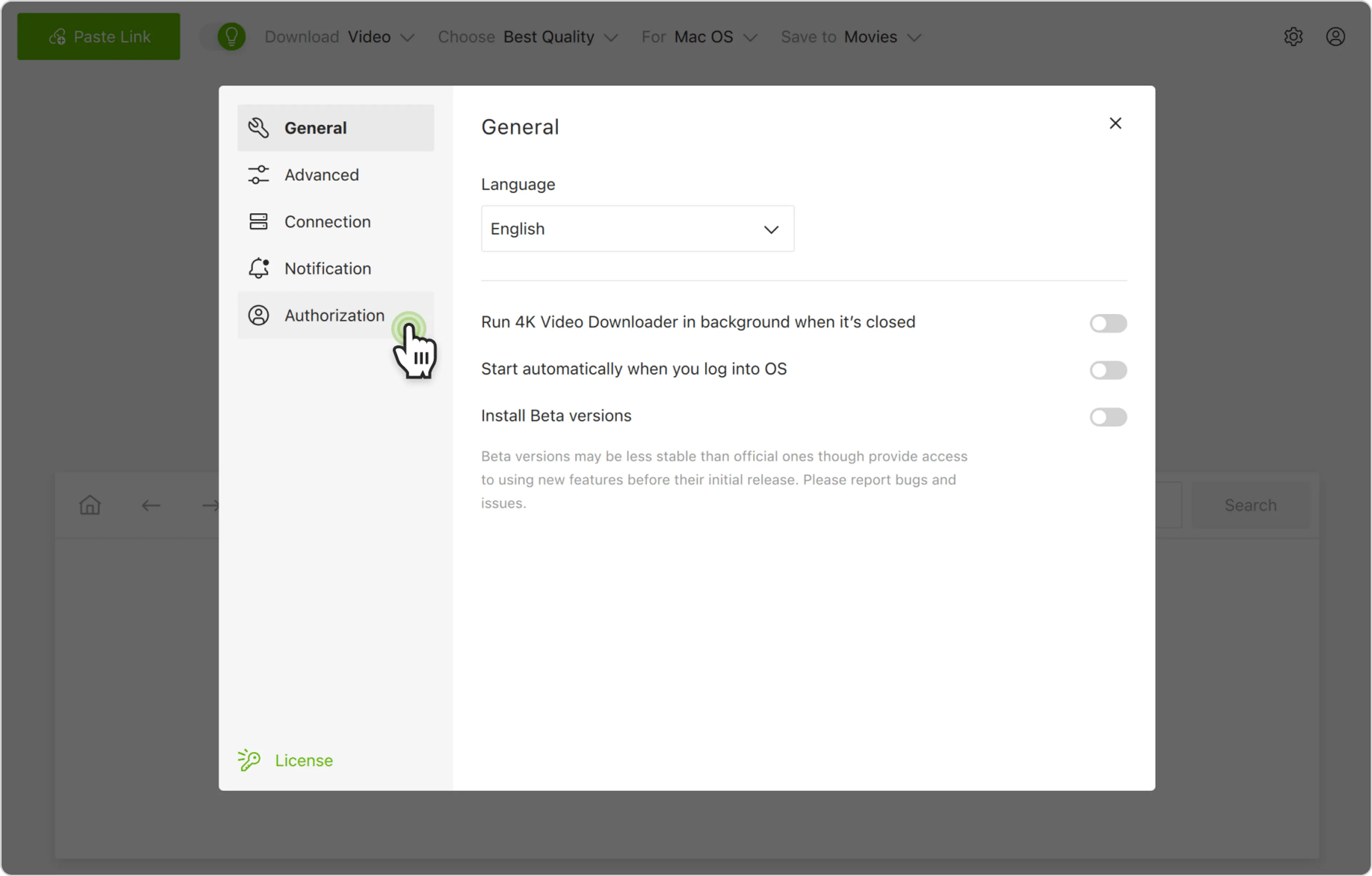
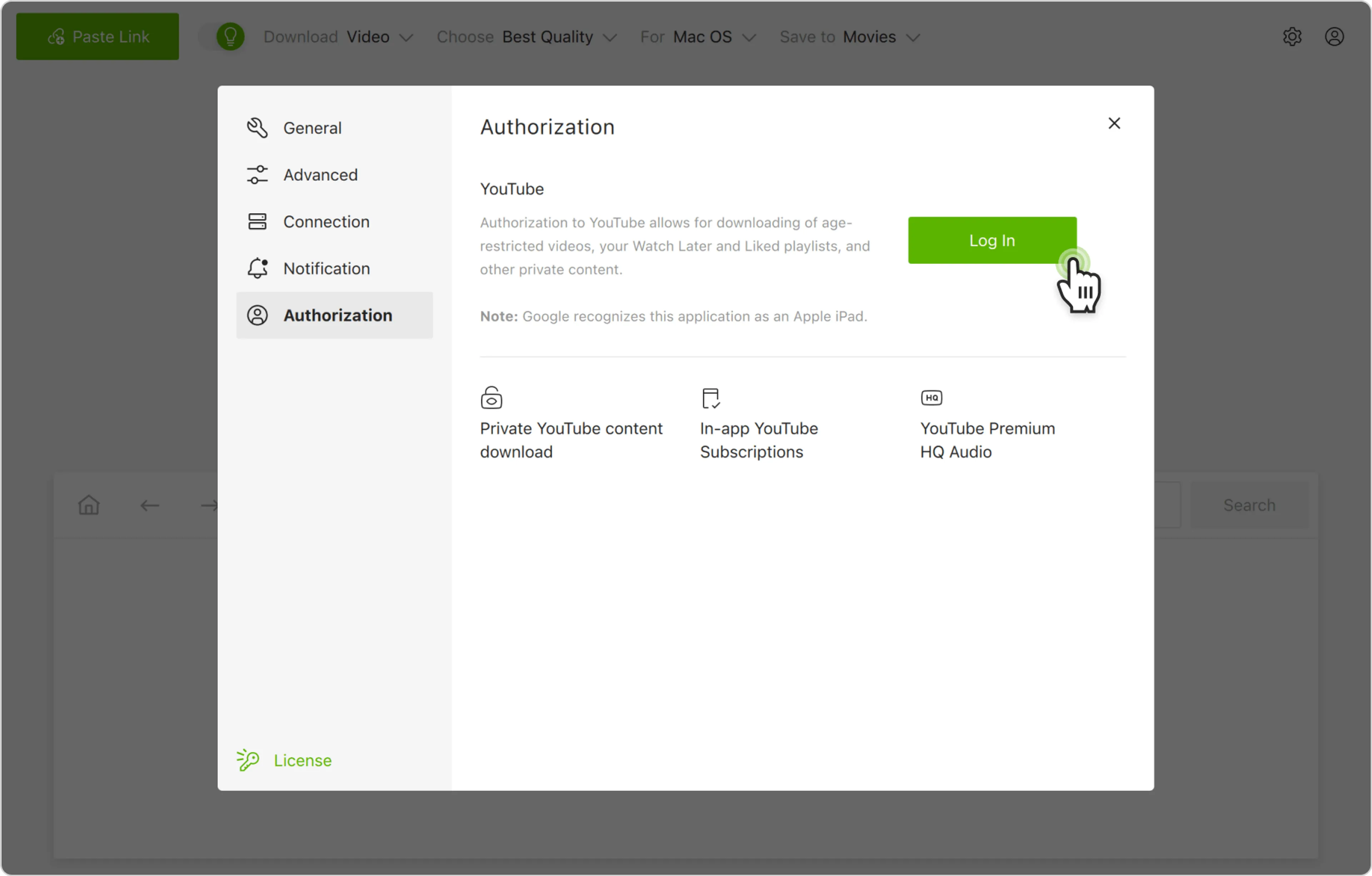
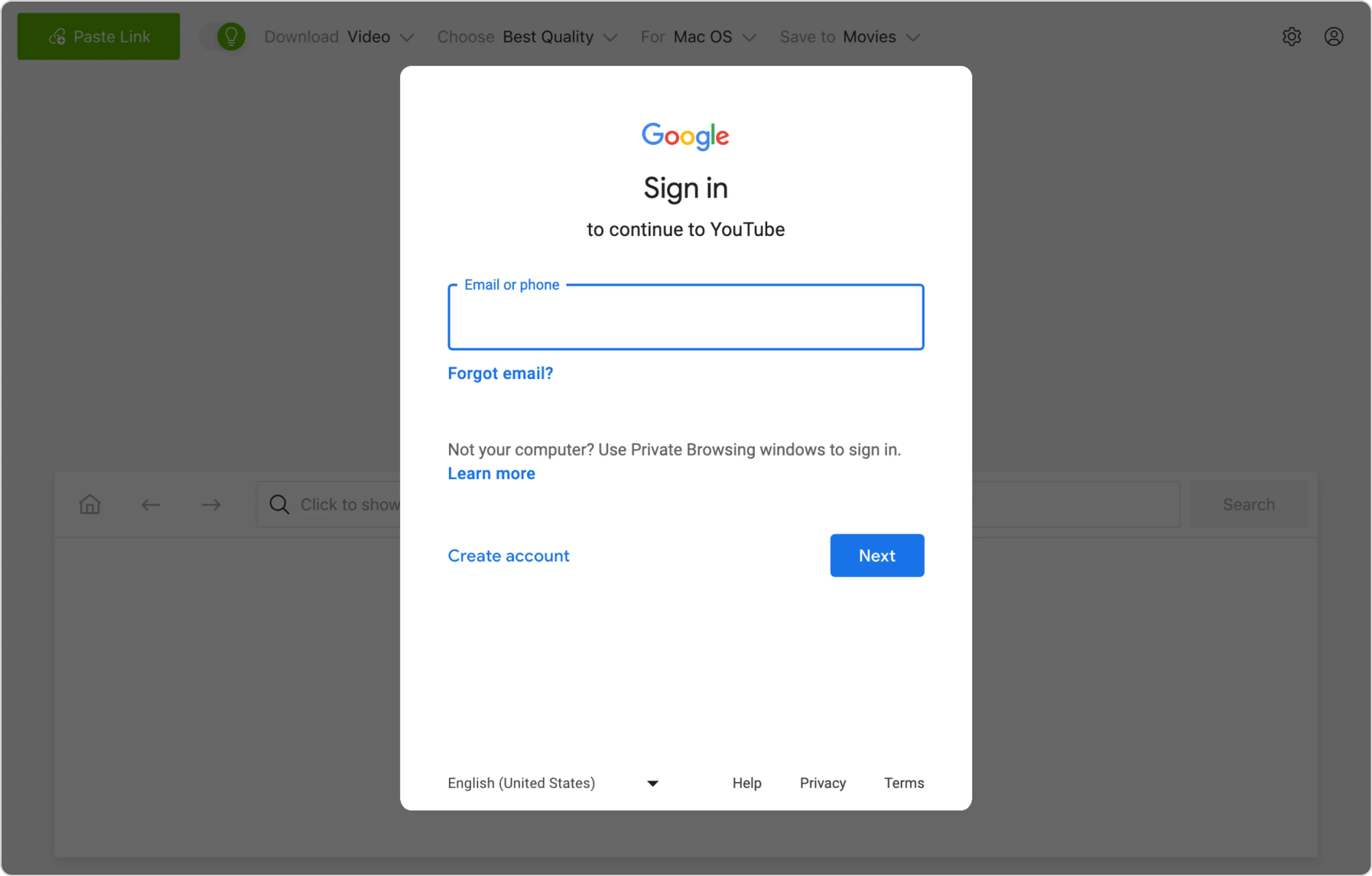
4. Log in to your YouTube account. Click the Log In button and enter your YouTube account credentials. The app uses secure Google authentication, ensuring your account data remains safe.
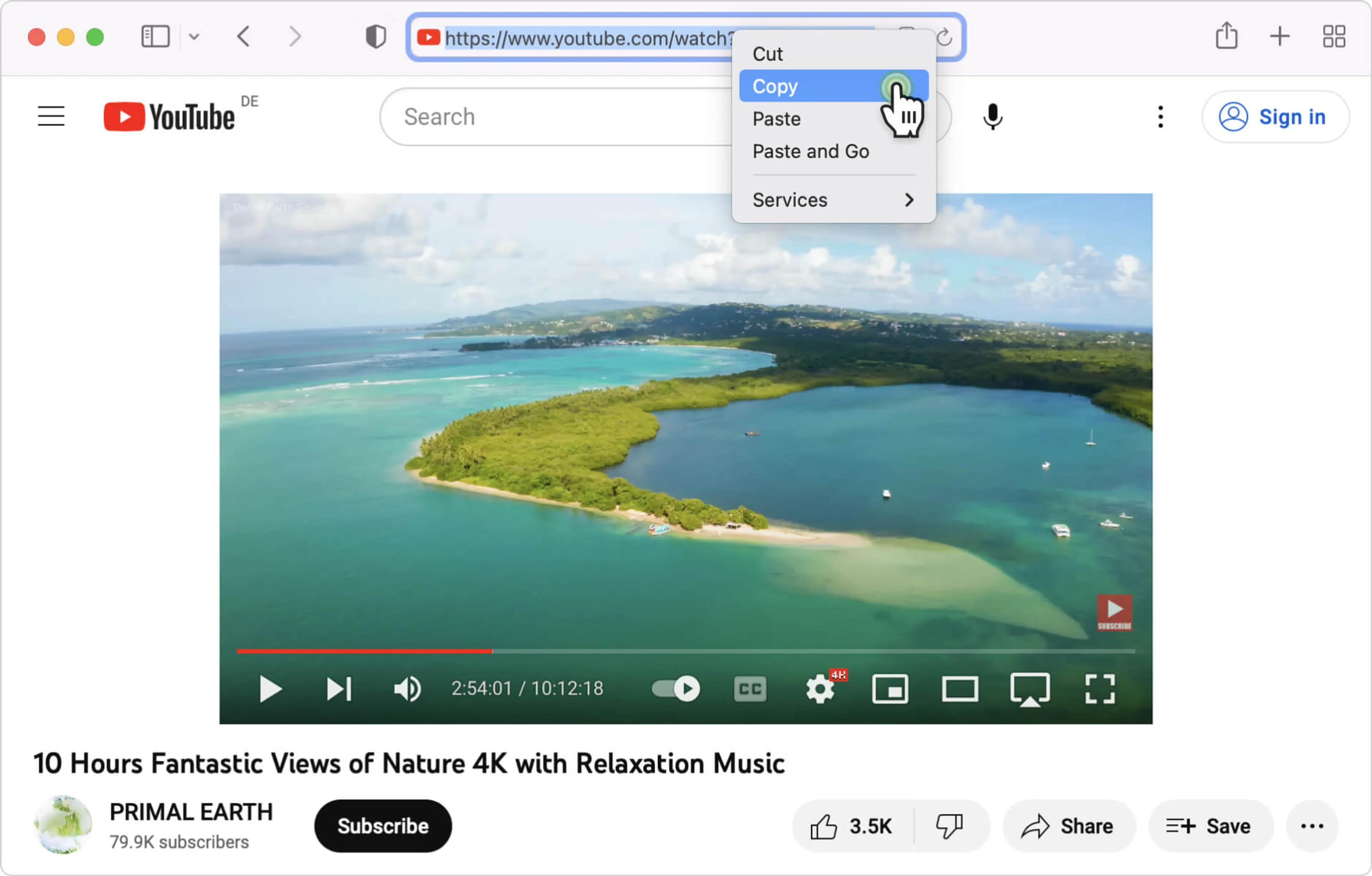
5. Copy the video link. Go to YouTube, find the age-restricted video you want to download, and copy its URL from the browser’s address bar.
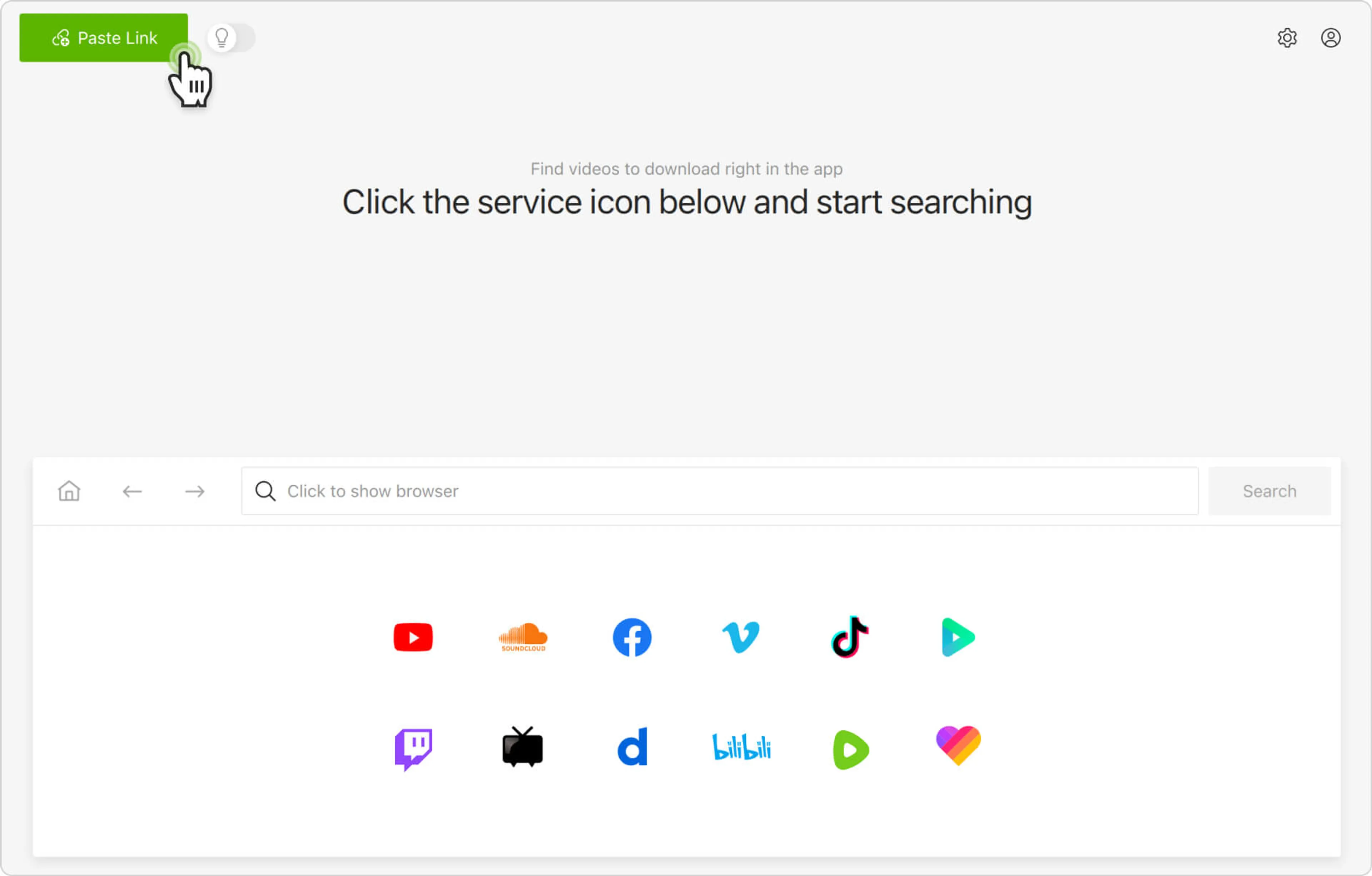
6. Paste the link into the app. Click the Paste Link button in 4K Video Downloader Plus to import the URL.
7. Select download parameters. Choose the video format, quality, and destination folder on your computer.
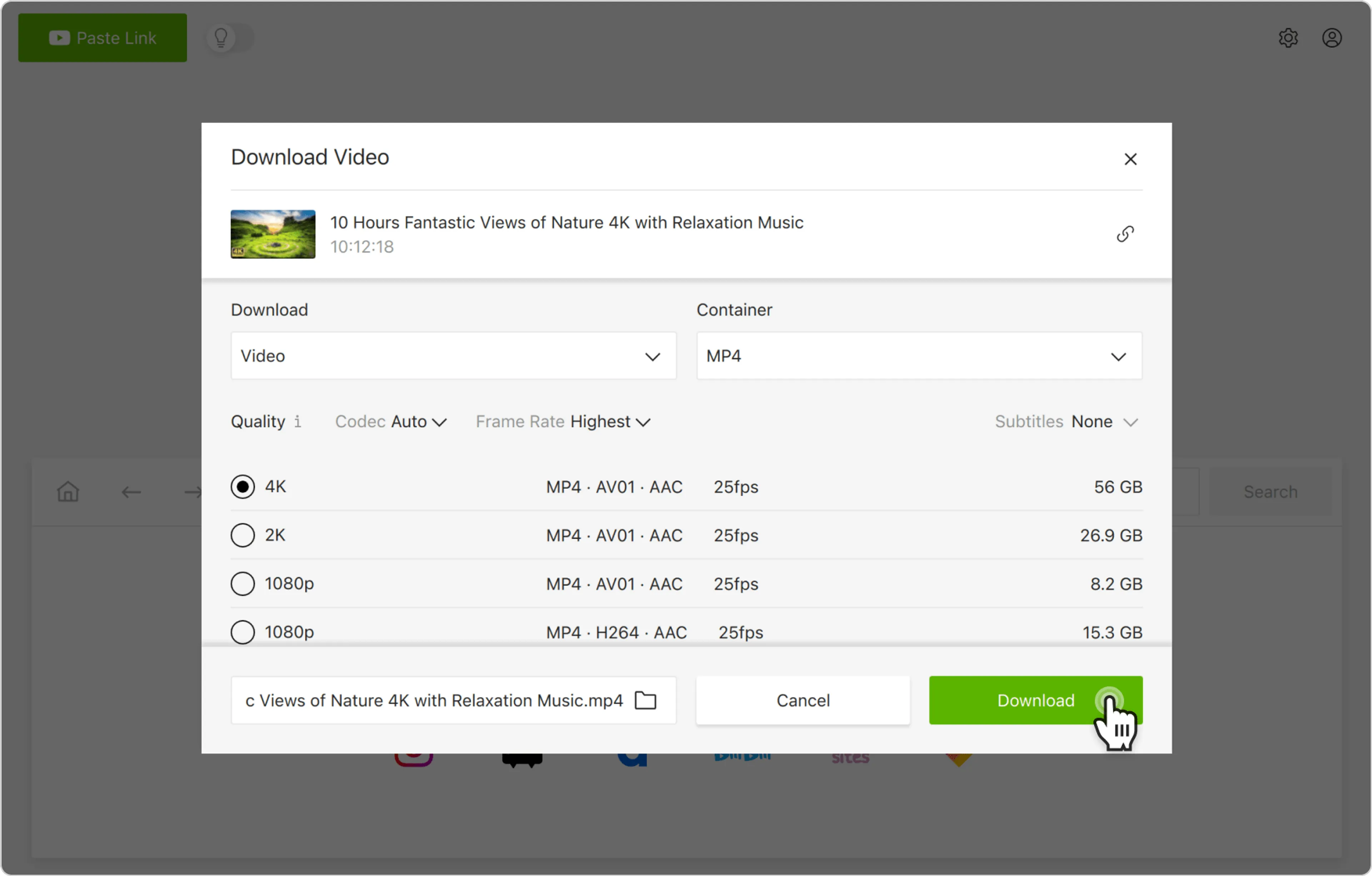
8. Start the download. Click the Download button and wait for the process to complete. The video will be saved to the specified folder.
Alternatively, you can find and download age-restricted YouTube videos through the in-app browser. This way, you can browse YouTube without leaving the application and download content on the spot.