Community

Get product updates

How to Download Liked YouTube Videos

Oksana
by Oksana
on 02.10.2024

Liked YouTube videos are a private playlist that automatically collects all videos users have liked. Since YouTube has no native bulk download option, you can save your own liked YouTube videos using 4K Video Downloader Plus. Choose suitable format, including audio-only ones or download your liked videos with subtitles, pick the quality you need and have all clips saved on your device.

Across most YouTube channels, only about 1–2% of viewers leave a like. A typical video earns roughly 1,500–2,000 likes per 100,000 views. Weaker-performing content may fall below 0.5%: under 500 likes per 100,000 views. In contrast, highly engaging niche content (e.g., tutorials, education, gaming communities) can reach 3–5% like-to-view ratios, meaning 3,000–5,000 likes per 100,000 views. Source: Socialplug, 2026

How to Download Liked YouTube Videos

  1. Install 4K Video Downloader Plus.

It's available for macOS (12 or newer), Windows 11, and Ubuntu (22.04 64-bit (GNOME only) or newer).

  1. Launch 4K Video Downloader Plus and sign in to your YouTube account.

Open the application and click the Log in option in the Control Panel.

The next steps will slightly vary depending on whether you have the Smart Mode on or off.

If Smart Mode is on

  1. Select the required download settings (format, quality, etc.).
  2. Get back to the Control Panel and find the Download “Liked” button. Tap on it.
  3. Choose Download the “Liked” from the menu that opens.

Select the Download the “Liked” option if you only want to save your Liked playlist.

If you want to download the current Liked videos and have all the new ones downloaded automatically on your computer, select Subscribe and Download.

If you want to have all future YouTube liked videos automatically downloaded, select Subscribe to the “Liked” in 4K Video Downloader Plus.

The Liked videos playlist will be saved on your device.

If Smart Mode is off

  1. After you log in to your YouTube account, don’t leave the Control panel. Find the Download “Liked” button and tap on it.
  2. Choose Download the “Liked” from the menu that opens.

Select the Download the “Liked” option if you only want to save your Liked playlist.

If you want to have all future YouTube liked videos automatically downloaded, select Subscribe to the “Liked” in 4K Video Downloader Plus.

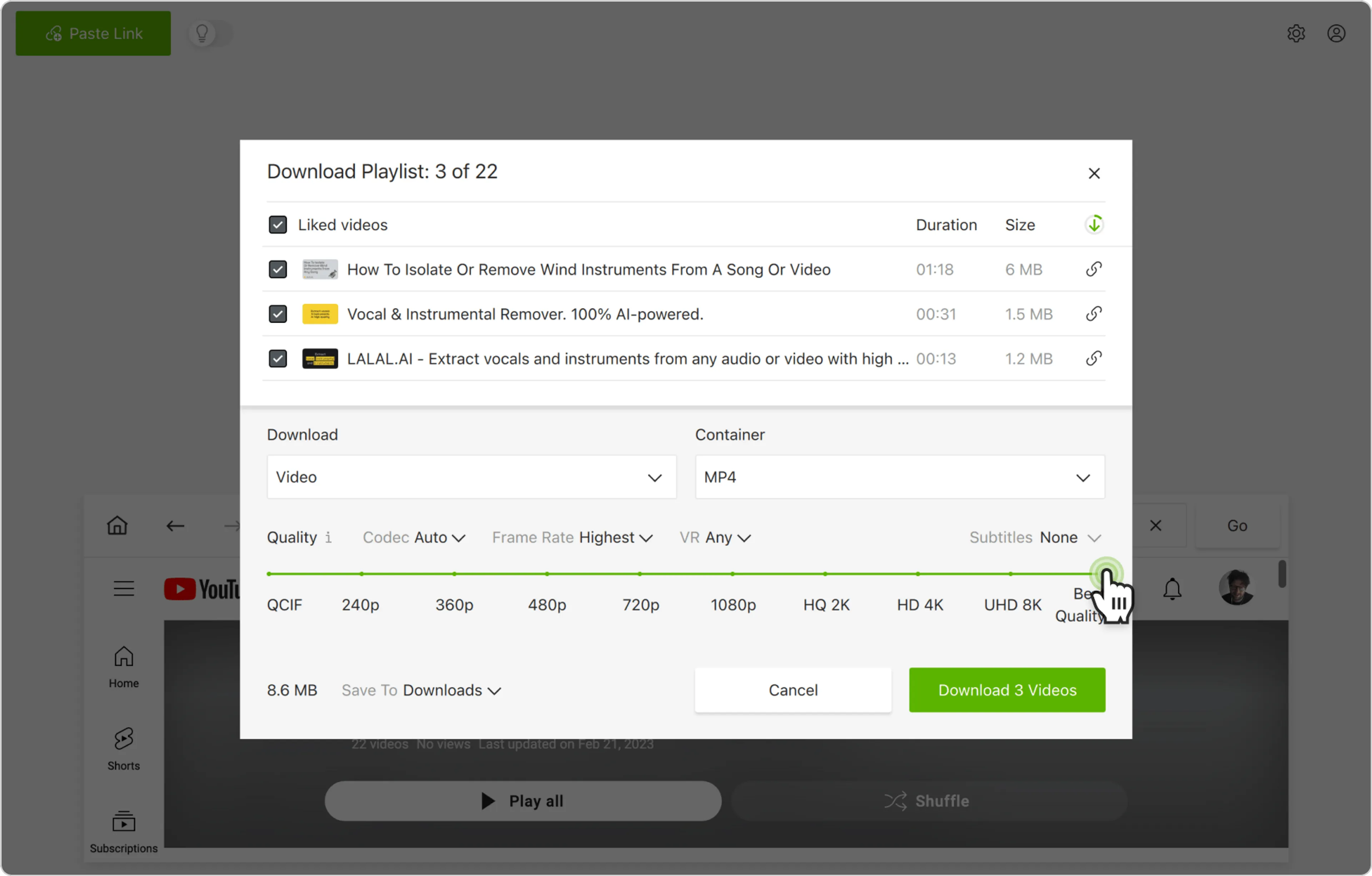
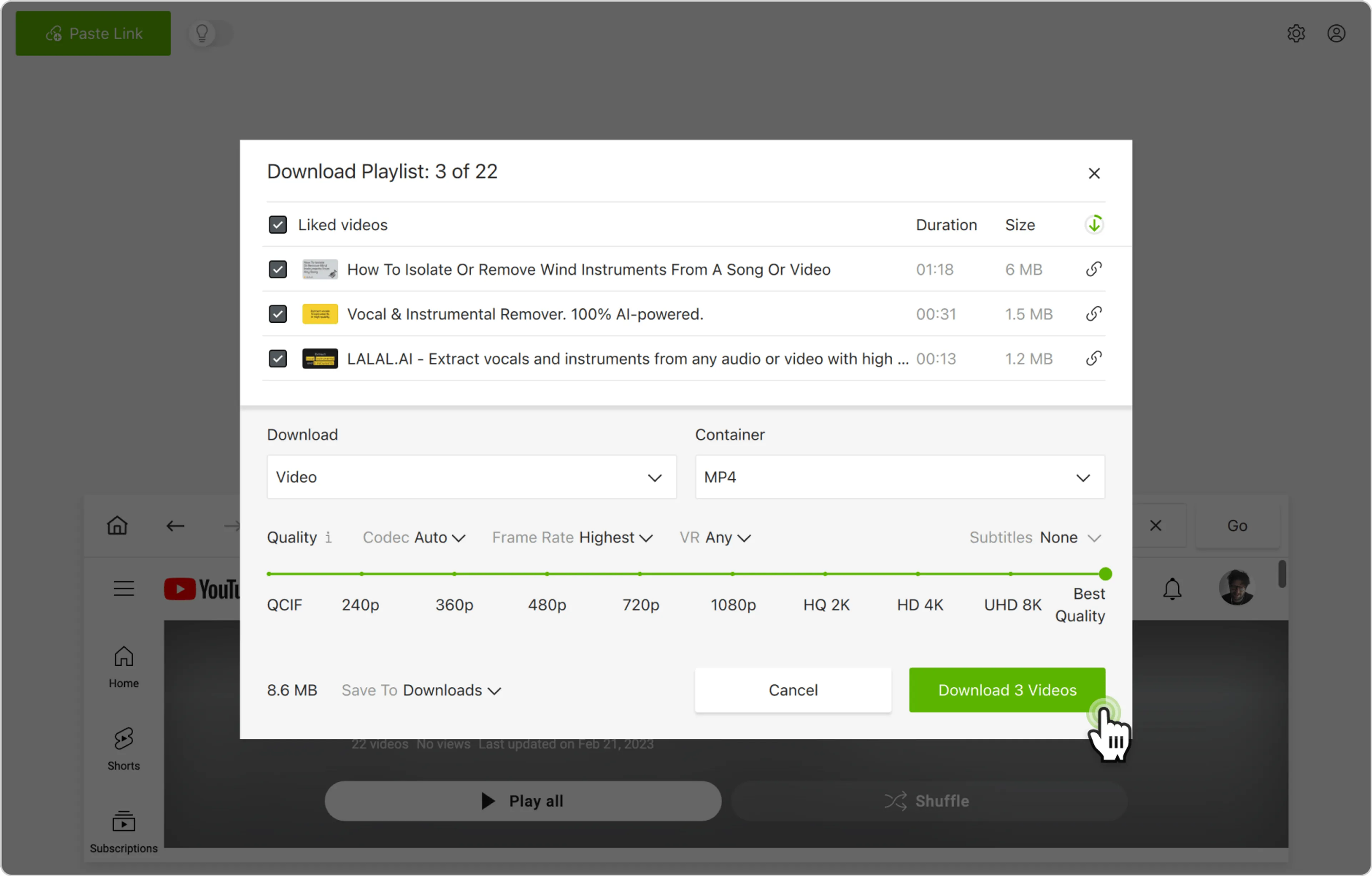
  1. 4K Video Downloader Plus will start parsing your playlist. You can select the type of content you want to download (audio or video), container, output folder, OS, codec, frame rate, audio tracks and download subtitles too (if they’re available).
  2. Click Download.

The entire Liked video playlist will be saved on your computer in a few moments.

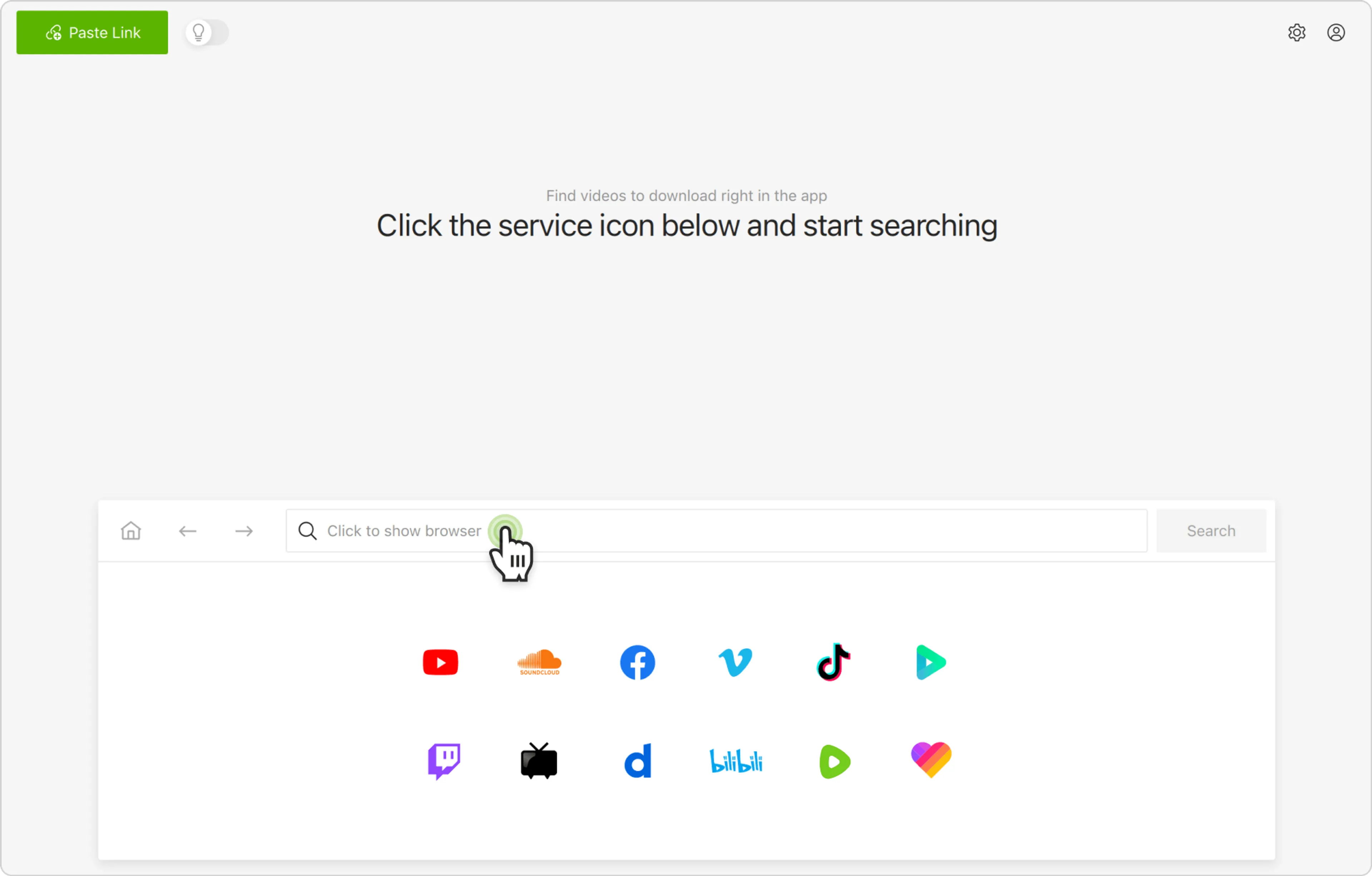
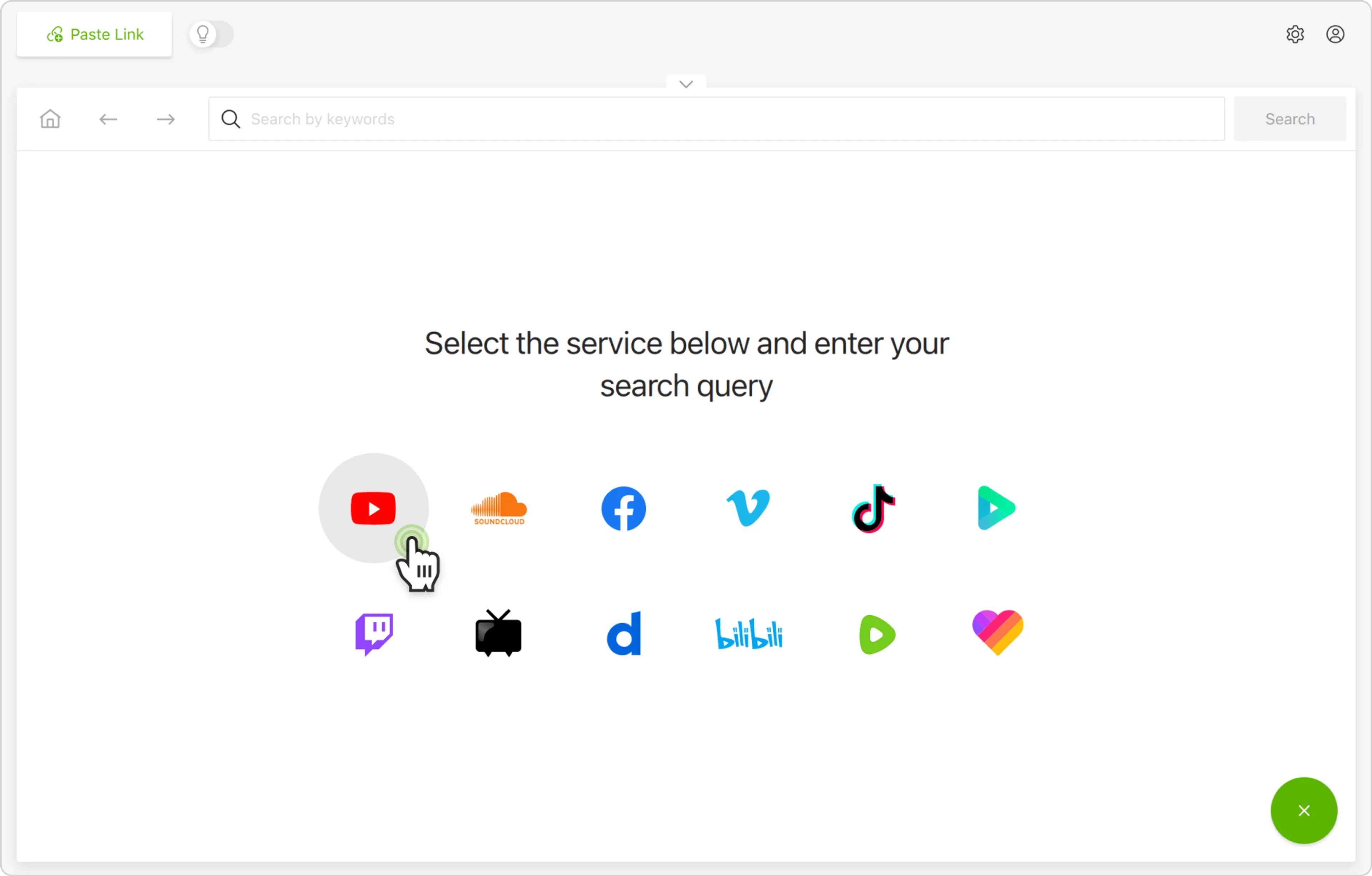
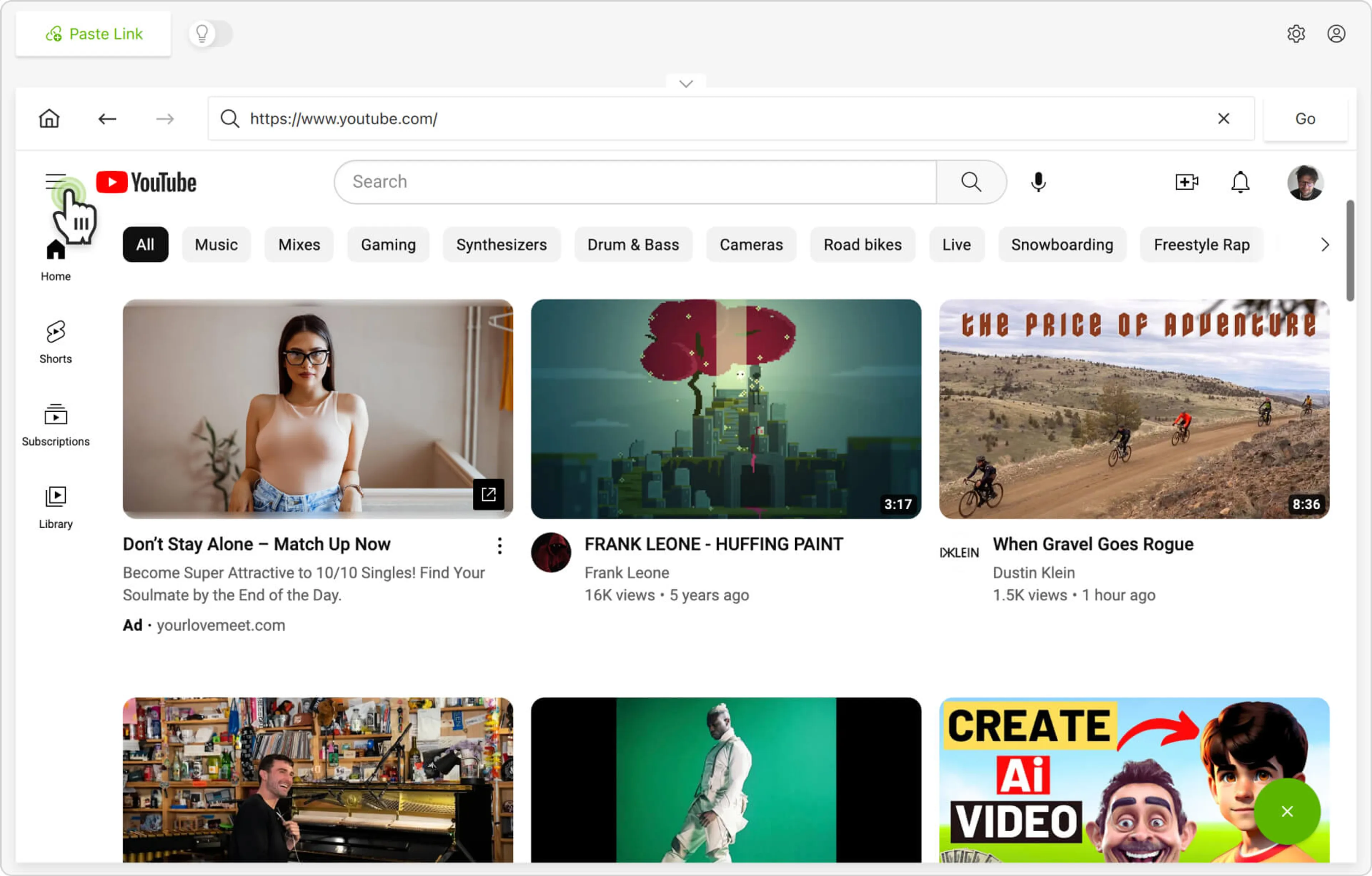
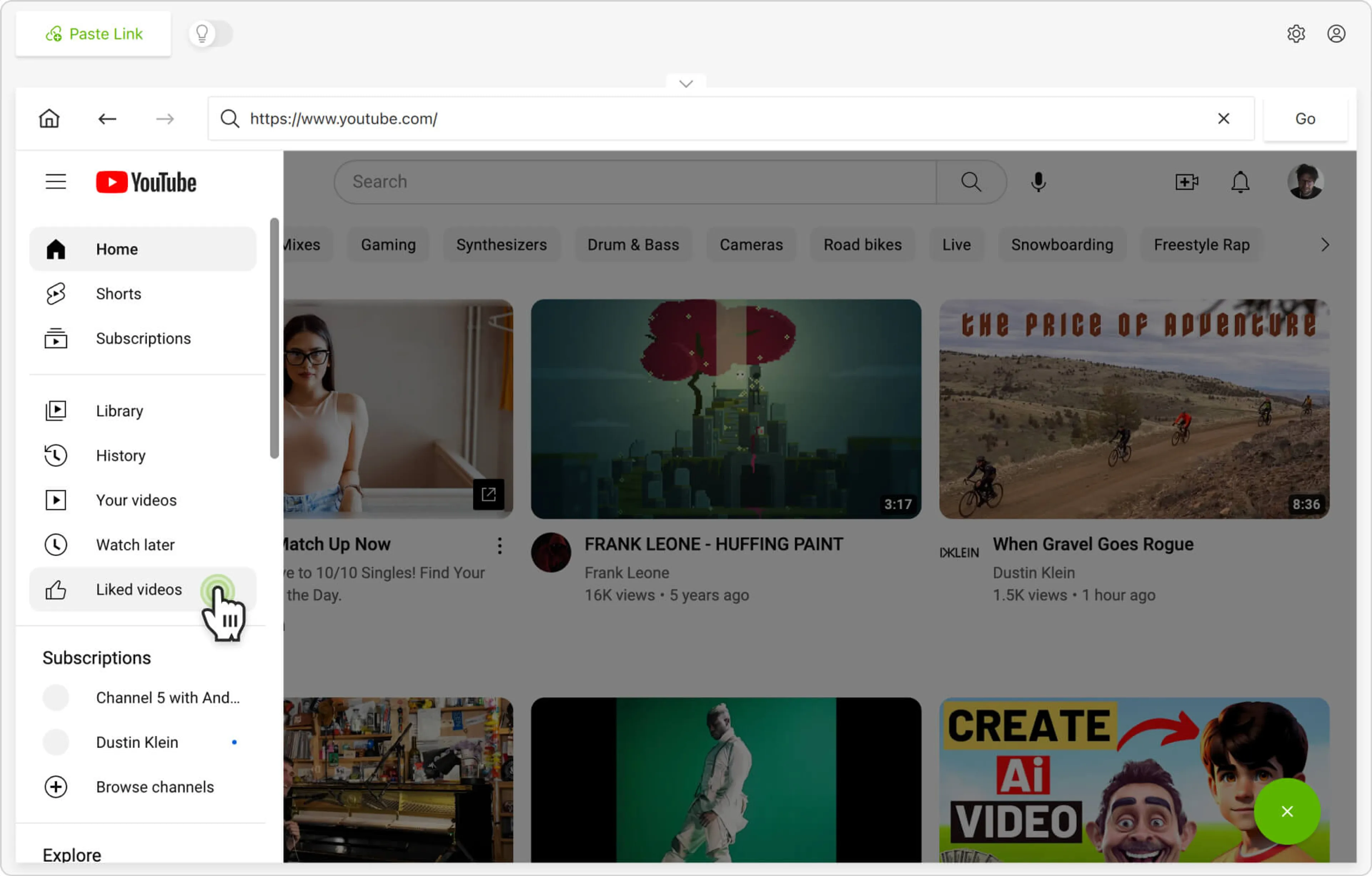
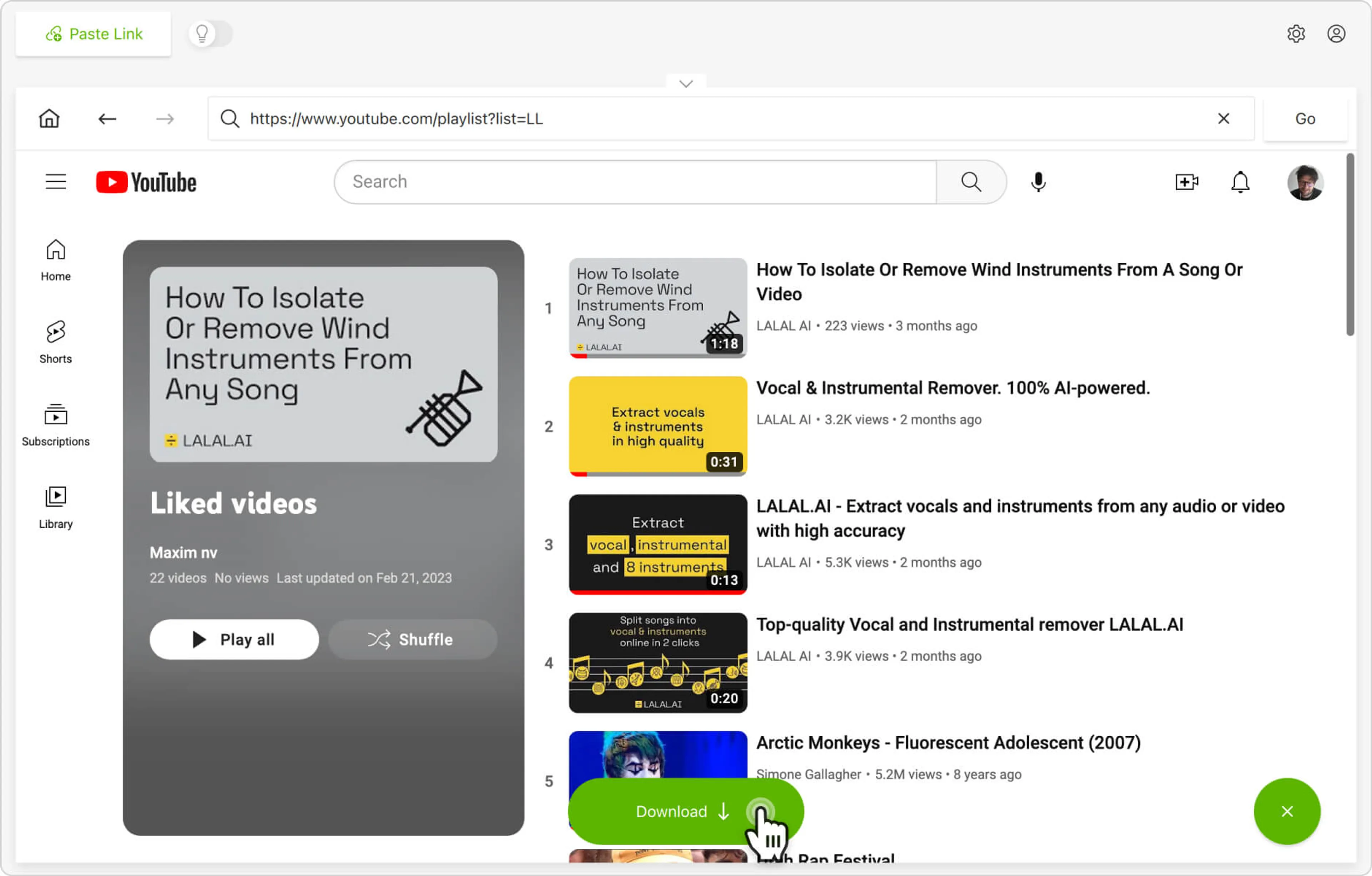
Alternatively, you can find and download YouTube Liked videos through the in-app browser. This way, you can log in to your own YouTube account right in the browser and download content on the spot.

Supported Download Formats in 4K Video Downloader Plus

FormatTypeBest For
MP4VideoUniversal compatibility — smartphones, tablets, social media sharing
MKVVideoLong, high-quality videos; supports advanced subtitle and audio tracks
MP3AudioMusic, podcasts, audio-only extraction
M4AAudioHigh-quality audio, Apple device compatibility
OGGAudioOpen-source audio, web and media players

Supported resolutions: 720p · 1080p · 4K UHD · 8K UHD (availability depends on source video)

Subtitle support: SRT format, 50+ languages

FAQ

Do you need YouTube Premium for liked videos download?

No, you don't need YouTube Premium to download liked videos, unless the video itself is Premium-exclusive.

Can I download my entire Liked playlist from YouTube?

Yes, with 4K Video Downloader Plus, you can download all your YouTube liked videos as one playlist. To provide access to the playlist, sign in to your YouTube account inside 4K Video Downloader Plus, select Download “Liked”, and save it in batch.

How to download liked YouTube videos from multiple accounts?

Authenticate each YouTube account separately inside 4K Video Downloader Plus. Each session loads a distinct ‘Liked Videos’ playlist, which must be downloaded individually since accounts are isolated.

Can I download liked YouTube Shorts?

Yes. You can download shorts in YouTube as standard videos via 4K Video Downloader Plus once your liked playlist is loaded after authentication. Output is typically MP4 in vertical format (up to 1080p or higher if available).

What's the file size of 100 liked videos at 1080p?

On average, a 1080p video from YouTube requires approximately 150–400 MB, depending on duration and bitrate. Using 4K Video Downloader Plus, 100 videos typically range from around 15 GB (short clips) to 40+ GB (long-form content).

What is the best tool for downloading a Liked YouTube playlist?

4K Video Downloader Plus is a solid way to download Liked videos from YouTube. It supports private playlists download, batch downloading, and account authentication which allows you to securely access the Liked Videos in your YouTube account. The download is available in MKV, MP4, OGG, MP3, and M4A in up to 8K quality, depending on the original video resolution and format.

Summary

You can download Liked YouTube videos with 4K Video Downloader Plus if you provide account access to the playlist. For this, you need to log in to your YouTube account in 4K Video Downloader Plus’s built-in browser or Control Panel. Once logged in, you easily grab the entire playlist or even have all new Liked videos automatically downloaded on your device.

Download 4K Video Downloader Plus for free for your OS, including Windows, MacOS, and Ubuntu, and start saving your Liked YouTube videos offline in just a few clicks.