
YouTube offers podcasts in many forms: standalone video episodes, full channels dedicated to them, and handy playlists. People save these as complete videos or extract the MP3 audio for offline listening on commutes, workouts, or trips. With 4K Video Downloader Plus, you can download YouTube podcasts in video and audio formats, like MP4, MKV, MP3, M4A, and OGG. Follow the simple steps below to start downloading podcasts.
How to Download a Podcast on Desktop
1. Install the desktop app. Download 4K Video Downloader Plus and install it on your computer. It’s available for Windows, macOS, and Linux.
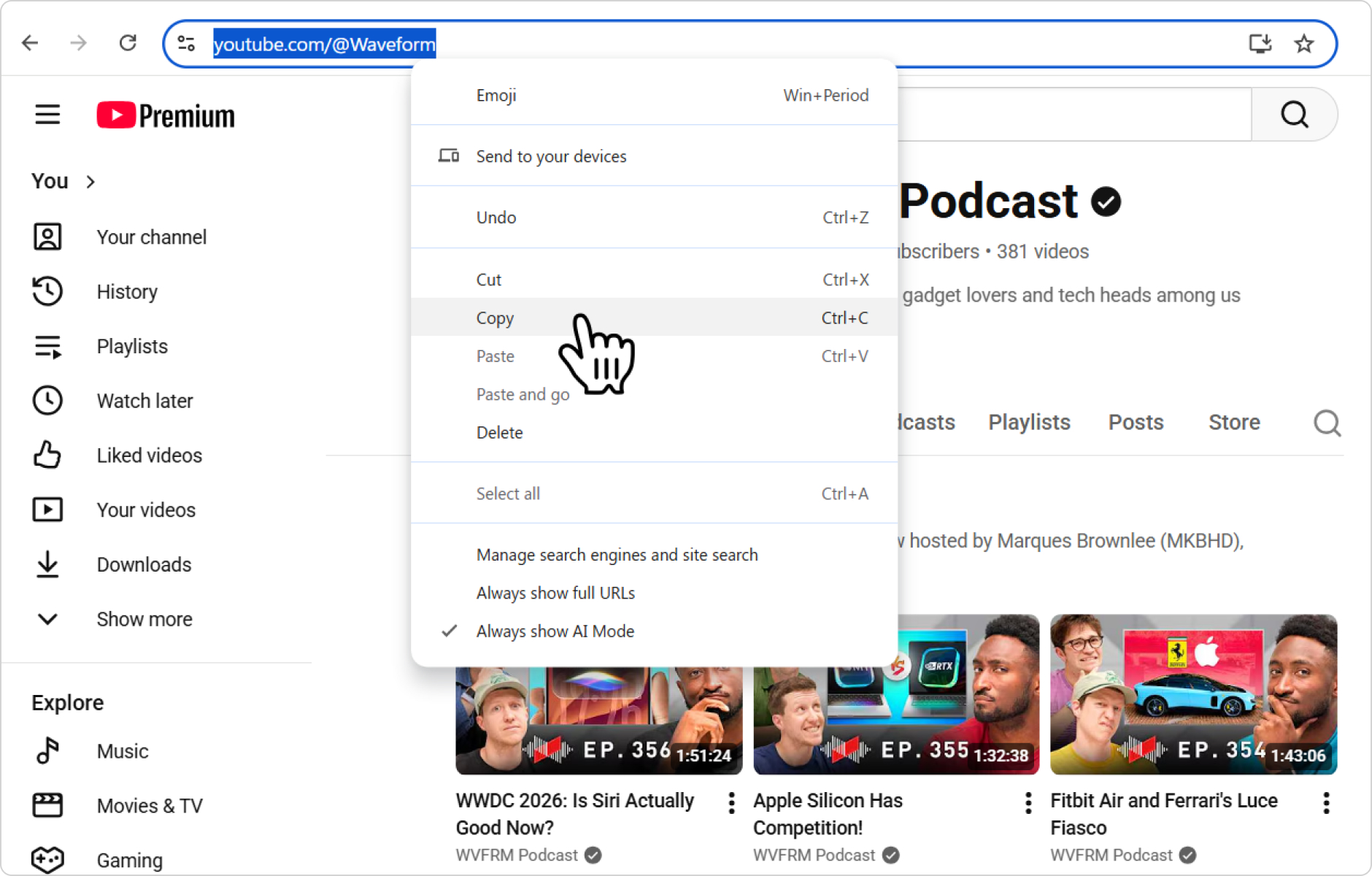
2. Copy the podcast link. It can be an individual YouTube video, a playlist, or an entire channel dedicated to a specific podcast.
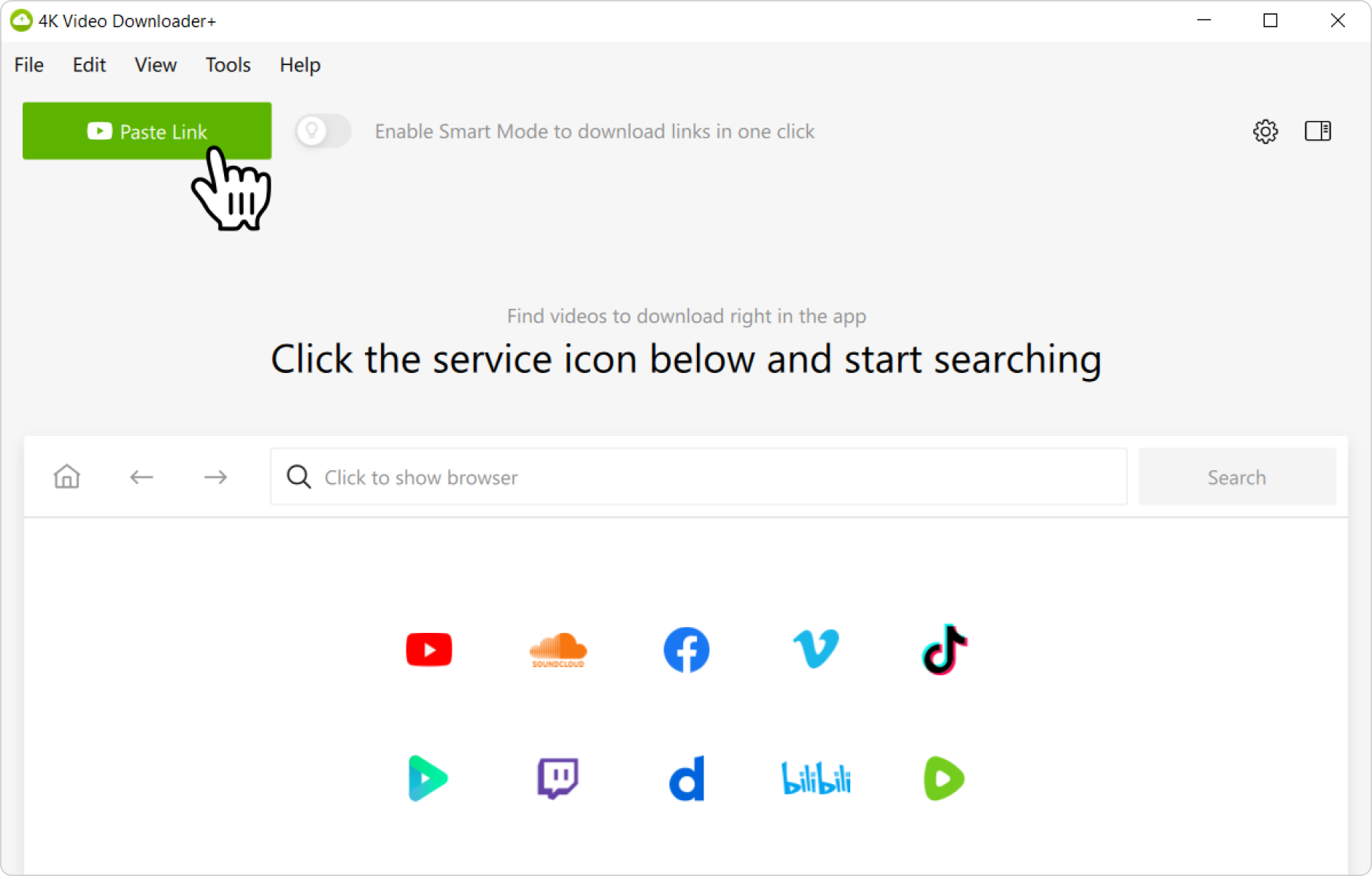
3. Add your link to the app. Launch 4K Video Downloader Plus and click the Paste Link button.
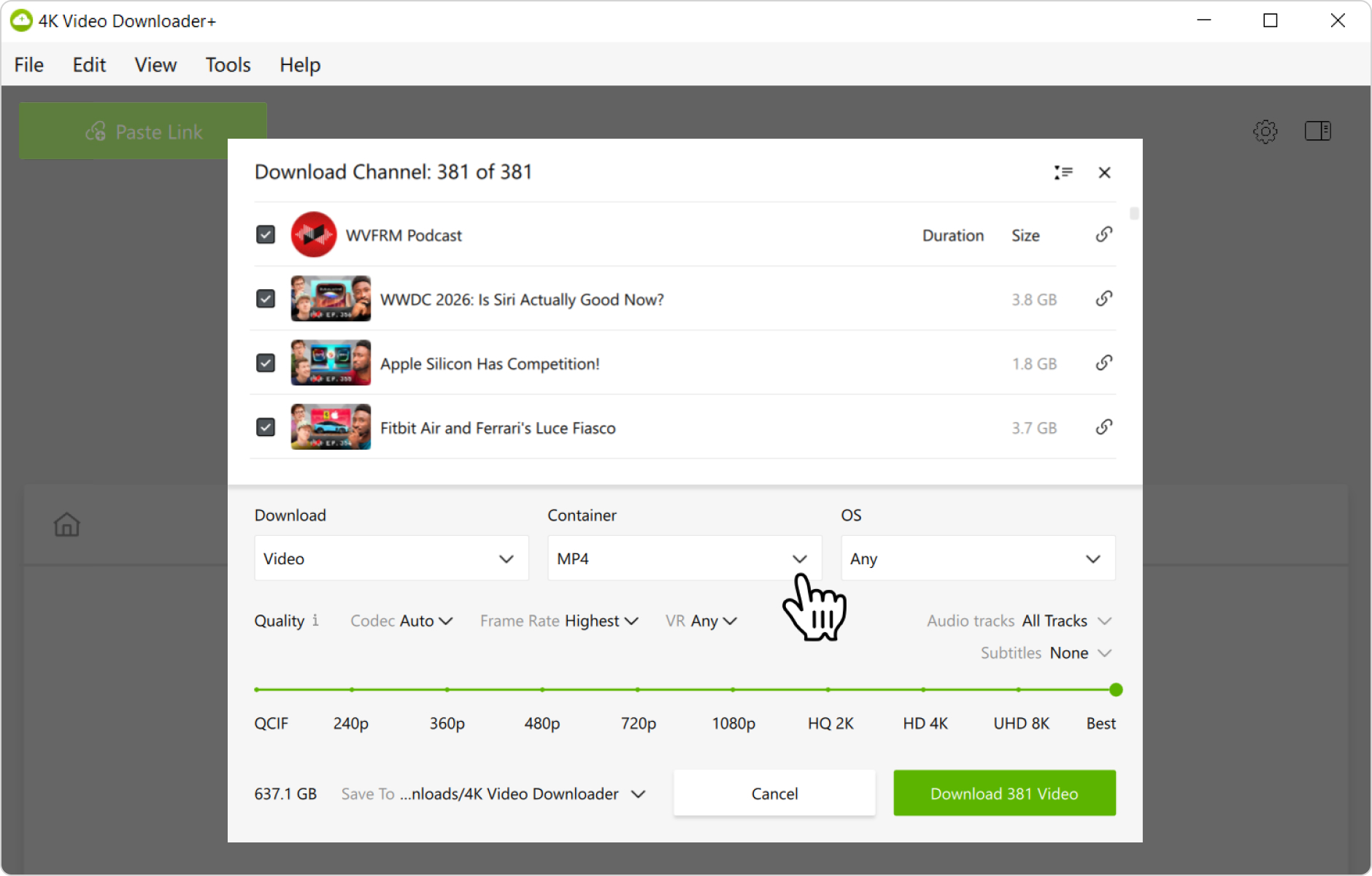
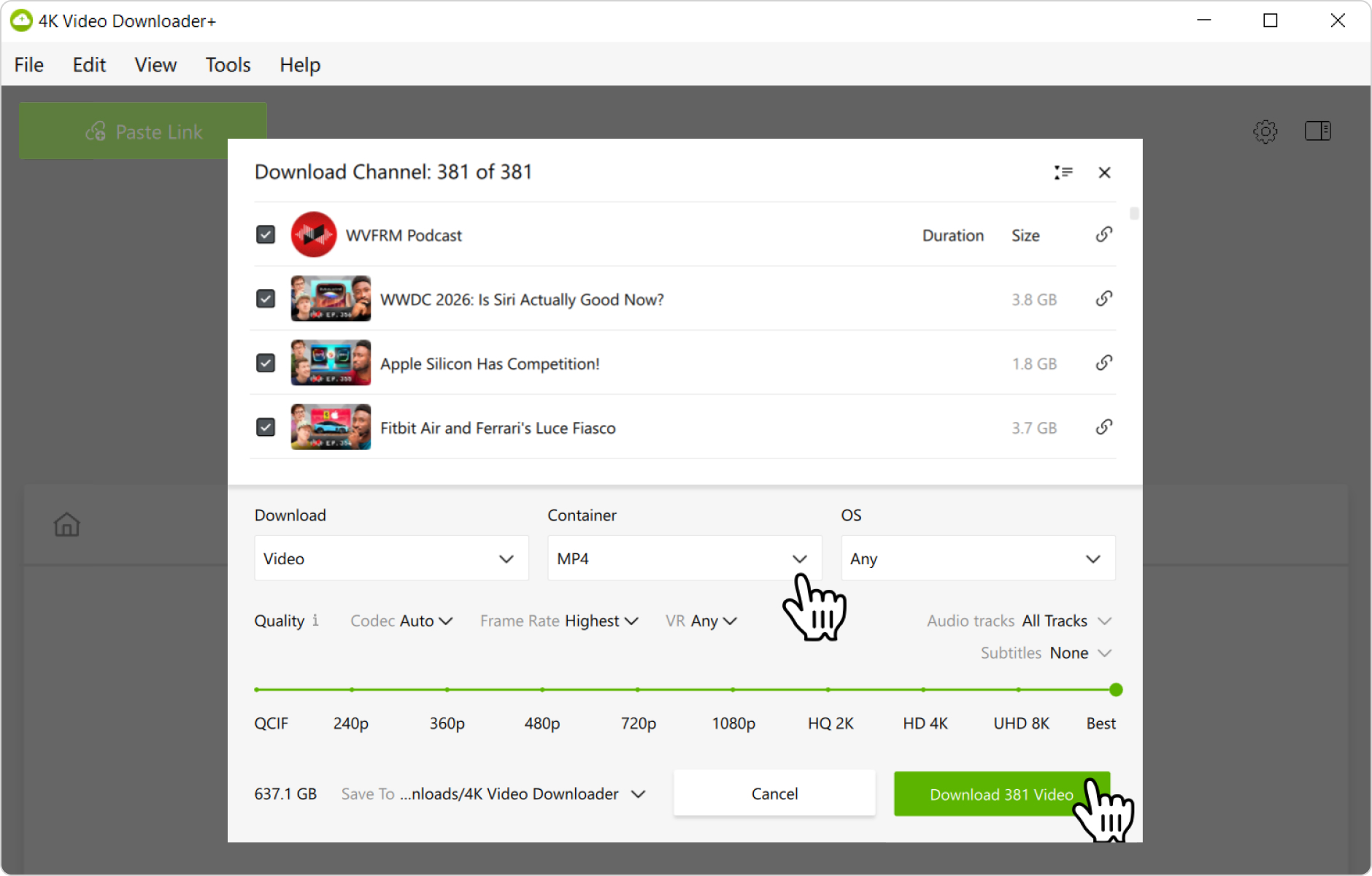
4. Select the download parameters. Choose the format, quality, and destination folder on your computer.
Tip: If you want to download the podcast as audio, toggle the Download list and select the Audio option.
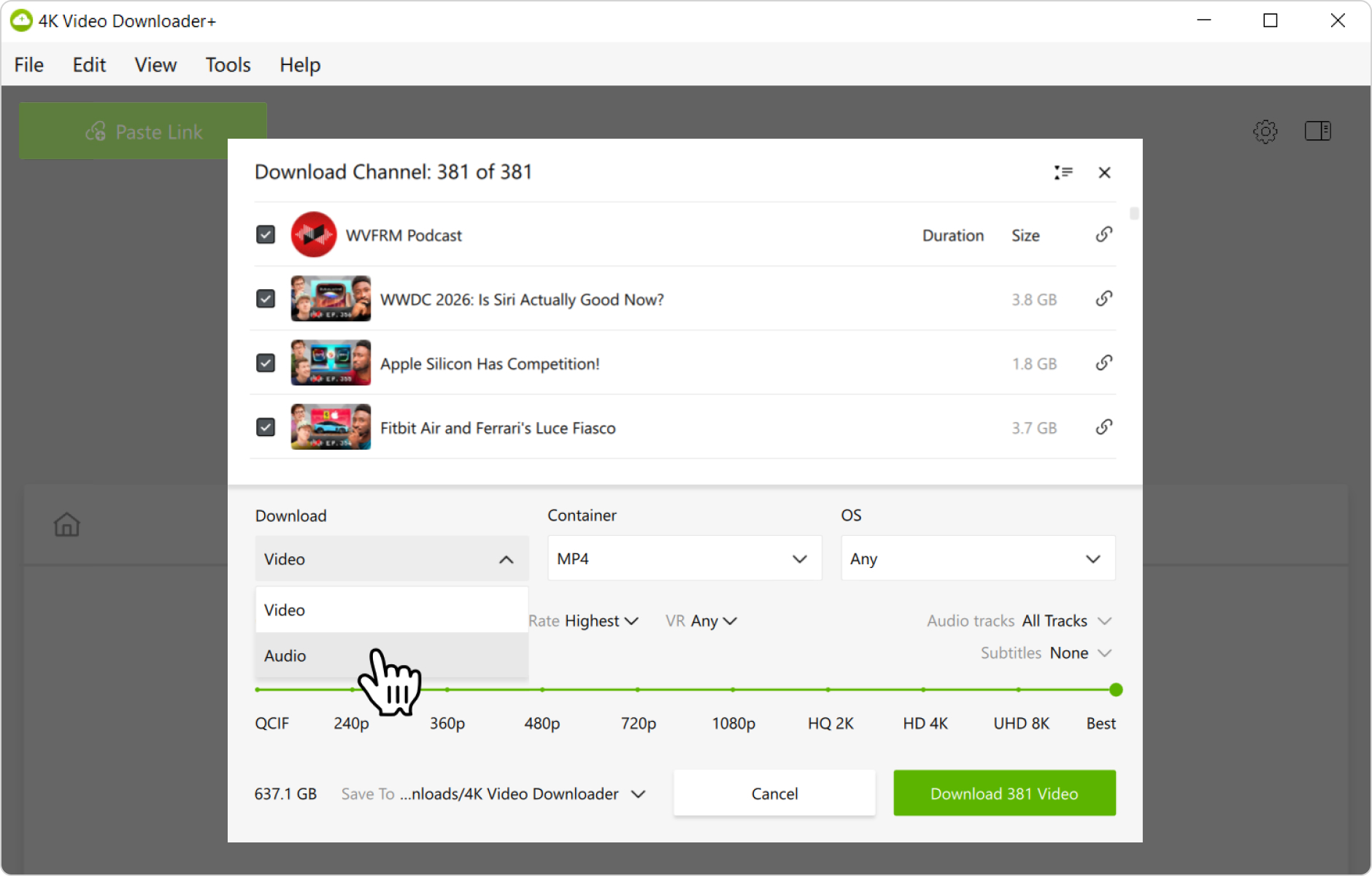
After that, toggle the Container list and select either MP3, M4A, or OGG format.
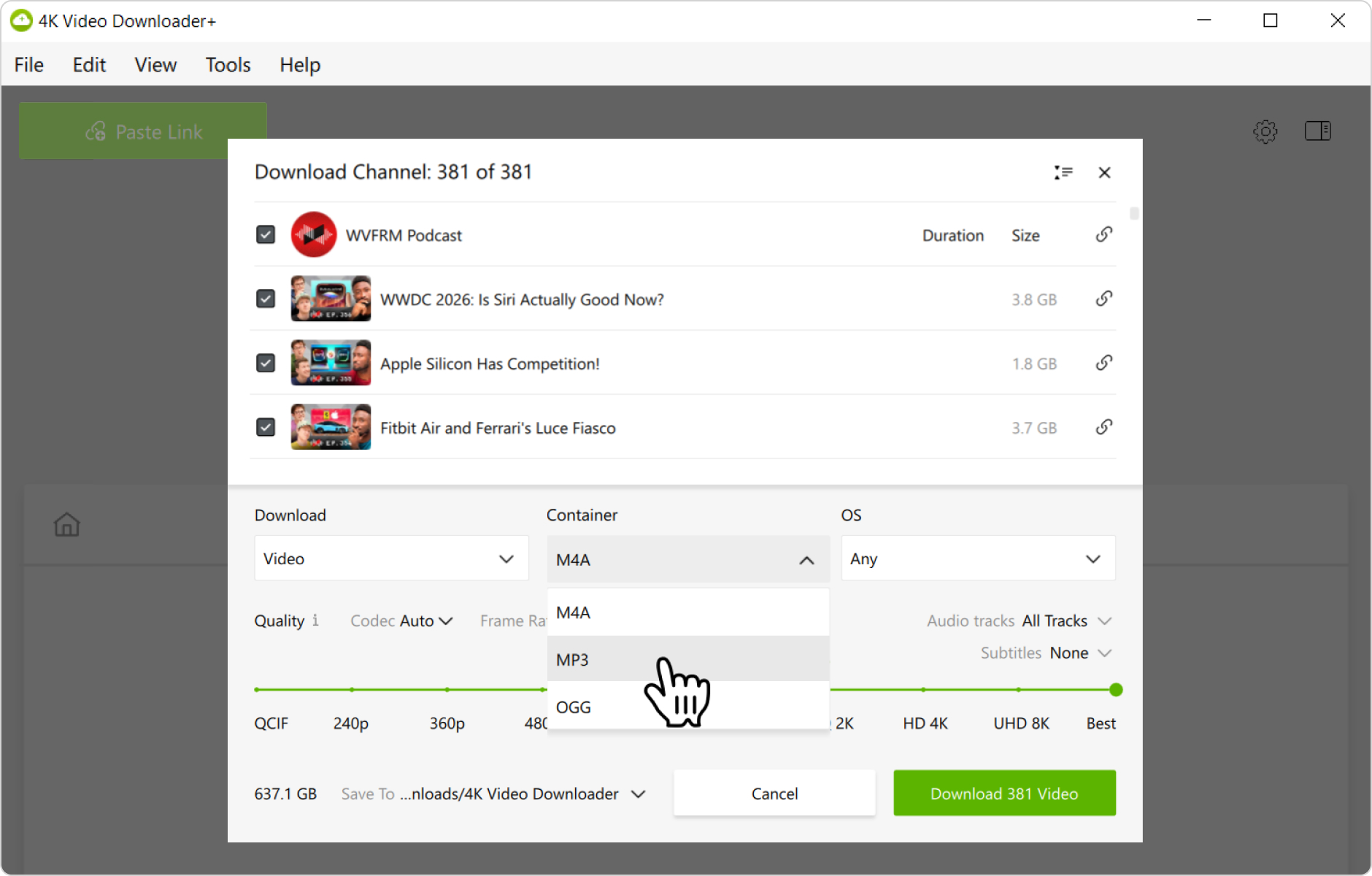
5. Start the download. Click the Download button and wait for the process to complete. The video will be saved to the specified folder.
Alternatively, you can find and download YouTube podcasts through the in-app browser. This way, you can browse YouTube without leaving the application and download content on the spot.
How to Download a Podcast on Mobile
- Install the Android app. Download and install 4K Video Downloader for Android from the official product page.
- Select download parameters. Tap the settings icon in the toolbar and choose the format, quality, and destination folder on your Android.
- Copy the podcast link. Launch the YouTube app or open YouTube in your mobile browser. Find the podcast you want to download and copy its URL.
- Add the link to the app. Open 4K Video Downloader for Android and tap the Paste Link button. Once your link is parsed, the YouTube podcast will begin downloading to your Android.
That’s it! Now, you know how to download podcasts from YouTube on your desktop and mobile devices to watch or listen to them offline whenever you want.