
How to Download a YouTube Premium Video
YouTube Premium offers a range of benefits, including ad-free viewing and access to exclusive content. With 4K Video Downloader Plus, you can download videos available to YouTube Premium subscribers to watch offline on Windows, Mac, and Linux. The app supports high-quality downloads, preserving the original video and audio quality.
Some YouTube channels offer members-only videos behind a separate membership paywall. These videos are accessible only to channel members who have subscribed directly to that channel. If you are a member of such channels, 4K Video Downloader Plus allows you to download these exclusive members-only videos for offline viewing alongside your Premium content. Follow the steps below to download the YouTube members-only and Premium videos.
1. Install the desktop app. Download 4K Video Downloader Plus and install it on your computer. It’s available for Windows, macOS, and Linux.
2. Launch the app. Double-click the 4K Video Downloader Plus icon to open the app.
3. Open the settings. In the app’s menu bar at the top, click Tools and select Preferences.
In the pop-up window, select the Authorization tab, as shown below.
4. Log in to your YouTube account. Click the Log In button and enter your YouTube account credentials. The app uses secure Google authentication, ensuring your account data remains safe.

5. Copy the video link. Open YouTube in your browser and navigate to the Premium or members-only video you want to download. Copy the URL from the address bar.
6. Paste the link into the app. Click the Paste Link button in 4K Video Downloader Plus.

7. Select download parameters. Choose the video format, quality, and the output folder.
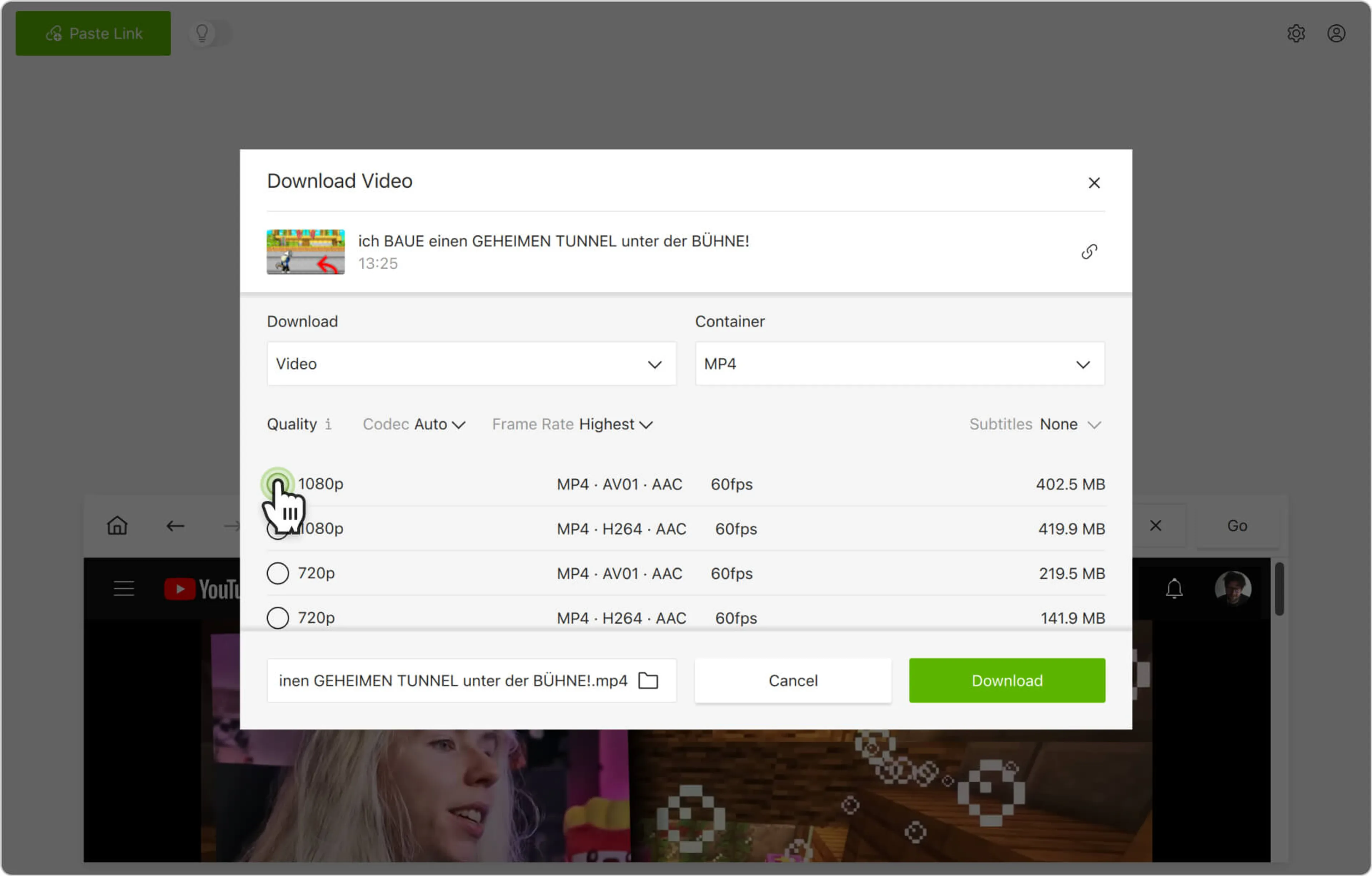
8. Start the download. Click the Download button and wait for the process to complete. The video will be saved to the specified folder.

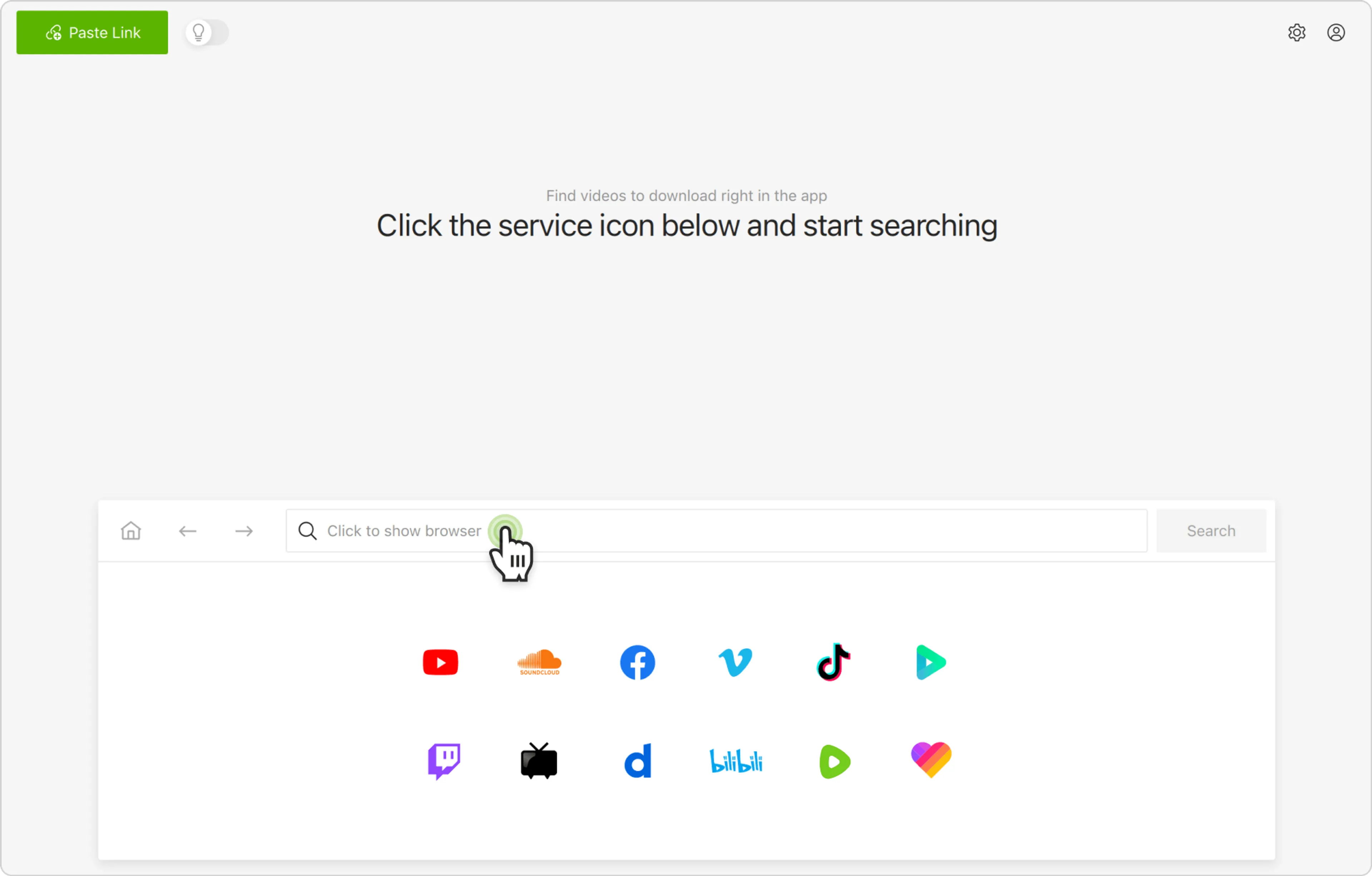
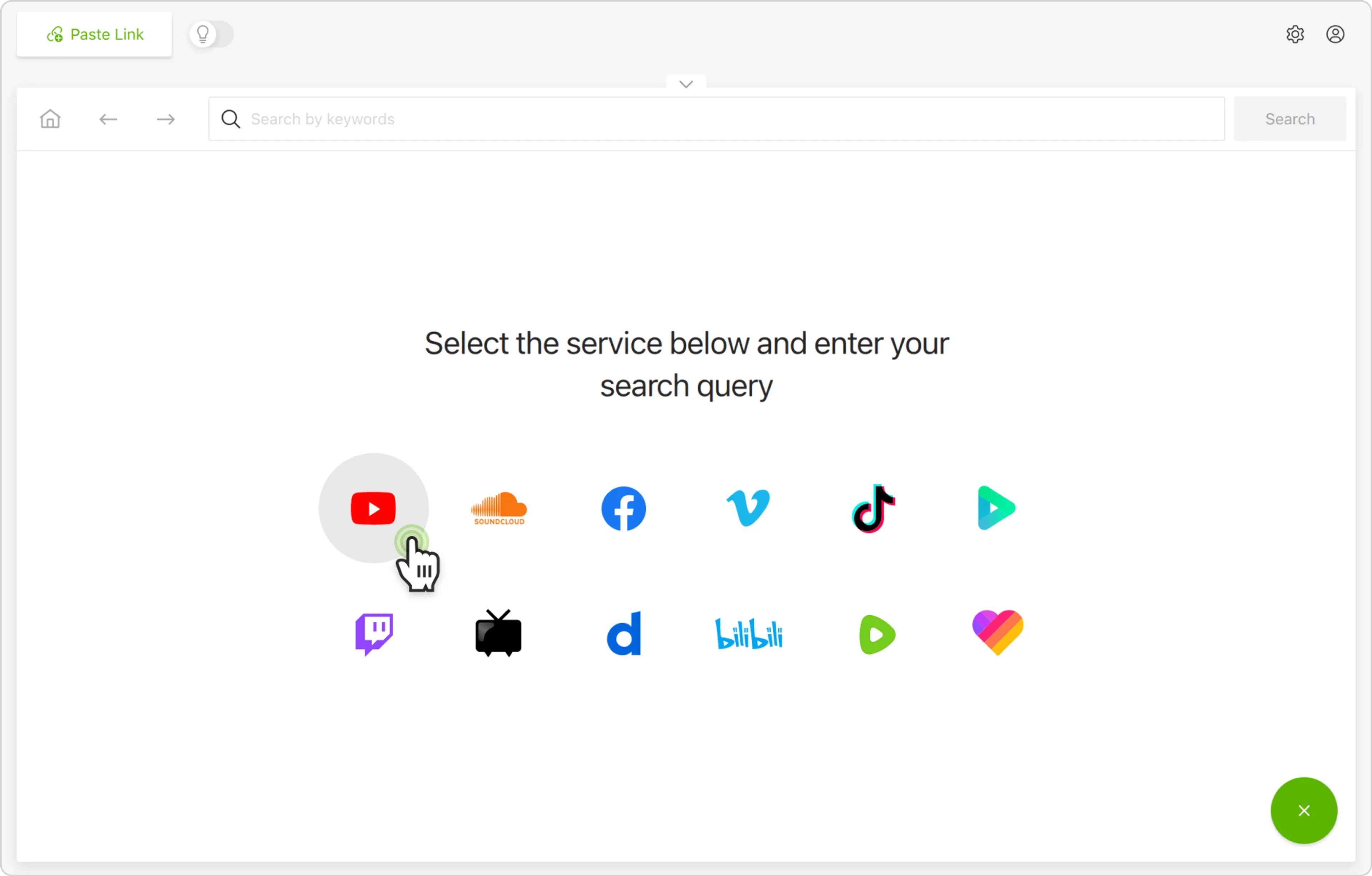
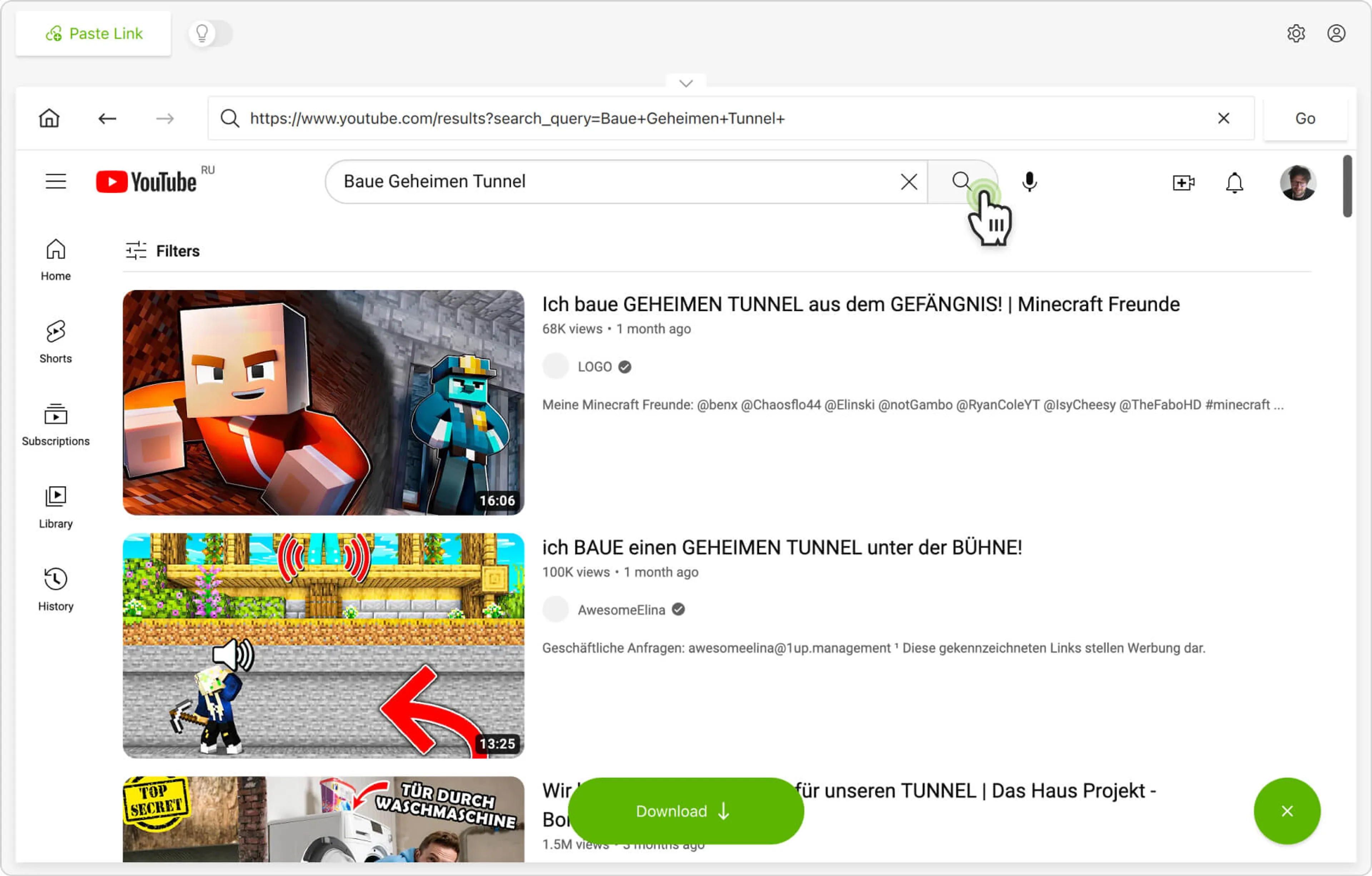
Alternatively, you can find and download YouTube Premium and members-only videos through the in-app browser. This way, you can browse YouTube without leaving the application and download content on the spot.